



Slickoyster
Members
-
Joined
-
Last visited
Everything posted by Slickoyster
-
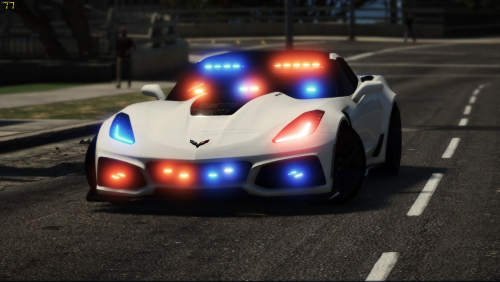 Is there a template available? This car looks amazing and I just want to add my own tweak to it for my lspdfr
- 69 comments
- 6 reviews
-
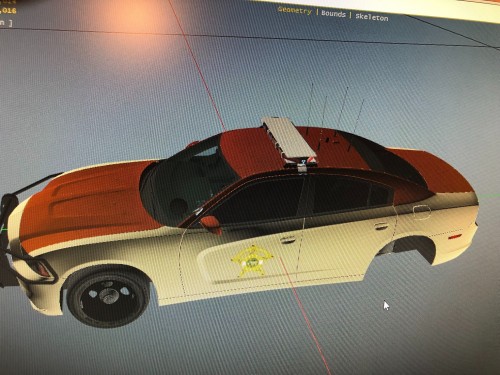 Made for '15 and below Chargers and CVPI's
 -
.thumb.jpg.a1e646560a4d28b2eb94ac2b48de18d7.jpg) My variation of the City of Waco Police livery. Skins are for the '14 and up Tahoe, '15 and below Explorer and '16 to '19 Explorer. Enjoy!
My variation of the City of Waco Police livery. Skins are for the '14 and up Tahoe, '15 and below Explorer and '16 to '19 Explorer. Enjoy! -
-
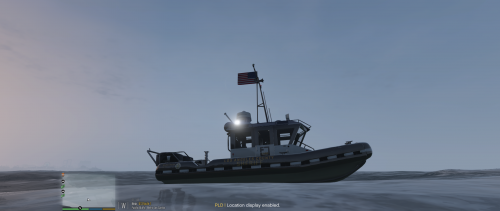 The template would be awesome to have as I enjoy building my own skins for personal use to make GTA my current city and county. The model works like a charm and is tons better looking than the original predator. Thanks for putting this out!
- 36 comments
- 5 reviews
-
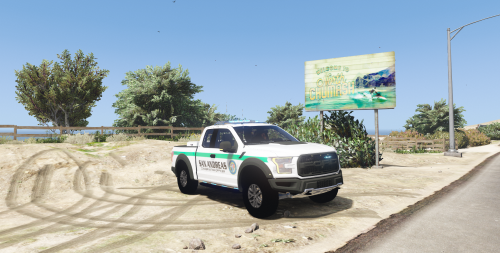 I may be late to this convo, but it appears that the truck operates backwards. Hard acceleration lowers the front while hard braking raises the front. Also the takedowns work good but the light is displayed to the rear of the truck. Other than these things I noticed, its super awesome Trooper Goetz!
- 20 comments
- 3 reviews
-
-

- 1
-
.thumb.jpg.a1e646560a4d28b2eb94ac2b48de18d7.jpg)
