


Antix70
Members
-
Joined
-
Last visited
Everything posted by Antix70
-
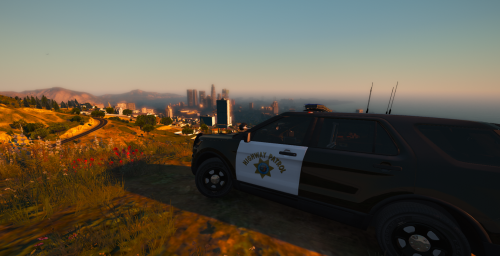 Ahh! I didn't know. Pretty new to all this.
 -
Looks good!! One exception, that the lightbar is mis-colored. In the front, the red is on the driver side, and the blue is on the passenger side, in the rear, its the opposite. The lightbars do not have colors on the covers. General rule for CA law enforcement vehicles, Blue is on the passenger side, and red is on the driver side. CHP with the new Explorers and Chargers breaks that convention on rear of their light bars.
-
-
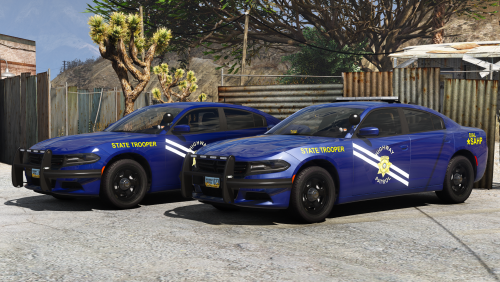 I don't have a trainer. Are you suggesting the lightbar is provided in the vehicle model incorrectly, and you need another mod to fix it? Because I haven't had this lightbar/ELS problem with other vehicles.
- 24 comments
- 9 reviews
-
None of that makes sense to me, being new to all this. But even to me, it appears maybe you put my explanation after his quote, and his after mine? Or a mixture of both?
- 24 comments
- 9 reviews
-
Any idea why the lightbar would appear BLACK, and no light is emitting from it?
- 24 comments
- 9 reviews

