



Sheriff Mike Chapman
Members
-
Joined
-
Last visited
Everything posted by Sheriff Mike Chapman
-
 Very good mod. My one complaint is that the wig wags are way to slow. They need to be sped up a bit. If you wont change it, I probably will have to go hunting through the files to figure out how to do it.
- 952 comments
- 158 reviews
-
-

- 1
-
-
 I downloaded the auto installer and tried to install with openIV but it just said that the installation failed. I'm gonna try the manual version now but this kinda sucks. Law and order installed fine automatically. Edit: oops, I forgot that GTA was still running in the background. I'm such an idiot. Love the work btw.
- 79 comments
- 27 reviews
-
-
- 1
-
-
I have installed a ton of mods that I have lost count, but recently I found out one of my most useful mods computer+ is just not working anymore and I don't know why. It shows up like this and flickers a bit. I tried reinstalling the mod and nothing happened. Everything was working a few days ago, can sombody help me? kinda new to this.
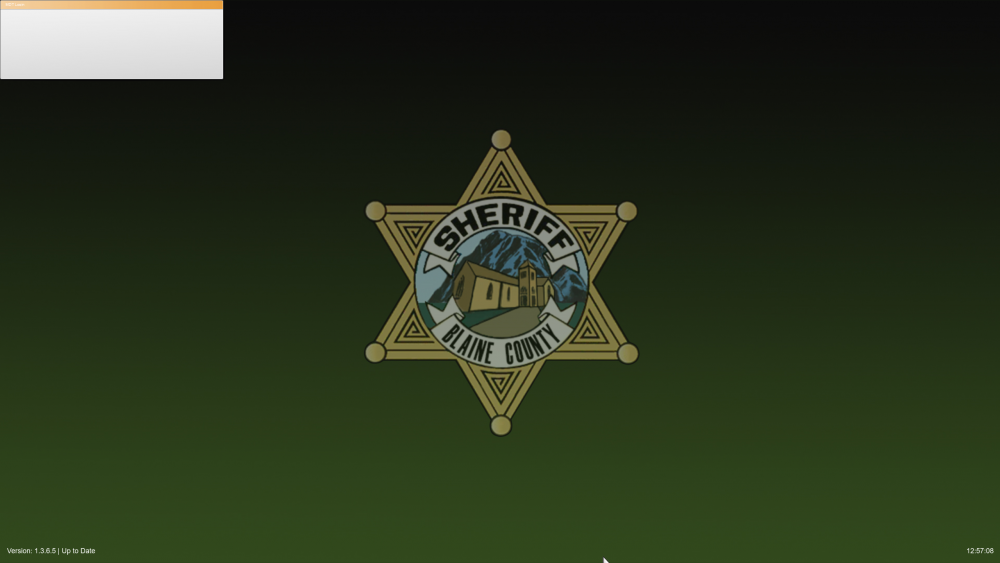
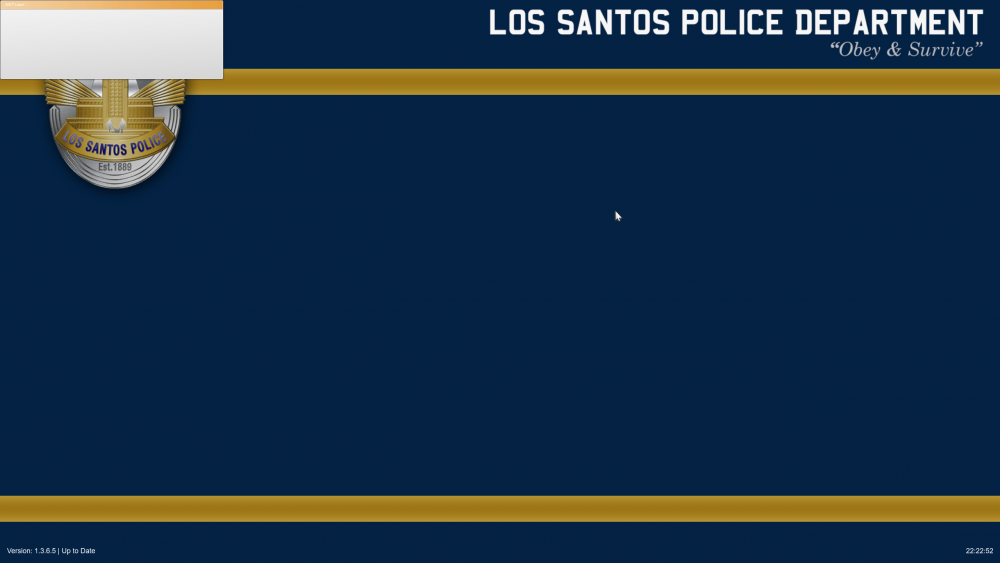
-
Hi I have a problem with this mod. It used to work though it doesn't now for some reason. When I open it now I get this screen and drop to like 3 fps and I cant exit it. I have to use task manager to get out of it and close gta. Can somebody help me?
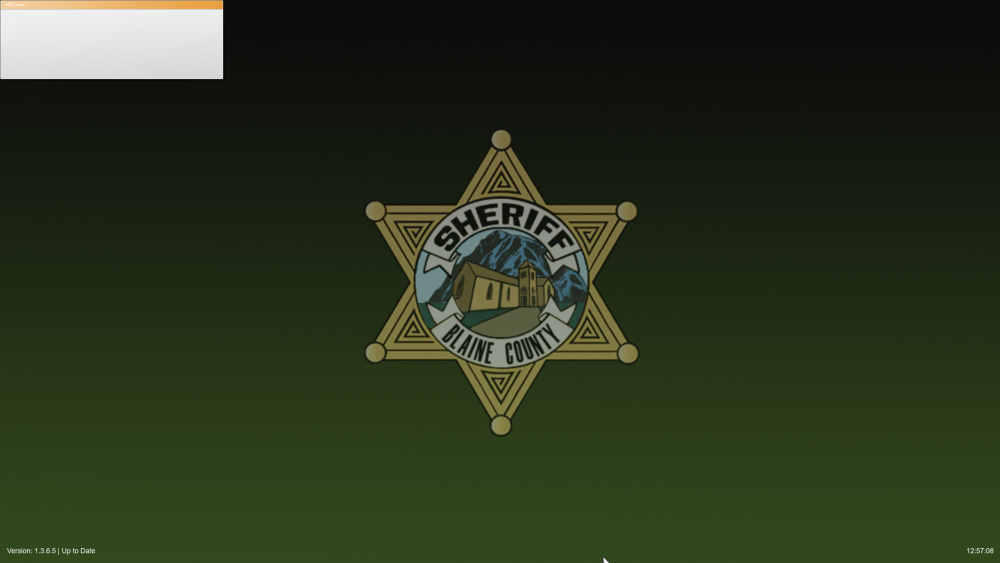
-
-
 Hey I'm trying to install this pack with the Motorola but every time I try to install the oav file I get this: vehicles.oac(Line 16): File "vehicles\0x000E3CFA.wav" not found Can somebody help me? I don't like the standard sirens to much and until this is resolved I'm stuck with them.
- 221 comments
- 40 reviews
-
 Can we have a patch or something to fix the black lightbar without having to go to a trainer and change window tint every time? It gets very annoying
- 24 comments
- 9 reviews
-
 I fully agree with you. I think the author just need some people to test his work and then find fixes.
- 27 comments
- 11 reviews
-
-
- 2
-
-
I also have this problem and I think I know why. Some of the vehicles in the file are corrupted or something. like they are invisible or just crash the game altogether. My solution is to go through the vehicles in the game by spawning them in. If they have an issue, write it down. then later go through the cd image and replace the vehicles with working ones from other mod packs until the author can find a fix and post it.
- 27 comments
- 11 reviews
-
nevermind I fixed it. I just wiped the game and reinstalled it. Worked like a charm.
-
I'm new here. What happened was I finished my duty with lcpdfr and decided to go save. Now I still was a npc ped (a cop ped) when I saved. Now when I went in to load into the game this morning it crashes after showing me the characters and saying loading the mission name. I think I corrupted my save and I don't know what to do to fix it. I already deleted the save games in appdata. That did nothing. Maybe for GTA 4, but I want to play EFLC specifically TBoGT. I need help as I want to play this game. I don't mind restarting the game again because I really haven't got that far in the missions. What mods I have installed: lcpdfr, ELS, simple trainer, script hook, dsound.dll, and a police car pack for els. I made a backup of my game folder before modding, but I dont know it would make a difference reverting to it if my save is corrupted.


