Mike A.
Members
-
Joined
-
Last visited
Everything posted by Mike A.
-
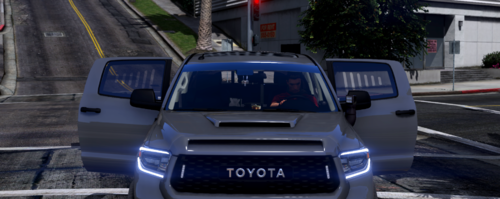 uhhh the credits say the LED Wheel Ring not the windows but great product!
 -
.thumb.png.3d1de344e76a649dfc0158a291672ac3.png) i recommend when you do the texturing, also do normal maps/spec maps so it can look 10x better but overall great for releasing!
i recommend when you do the texturing, also do normal maps/spec maps so it can look 10x better but overall great for releasing! -
-
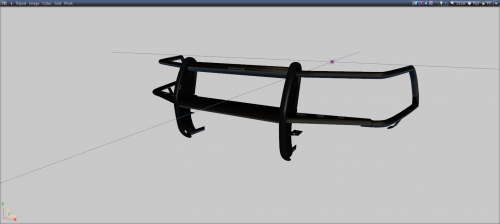 pretty good looking pushbar! great work!
 -
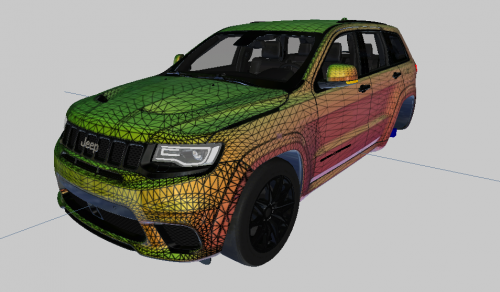 Ummm @DriFtRagnarok, where are the tire treads?
 -
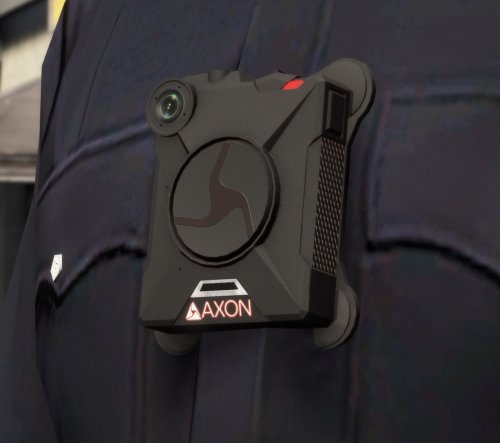 Looks great Hanako! Great job !
 -
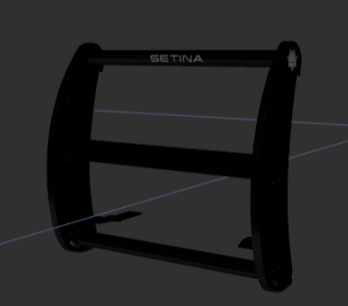 Cute! i was looking for a PB400 for my explorer lmao
 -
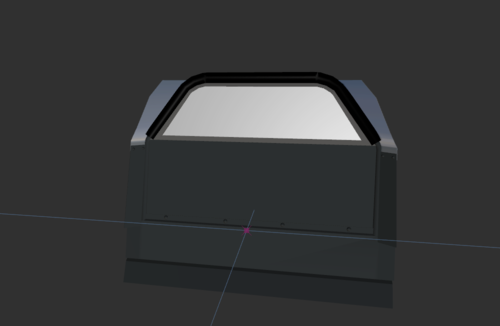 oooooh
 -
OOOOOH I LIKE! what's the poly count?
-
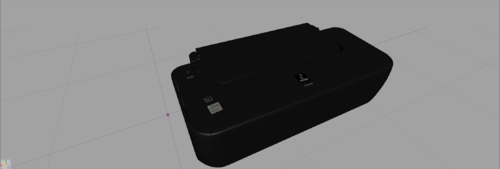 yikesss
 -
 LMFAO you should show me the cars 🙂
 -
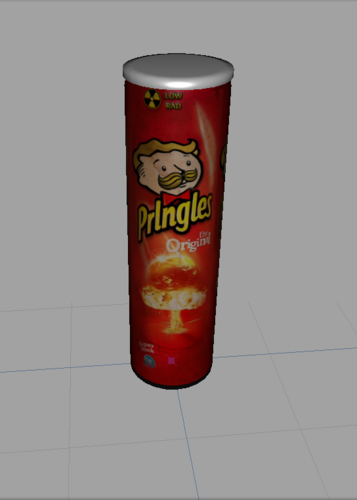
it's a pringle can. https://discord.gg/BsHHSUh
-
just a printer. just a canon Printer. https://discord.gg/BsHHSUh
-
 Me waiting for the toxic comments to roll in...
 -
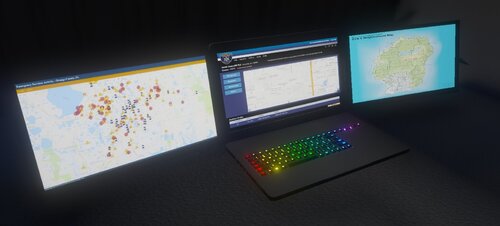
Very good laptop ! I Recommend it! ❤️
-
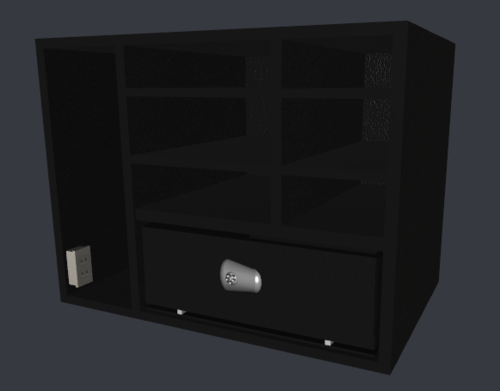 What a sexy Trunk Cabinet ! 😍
 -
-

.thumb.png.3d1de344e76a649dfc0158a291672ac3.png)