Skip to content
View in the app

A better way to browse. Learn more.

LCPDFR.com

A full-screen app on your home screen with push notifications, badges and more.

To install this app on iOS and iPadOS
  1. Tap the Share icon in Safari
  2. Scroll the menu and tap Add to Home Screen.
  3. Tap Add in the top-right corner.
To install this app on Android
  1. Tap the 3-dot menu (⋮) in the top-right corner of the browser.
  2. Tap Add to Home screen or Install app.
  3. Confirm by tapping Install.

its slayerboss

Members
  • Joined

  • Last visited

Everything posted by its slayerboss

  1. ill load in and walked for a min then get a rage crash RagePluginHook.log
  2. i added a add on M4 and replaced the MK2 pistol and they are arent showing up in game. I am using NVE and deleted everything to do with guns at least i think i did
  3. i love the pack but is there anyway to add takedowns to it
  4. love the work keep it up
  5. I like it alot do you think i could get it from you
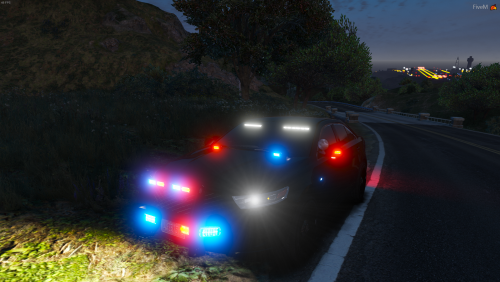
  6. it looks good but i could use some side lighting
  7. Its a very nice truck just it has no environment lights and take are the rear of the truck

Account

Navigation

Search

Search

Configure browser push notifications

Chrome (Android)
  1. Tap the lock icon next to the address bar.
  2. Tap Permissions → Notifications.
  3. Adjust your preference.
Chrome (Desktop)
  1. Click the padlock icon in the address bar.
  2. Select Site settings.
  3. Find Notifications and adjust your preference.