




Plaingray1
Members
-
Joined
-
Last visited
Everything posted by Plaingray1
-
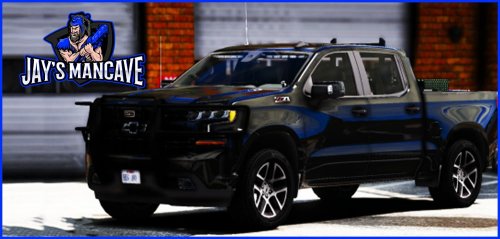 made a new livery for the truck for my sheriff department but livery wont stick was wondering if anyone else had this problem
 -
looks good but cant change the livery
-
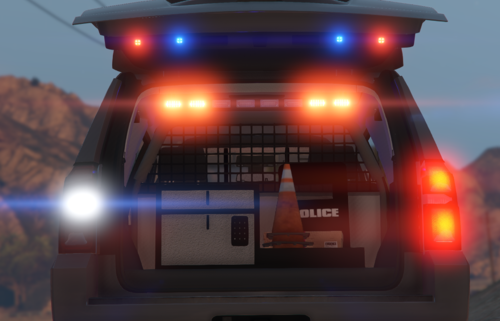 yea me neither
 -
This is the error i get error: failed to parse resourses:/18dcrb/data/carvariations.meta in rage::parmanager::loadfromstructure(const char*, ...). Make sure this is a well-formed xml/pso file
-
OR FIVEM IN GENERAL
-
hey I installed it correctly but not spawning in fivepd
-
ok so the 2018 update happened in august I believe it updated and didn't work I gave it about 2 months then decided id try to get it to work again got as far as uninstalling asi manager in open4 that got the basic lspdfr working with plugins but no mod cars can anyone help with this

