


HookerHeels
Members
-
Joined
-
Last visited
Everything posted by HookerHeels
-
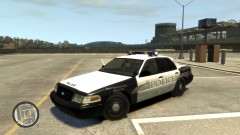
From the album: Fictitious NYPD skins
-
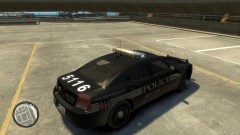
From the album: Fictitious NYPD skins
-
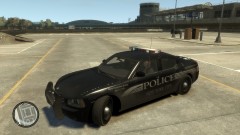
From the album: Fictitious NYPD skins
-
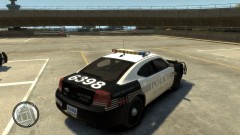
From the album: Fictitious NYPD skins
-
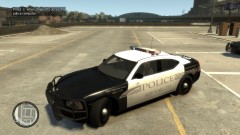
From the album: Fictitious NYPD skins
-
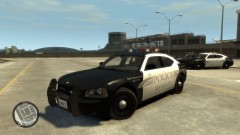
From the album: Fictitious NYPD skins
-
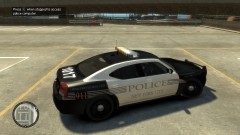
From the album: Fictitious NYPD skins
-
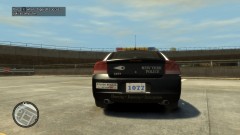
From the album: Fictitious NYPD skins
-
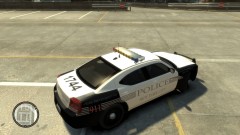
From the album: Fictitious NYPD skins
-
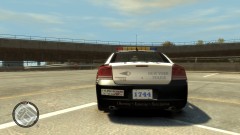
From the album: Fictitious NYPD skins
-
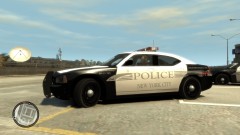
From the album: Fictitious NYPD skins
-
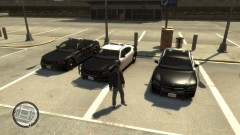
From the album: Fictitious NYPD skins
-
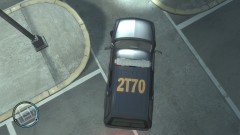
From the album: Fictitious NYPD skins
-
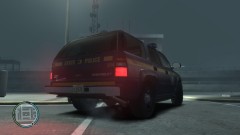
From the album: Fictitious NYPD skins
-
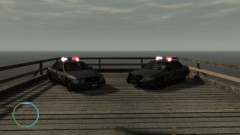
From the album: Fictitious NYPD skins
-
-
So I'm not the only one who sees that most non ELS police cars, towtrucks, etc looks like shit( why does it have to be lowpoly cuz its NELS?) compared to the highpoly ELS enabled?! Nice to meet you, do you have any water? I'm tired after my long journey of finding anyone else.. Unrelated, I use to use ELS, but it crashes my game. And before you say get a better computer, I built this $1300 rig myself. ELS is great, but it doesn't like my game anymore. Nice trucks, just great :D
- 15 comments
- 16 reviews
-
-
Would you mind if I stuck my woohoo in your computer, and tried to make babies of it? My current rig: Manufacturer:
- 61 comments
- 10 reviews
-
-

- 1
-
-
-
-
-
-
After seeing colombia123's Lizard Lick skin for EVI's GMC 4500 towtruck,(Link is down as he has taken it down) I had the idea to make some skins since I haven't seen any but his. Click the names to see real life versions Earnie's Towing F.D.N.Y towtruck Liberty Towing based off(well, used the parts) of BOVRILwares's skin for his bobcat To install, use SparkIV to insert it onto the towtruck. Enjoy
- 13 comments
- 4 reviews
-
A very simple mod that replaces the loading screens with 'Loading...' opposed to the characters. This does NOT include the colored backgrounds, just the text. You can find the colored backgrounds here To install, use SparkIV. Go to Textures>loadingscreens.wtd and insert the .pngs like so.

