Skip to content
View in the app

A better way to browse. Learn more.

LCPDFR.com

A full-screen app on your home screen with push notifications, badges and more.

To install this app on iOS and iPadOS
  1. Tap the Share icon in Safari
  2. Scroll the menu and tap Add to Home Screen.
  3. Tap Add in the top-right corner.
To install this app on Android
  1. Tap the 3-dot menu (⋮) in the top-right corner of the browser.
  2. Tap Add to Home screen or Install app.
  3. Confirm by tapping Install.

sealtam691

Members
  • Joined

  • Last visited

Everything posted by sealtam691

  1. any plans for Plymouth pd skins with MN plates?
  2. having this issue as well, I have done research on google and have tried the remedy's listed but have had no luck. hope to find some answer's as I am dying to play lspdfr.
  3. is their a jeffco k9 unit skin in the future?
  4. would you be able to make skins for hastings, mn and blaine,mn
  5. awesome I live in the county as well 🙂, I have downloaded a player skin like 1 year ago and have been dying for a car skin thank you for delivering.
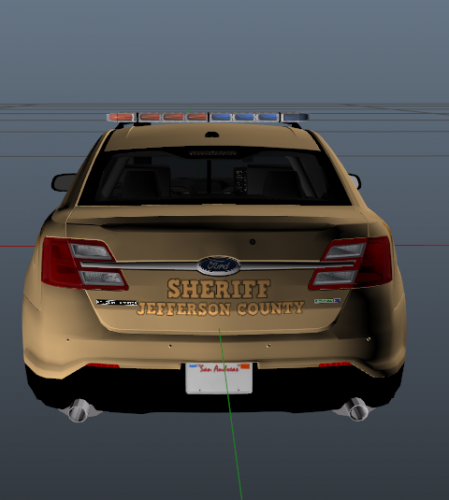
  6. not quite the right shade gold but I still love it, id love to see a black one, would you be interested in doing a Tahoe for them. all in all a great job.
  7. could you do a hastings,mn car?, your skins look great.
Account

Navigation

Search

Search

Configure browser push notifications

Chrome (Android)
  1. Tap the lock icon next to the address bar.
  2. Tap Permissions → Notifications.
  3. Adjust your preference.
Chrome (Desktop)
  1. Click the padlock icon in the address bar.
  2. Select Site settings.
  3. Find Notifications and adjust your preference.