B. Dohm
Members
-
Joined
-
Last visited
Everything posted by B. Dohm
-
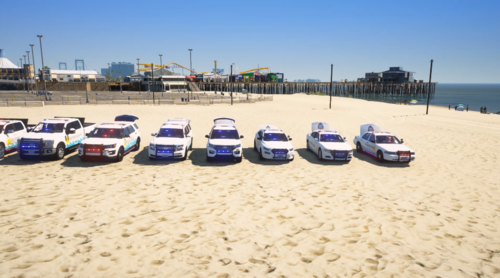 It really isn't that hard to convert to sp. Just google it or change all the file names to replacement cars or turn them into an add on. GTA V modding is very simple stuff.
- 15 comments
- 1 review
-
 Hey asswipe tell us where it goes in eup.
 -
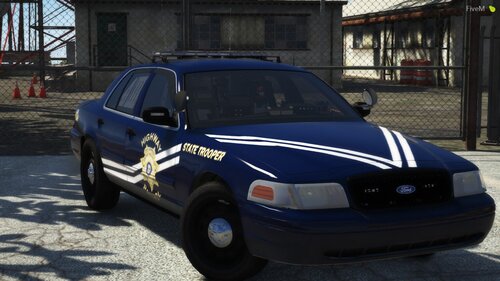 I'm sorry man I know how hard it is to start skinning but you need some more experience. These make me wanna throw up. Don't take it as a negative take it as a step forward in your skin making career. First off if you're gonna do it the way you did it you should've made the white lines connect. And instead of making that back door doo doo you should've made the stripes go angled down with the ones on the front door. But mainly come up with your own designs. Sure this is your own design just based off something that has been done a million times.
 -
-
Can we get a control guide considering you changed literally everything?
-
-
Yeah I know how to do all that and like a complete fucking moron, I wasn't putting it under Pack_Default
-
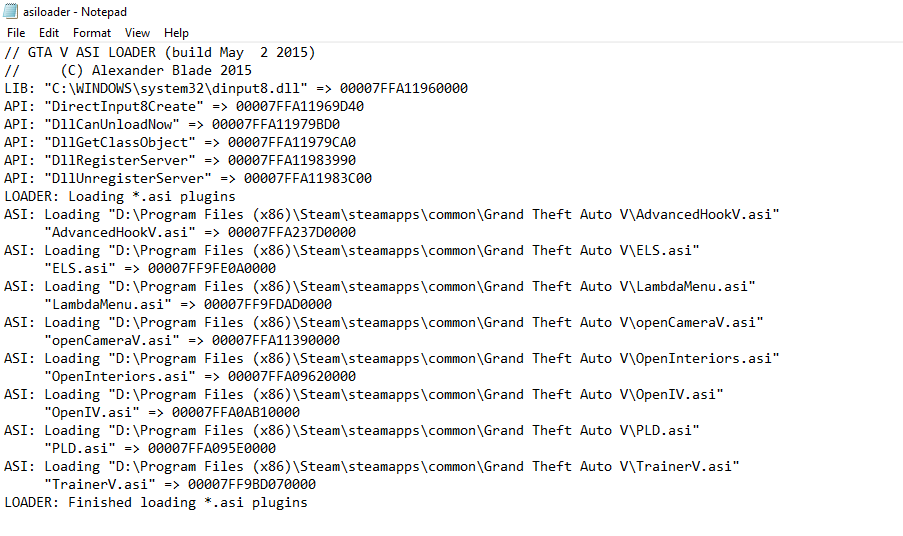
Hi guys I have ELS installed properly and it seems to be loading in the asiloader just fine but for some reason I still can't get it to work. Please somebody help me.