



CDM.GAMING
Members
-
Joined
-
Last visited
Everything posted by CDM.GAMING
-
From the album: Patrolling the night :D
-
From the album: Patrolling the night :D
-
From the album: Patrolling the night :D
-
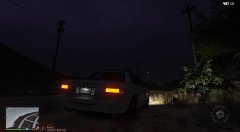
From the album: Patrolling the night :D
-
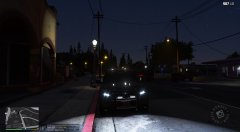
From the album: Patrolling the night :D
-
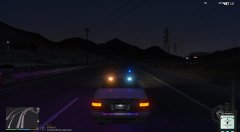
From the album: Patrolling the night :D
-
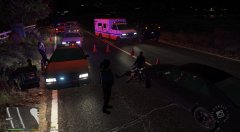
From the album: Patrolling the night :D
-
Thanks for your answer :) I've already figured out how to load everything, spawn the police car and go on duty. :)
-
Hi everyone. I'm a totally Newbie to LSPDFR. Installed EUP, made my character and saved it! So I figured out that I have to type in "Force duty" right? did that. Buuuuuut How do I load a police car?? 🤔🙈
-
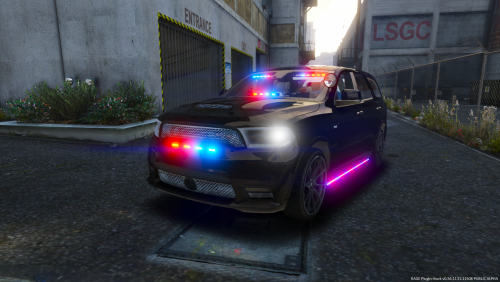 A documentation on how to install a Car mod would be nice. I'm totally new to LSPDFR. I know how to install basic plugins like computer+ or Stop the Ped and had already hours of fun playing LSPDFR. Now I would like to change the cars but I have no clue where I should put the files into.
- 5 comments
- 6 reviews
-
 Maybe you can't see it on the Radio when sitting in the car. Depends on what you've set up at the beginning of your duty and setup of the plugin. When I first started the plugin I had to click several times 1 or 2 for the plugin buttons to set up if you know what I mean. I'm just a Newbie to all of this but maybe I could help. 🙂
- 1,196 comments
- 127 reviews
-
 I will just try it again if it still doesn't work I'll post the log. (You have then please tell me how to post the log) 🙂 UPDATE: It's working. I have it in my Police Smart Radio 🙂
- 783 comments
- 86 reviews
-
I'm totally new to LSPDFR and downloaded the Better EMS. I read its for an older RAGE Plugin but wanted to try anyway. (I have the RAGE 062) Sadly it isn't working. Can I get this to work anyhow? I'm totally new to modding so please be nice to me I'm just asking 🙂 I really would like to have it.
- 783 comments
- 86 reviews
-
 Awesome Guide! Very informative. Thank you. New to LSPDFR today. 😄
 -
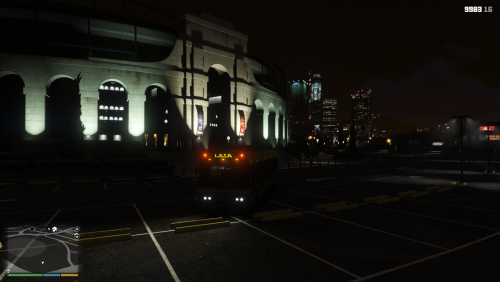 Sorry for asking. I'm totally new to LSPDFR. Which folder should I download? Thanks for uploading 🙂
- 6 comments
- 8 reviews


