



Synysterfence7x
-
Joined
-
Last visited
Posts posted by Synysterfence7x
-
-
-
-
- Papa Renny, OblongGaming and toddm6
-
 3
3
-
-
- qimick and OblongGaming
-
2
-
-
-
-
-
11 hours ago, Fml.Exterminator said:
Anyone able to message me a few people who can do a skin for a tow truck and also QAS uniform please.
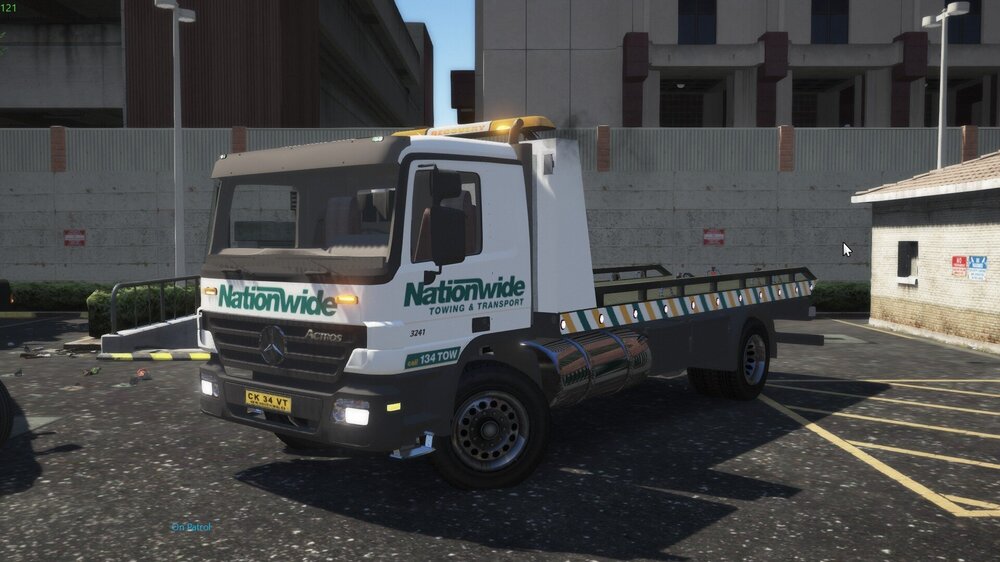
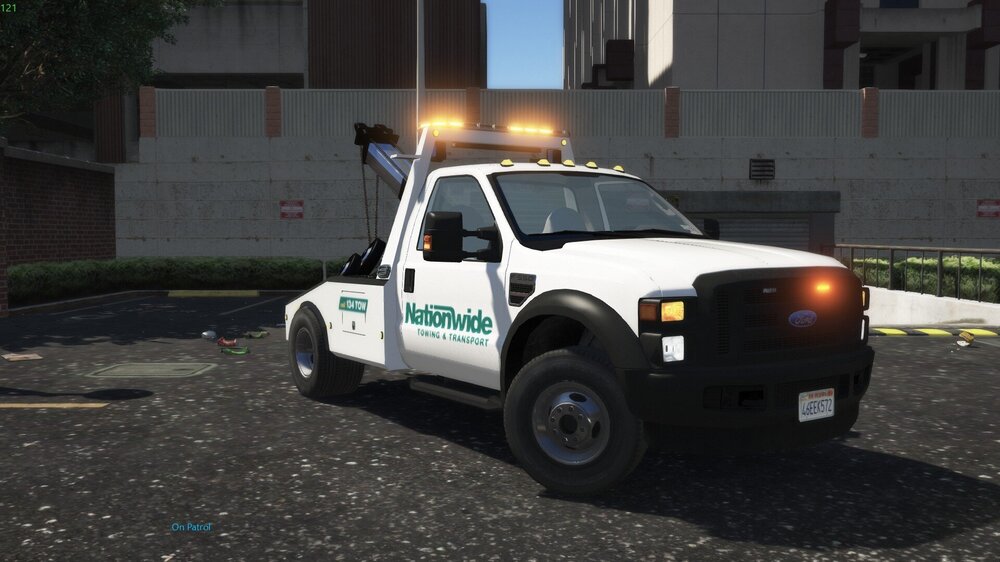
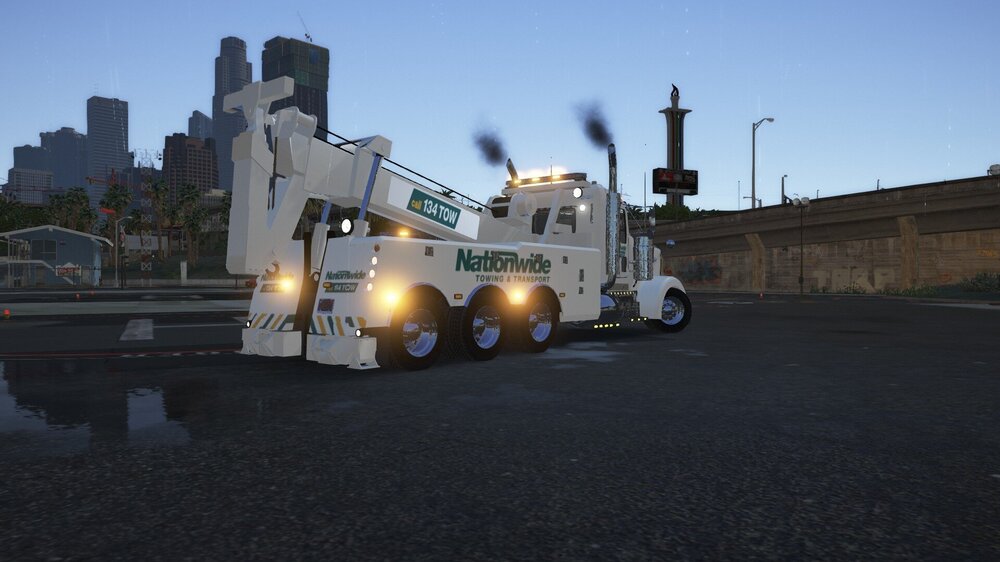
What tow truck? I have nationwide towing trucks
-
On 4/18/2020 at 11:23 AM, WestTigersNRL1 said:
Thanks for the keys to the ranger @Mrfui
loved it handles great. Just has a key locking issue where the vehicle dosen’t lock and allows other people to get their hands on it.
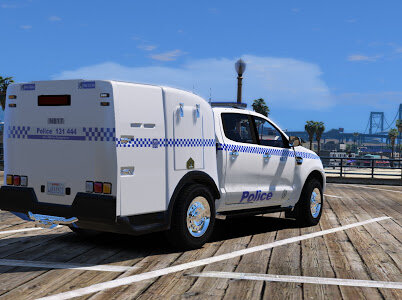
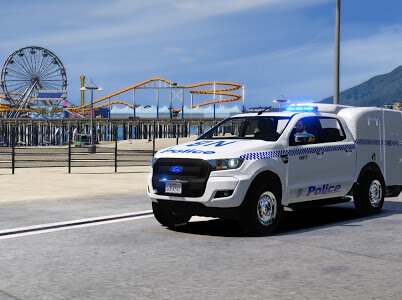
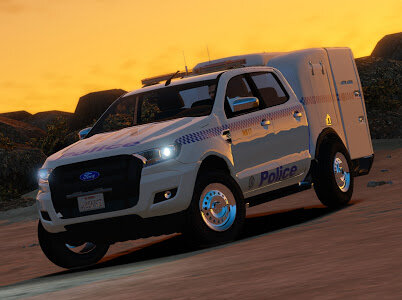
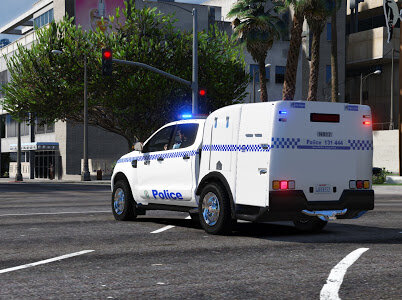
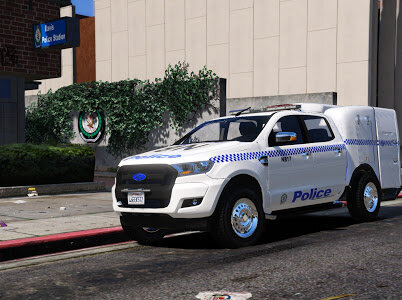
Where did you get that I thought he hadn't released it? 🤔
-
-
6 hours ago, NotYourHabib said:
Hey does anyone know which file i'd have to edit to be able to set my backup units to wear a specific outfit (rather than the basic LSPD EUP uniform). I've made vicpol textures and have a vest however only I can wear them at the moment and I'm trying to figure out which EUP file i have to edit in order for backup units to respond in that uniform.
Defaultregions.xml
- OblongGaming and NYH
-
2
-
4 hours ago, WestTigersNRL1 said:
I think its a FIVEM server thing not a actual download for public.
Gay
-
On 3/14/2020 at 12:12 PM, Error 404 said:
Hey guys, new wapol uniform now on DFESRP, here's there discord link https://discord.gg/vEk7mbj join up to use the latest uniforms.
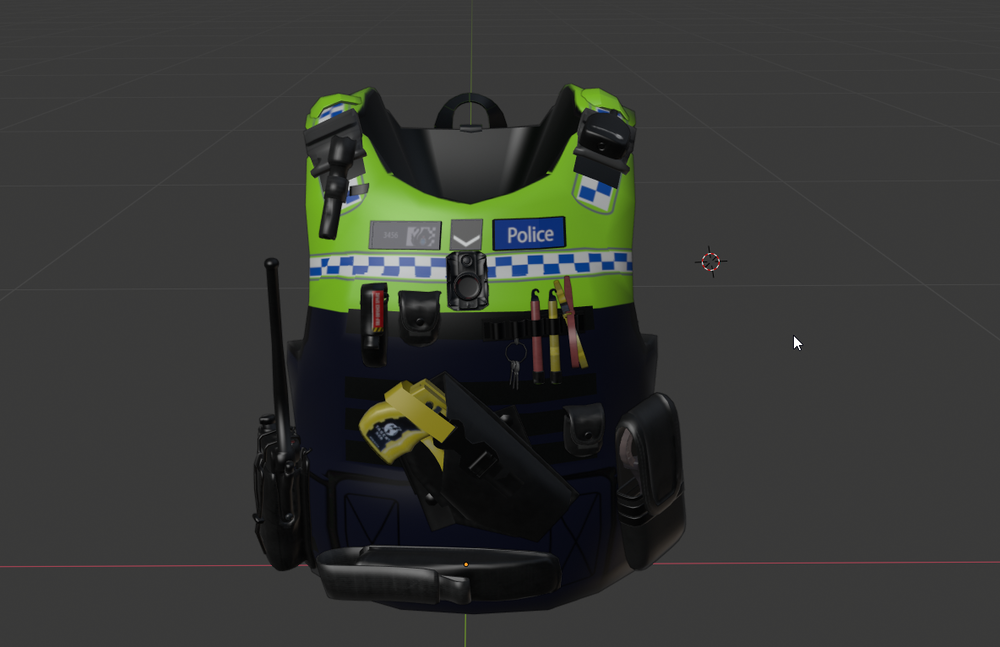
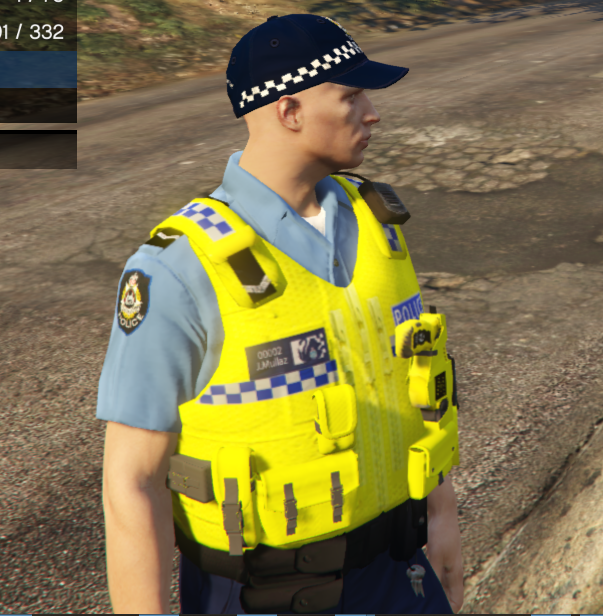
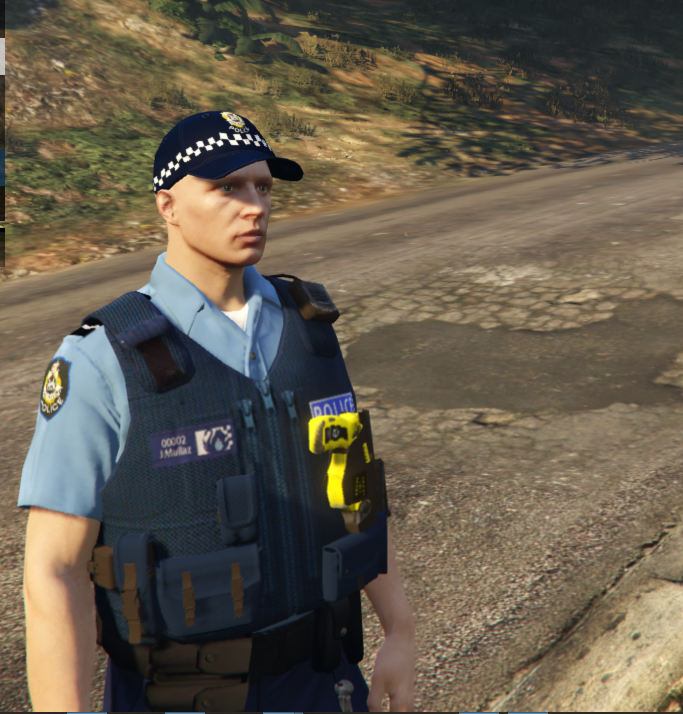
Couldn't find them in the discord
-
slightly shitty Alcolizer based on the model used by the NSW Police Force. its just a retextured phone but better than holding up an inhaler 😂 shows when performing a breath test in stop the ped
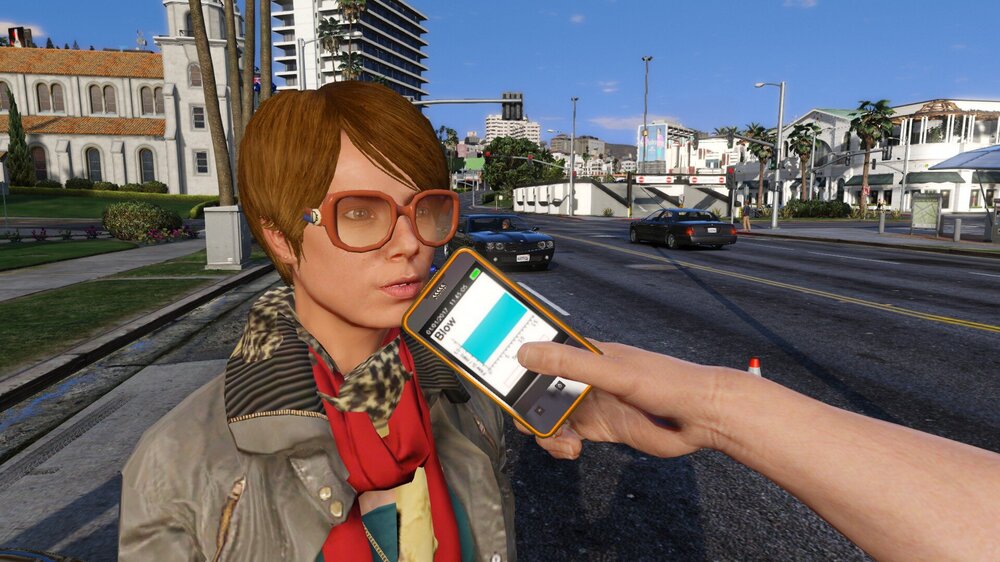
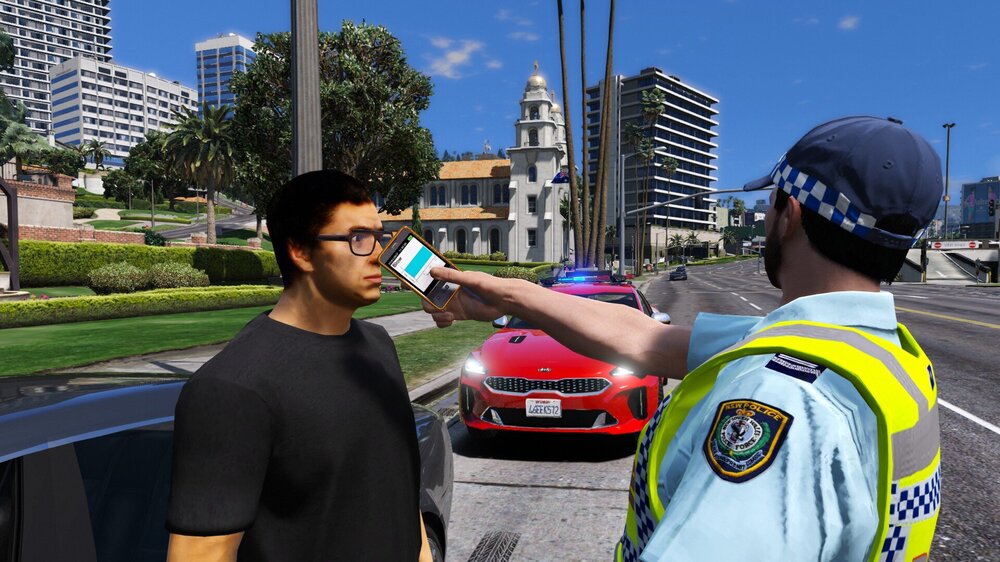
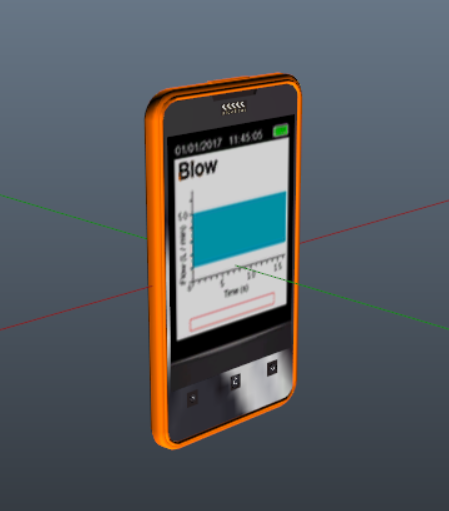
- toddm6 and OblongGaming
-
2
-
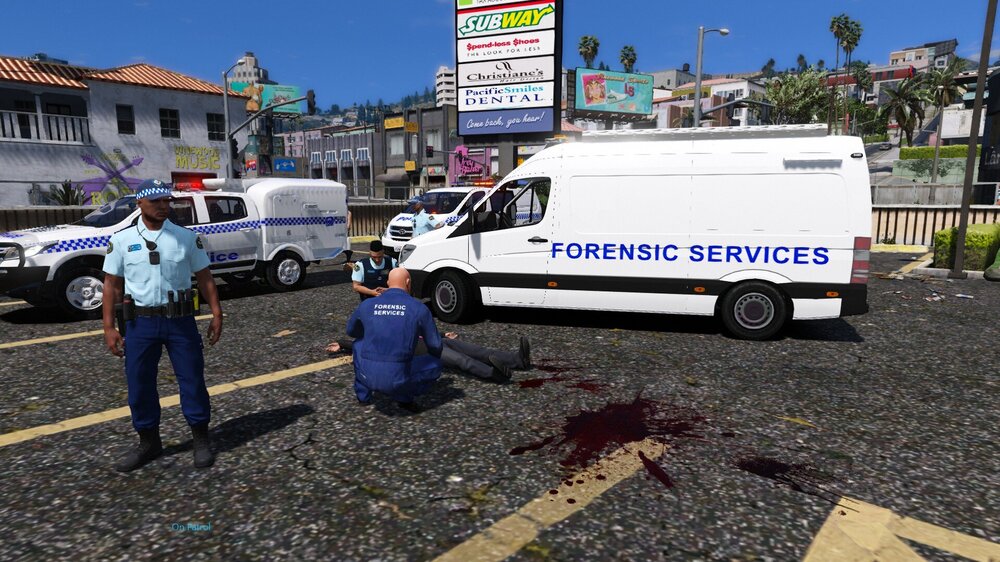
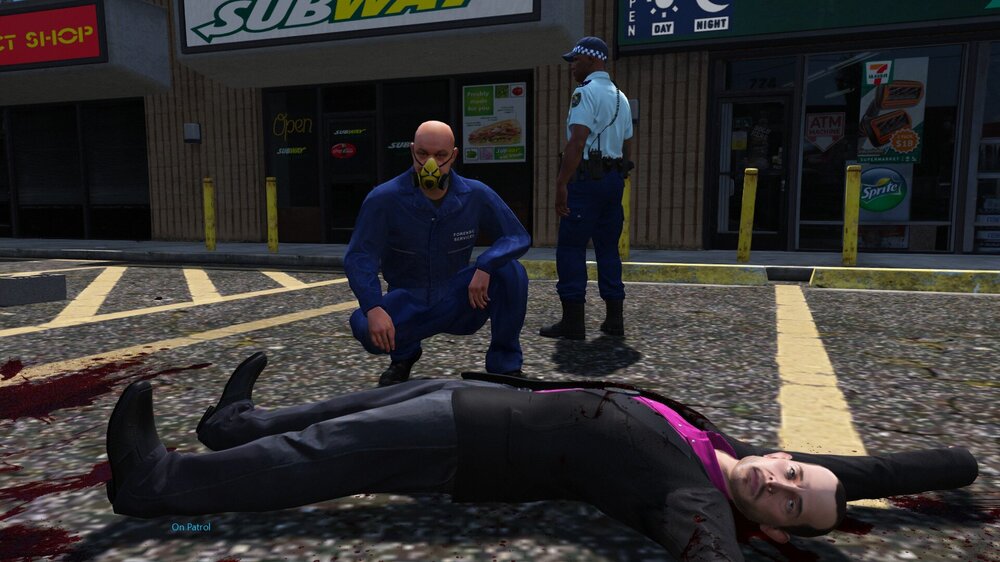
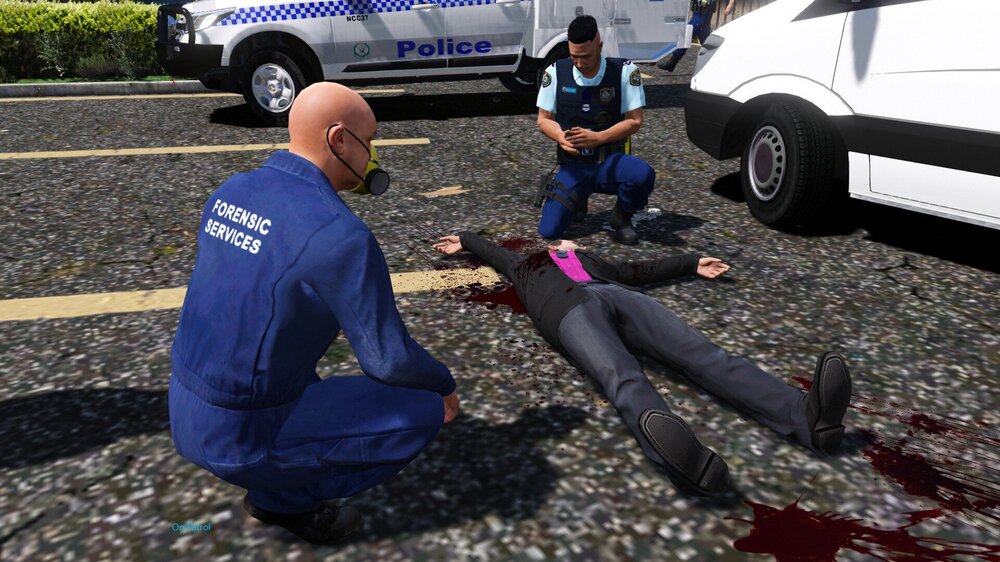
was requested to do forensic services. couldnt find much about their uniform just looked like blue coveralls with the logo. so yeah nah yeah. forensic van too
-
-
- OblongGaming, toddm6 and Jack Borne
-
3
-
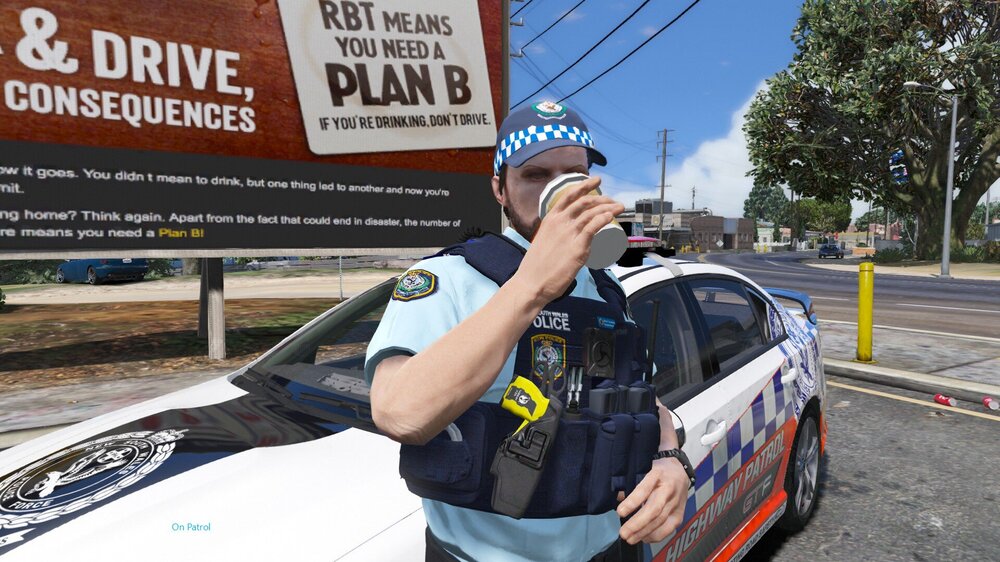
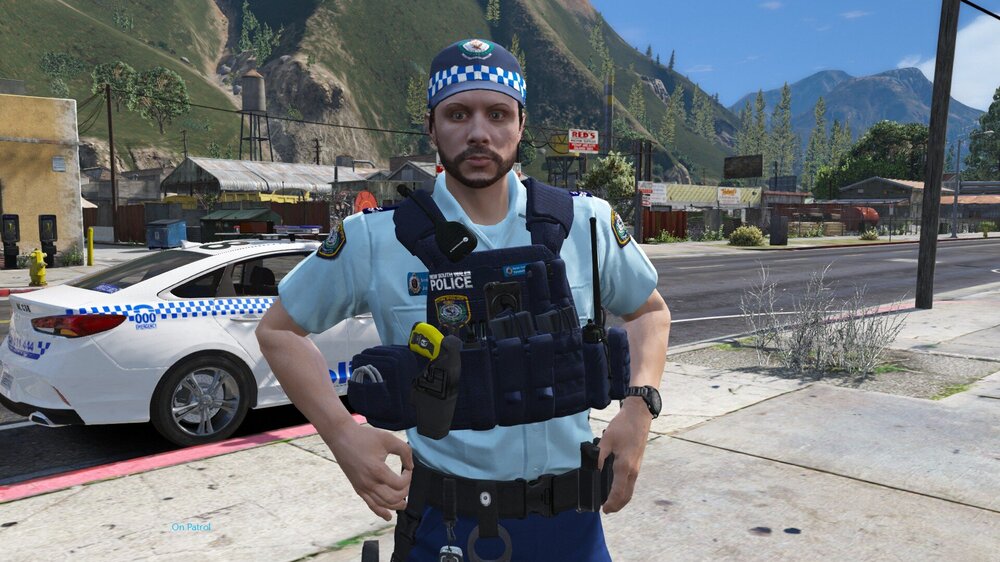
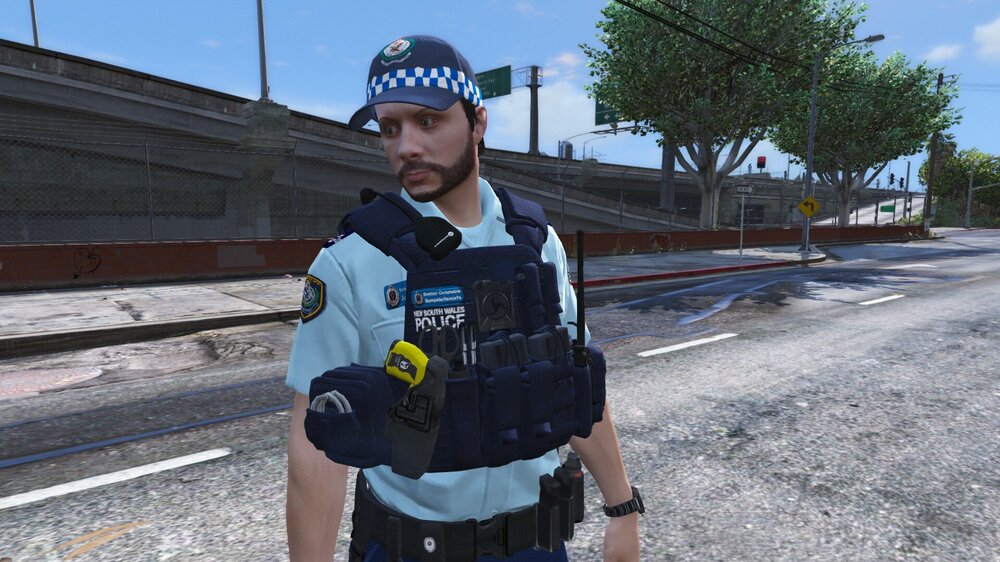
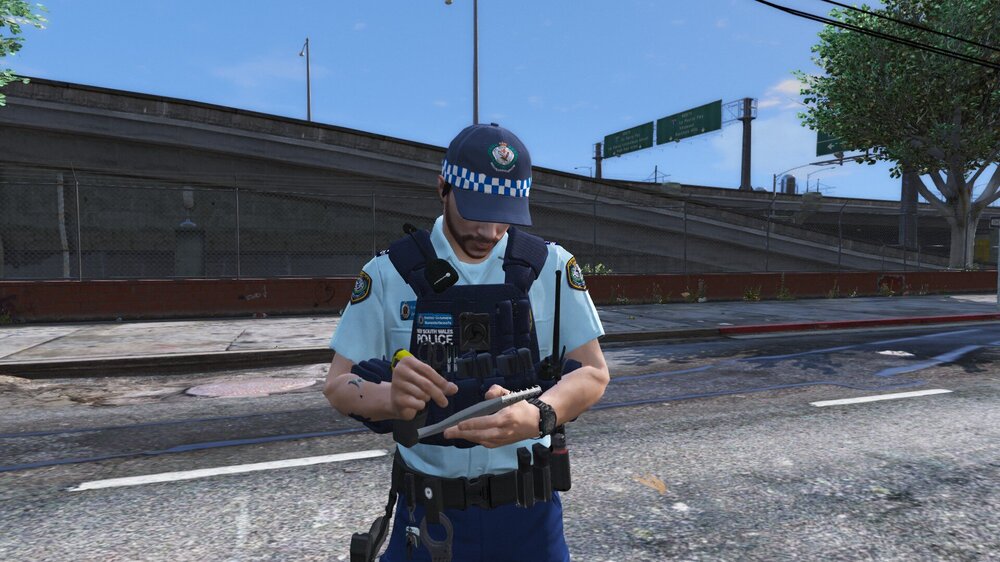
Another NSW tacvest skin for hanakos vests. includes 2 versions, 1 standard with patch on the left and badge on the right, however due to the pouches hiding the patch i made an alternate slightly incorrect version with the patch on the other side so it was visible, and the badge on the actual patch space to increase quality.
-
7 hours ago, JakeSolence said:
Hey, at the bottom of the description there is a link to the model. The install instructions will be in there by the original author. Then you just put my skin in once the vehicle is installed
So install the vehicle with the original authors instructions , then drop my ytd in (make sure they're named the same thing)
-
On 1/13/2020 at 1:38 PM, kevin liu said:
What mod do you use for the NSW police stations, Synsterfence7x?
https://www.lcpdfr.com/profile/19257-couthink4/content/?type=downloads_file
-
-
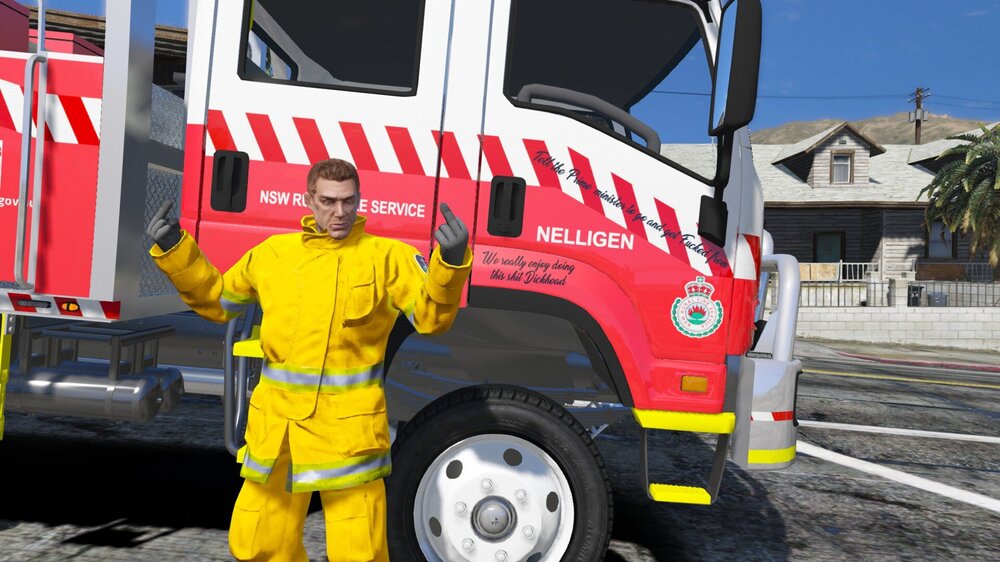
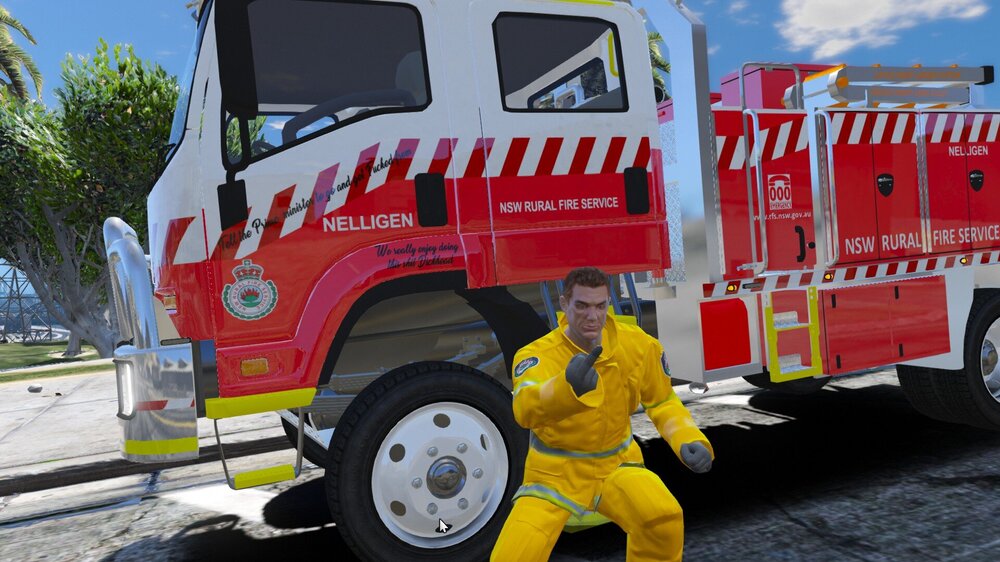
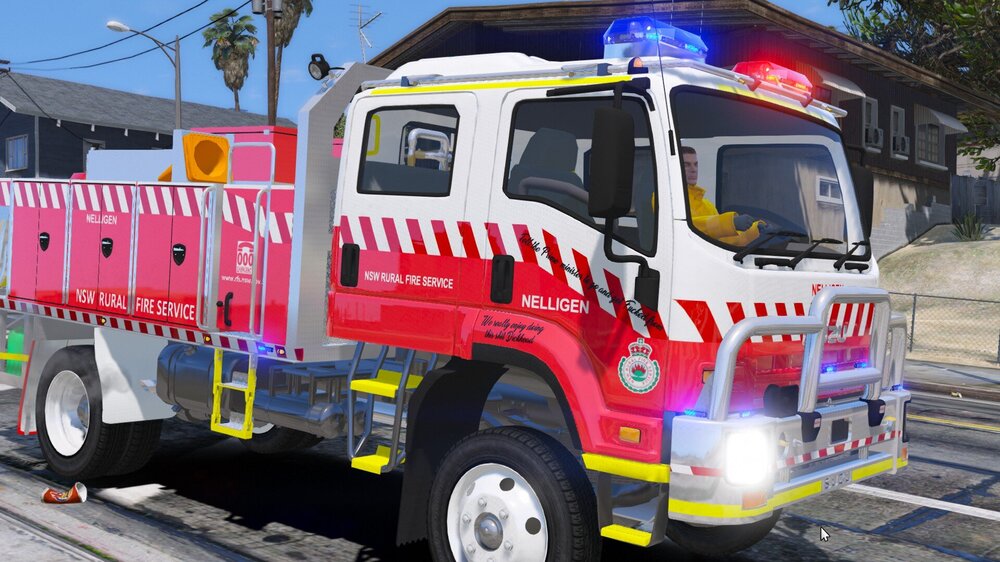
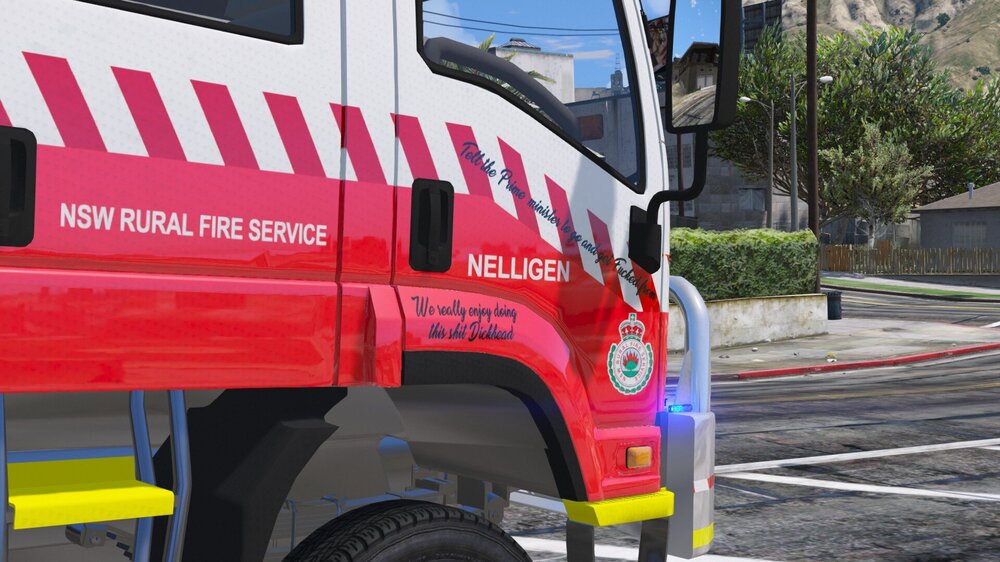
Tribute to this fucking legend from Nelligen 😂 if you dont know why, watch this https://youtu.be/bBGBn3eQps0?t=10


LSPDFR Australia Discussion Thread 2.0
in GTA V Discussion & Media
ELS Hazard slic controller 🤘