Creators: Due to background reprocessing of files, approvals and file security checks may be delayed. Thanks for your patience.

Emergency112
Members
-
Joined
-
Last visited
Everything posted by Emergency112
-
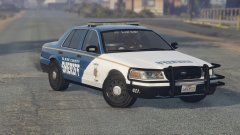
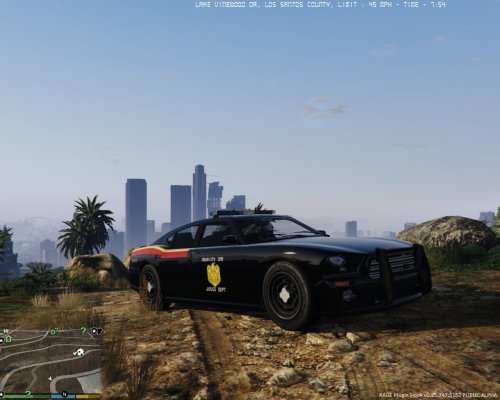
From the album: Sunset in the hills.
New fleet of FCVPI's are rolling out soon. Equipped with a Code 3 Defender and a Pushbar w/ Wraparound. -
-
-
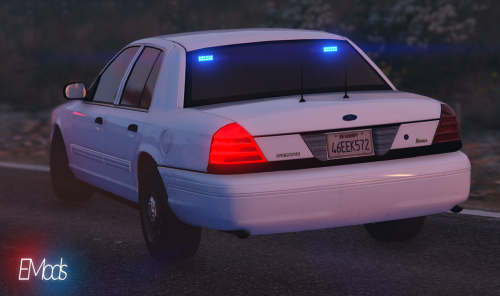 No haven't touched the carvations in awhile my friend. I'll consider that for a marked release.
- 28 comments
- 3 reviews
-
Hey, I've looked into your issue and I reinstalled the mod itself of this download I put online and its working like a charm. You using any ENB or something? I've no clue why it isn't functioning normally at your game as it should be.
- 28 comments
- 3 reviews
-
VIDEO: ===================== 2011 Undercover FCVPI ===================== ---- (CREDITS) ----- • Model is Ford Crown Victoria from Driver SF, converted to GTA IV by F5544, modified by KevinDV, Cj24, & OfficerUnderwood • Wheels from NFS:MW and converted by trewq34, Textures by GreenAid • Interior Parts by Ubisoft, modified by OfficerUnderwood • Door Handles by Lundy • Model edits by Emergency112 (EMods) Car colors comes with; White, Black, Grey, Dark Blue----(How to install)---- Use openIV to install the files in the Files folder. OpenIV;/>X64e;/>LEVELS;/>GTA5;/>VEHICLES.RPF --------(Notice)-------- === IMPORTANT!!!!!!!!!!!!!!!!!!!!! For correct emergency lightning visuals, also install visualsettings into your GTA directory. OpenIV;/>UPDATE;/>UPDATE.RPF;/>DATA > Drag visualsettings.dat in here. This is for steam users, you also may could use the MODS folder and install it up there. ----(Version status)---- This version includes: - Correct handling (Standard GTA) - High detailed interior - Minor model/interior fixes - Multi Livery support - Fully working gauges and dials - Breakable windows
- 28 comments
- 3 reviews
-
-

- 3
-
-
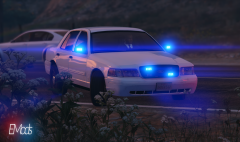 Default with visualsettings.dat so I could use red lights and retexture them blue and not showing those red flares.
 -
From the album: Sunset in the hills.
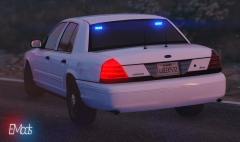
My new undercover FCVPI in full blue LED lightning equipment Emods,© EMods
-
From the album: Sunset in the hills.
My new undercover FCVPI in full blue LED lightning equipment Emods,© EMods
-
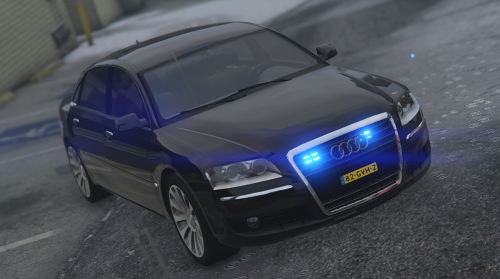 VIDEO: =============================== Audi A8 W12 Onopvallend Politie =============================== ((Replacement)) --------(Credits)-------- Original model by: vinetuxx, DragoN777 Converted to GTA V by: DragoN777 Optimizing and model edits by: EMods ----(How to install)---- Use openIV to install the files in the Files folder. OpenIV;/>X64e;/>LEVELS;/>GTA5;/>VEHICLES.RPF --------(Notice)-------- === IMPORTANT!!!!!!!!!!!!!!!!!!!!! For correct emergency lightning visuals, also install visualsettings into your GTA directory. OpenIV;/>UPDATE;/>UPDATE.RPF;/>DATA > Drag visualsettings.dat in here. This is for steam users, you also may could use the MODS folder and install it up there. ----(Version status)---- This version includes: - Correct handling (Standard GTA) - High detailed interior - Minor model/interior fixes - Color changeable. Follow us at Twitter: @EMods_3D or tweet us at #EMods_3D
- 8 comments
- 3 reviews
-
-
- 1
-
-
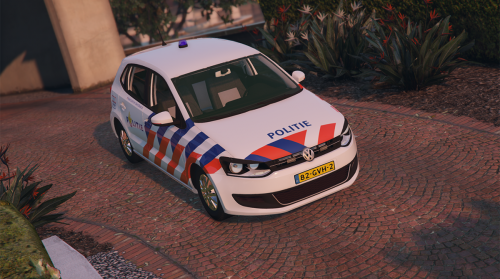 =================================== Volkswagen Polo 6 Politie (v_1.0.1) =================================== ((Replacement)) --------(Credits)-------- Original model by: Vitor Gati 3D Converted to GTA V by: MIKECAVALCANTE3D® Optimizing and model edits by: EMods Skin by: MOHaalsmeer ----(How to install)---- Use openIV to install the files in the Files folder. OpenIV;/>UPDATE;/>X64;/>dlcpacks;/>PATCHDAY4NG;/>DLC.RPF;/>X64;/>GTA5;/>VEHICLES.RPF --------(Notice)-------- This model is in a beta phase, therefore, you may occur small bugs. If you occur any of these bugs or got any questions or possible requests tweet us at @EMods_3D or use the hashtag #EMods3D ----(Version status)---- The current status of the mod is BETA 1.0.1 This version includes: - Correct handling (Standard GTA) - High detailed interior - Minor model/interior fixes Follow us at Twitter: @EMods_3D or tweet us at #EMods_3D
 -
No I don't somehow?
-
The windows of my car I'm working on are not breakable. I've added crash to the User-Defined Options (UDO) of the COL and at the Material of the glass. Put it all down below of the material browser. Still I'm able to shoot through the window of the windscreen (also windows of all the doors). While at the back window the bullet reflects but doesn't shows up any breakable textures. http://imgur.com/a/AgvAp Top
-
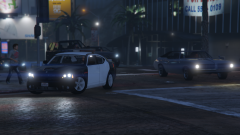
From the album: Sunset in the hills.
Cruising around with the 2010 SRT Dodge Charger Emods, -
Hola guys, I'm new to zmodeler3 and GTA V modding. I'm busy with these undercover vehicles. But when I turn on the lights ingame they don't show the LED texture, or whatever it is. Any idea how this is caused. Wrong texture file inside the .ytd file or does it have to be remapped again? (Sheriff image = how it supposed to be) (Undercover = Only the dots (probably the dummies) showing up besides the LED) Sincerely, Dennis
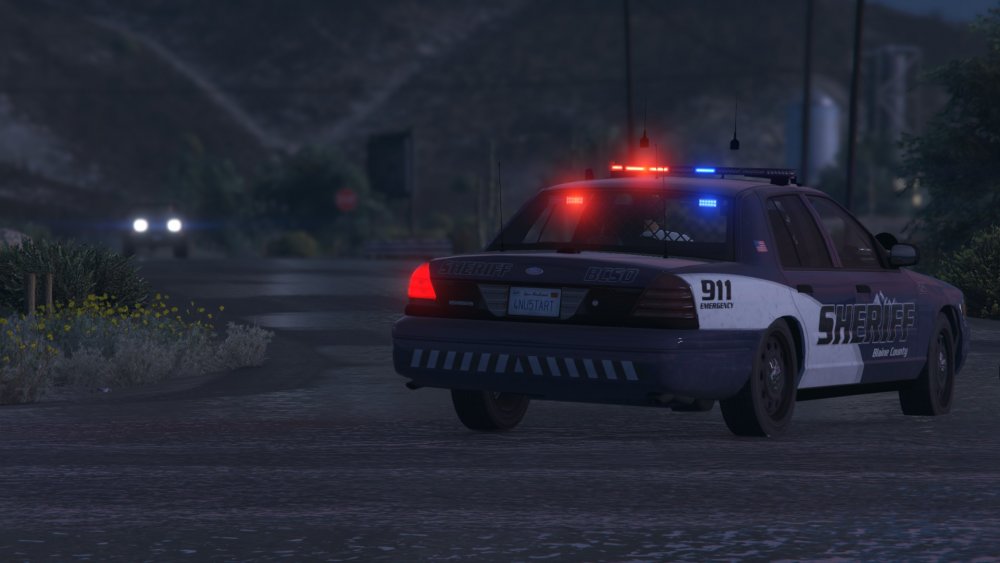
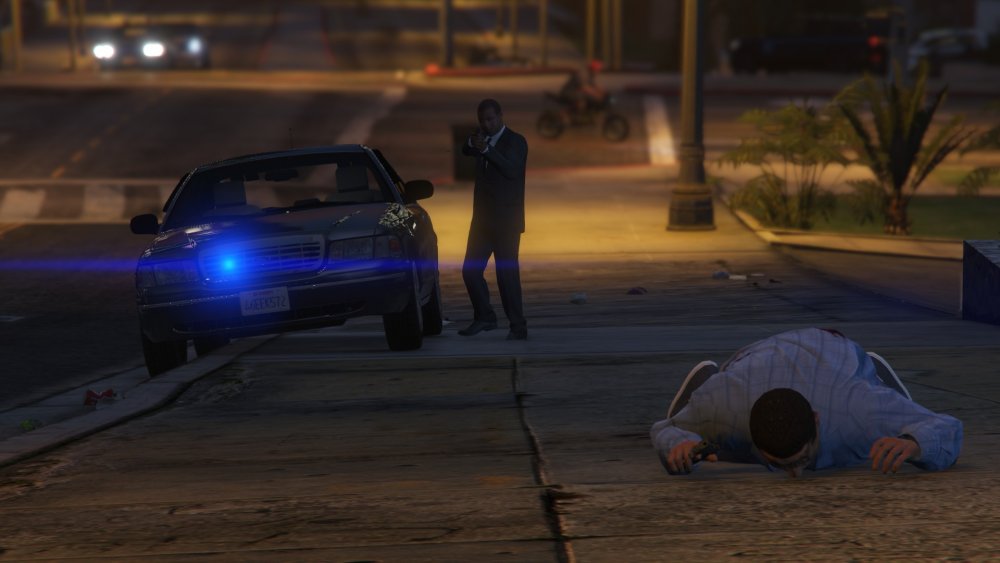
-
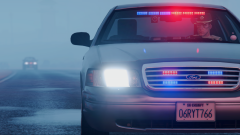
From the album: Sunset in the hills.
Thats da sound of da police! -
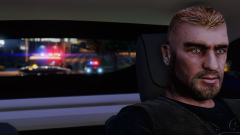 Thanks!
 -
Nice! I know that feeling aswell.. I also got my new pc for a few days now. Its amazing!
-
From the album: Sunset in the hills.
"Well I'm running, police on my back. I've been hiding, police on my back. There was a shooting, police on my back. And the victim well he wont come back." -
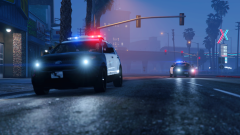
From the album: Sunset in the hills.
Responding code 3 to a police chase in the suburbs of Davis. -
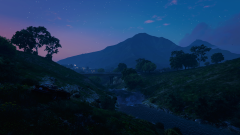
From the album: Sunset in the hills.
Testing out my new graphic mod on my new gaming computer. I love it! -
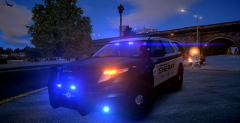 F.. u man! hahaha, on first sights I thought it was GTA V.
 -
Hiya folks. So I tried to converting something from IV to V. It works in-game and it doesn't makes my game crash at all. But I got this issue that it doesn't shows the correct texture I mapped on the pushbar in Zmodeler3. It even looks like it takes surrounding in-game textures and apply them in-game as you see in at the casino text in the third screenshot. In zmodeler 3 I opened up my Material Browser added a new material gave them the GTA V > Generic > Normal_Spec material and I added my image to the material and I UV Mapped it with front view to the pushbar. Is there something I did (obviously) wrong? And yes I applied the texture image file to my .ytd file. Greetings, Dennis.
-
 Why mega-city. Its totally irrelevant to its scheme of Los Santos. I like the idea though.
 -