



MaxyIsThere
Members
-
Joined
Everything posted by MaxyIsThere
-
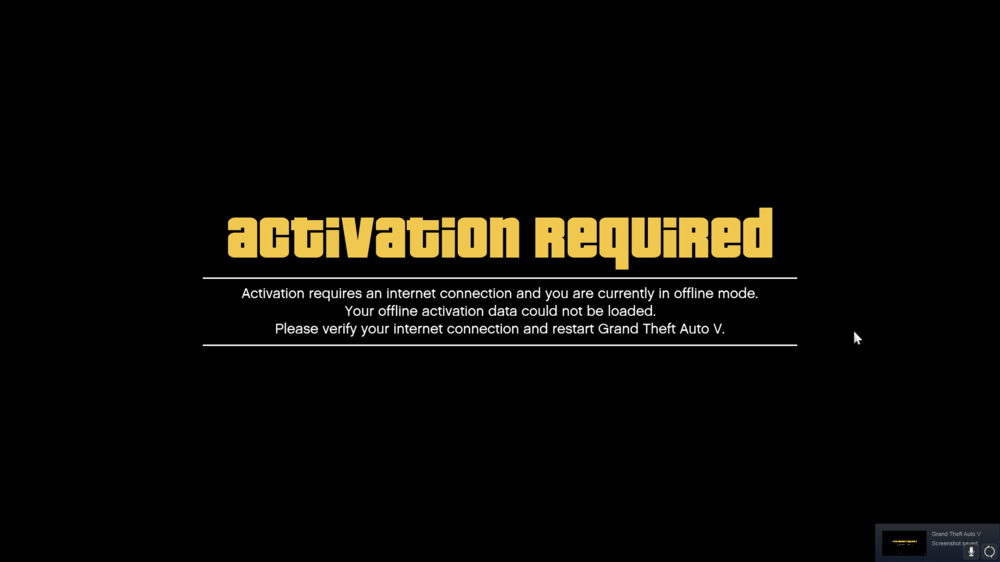
Update: I tried reinstalling Rockstar Launcher, that did not work. So, I really dont know whats happening to be quite honest
-
Alright, so I tried that, same thing still happening sadly.Hello, People of LSPDFR! So, I have been having this problem, where, when I start GTA V, either Vanilla or RagePluginHook, it launches a window, saying "Rockstar Game Launcher connecting to Game Launcher", which in itself, isn't bad, but when the window goes away, and opens Rockstar Game Launcher in Offline Mode. This is what it gives me when it launches. I use windows 7 (which, I know I have to upgrade), and have never had a problem like this before. I also have two seperate GTA V folders, one for FiveM and one for LSPDFR, I tried both and neither works.
 I will! I completely forgot to check my notifications, so I just saw it now, but thanks either way ^^
- 61 comments
- 9 reviews
-
-

- 1
-
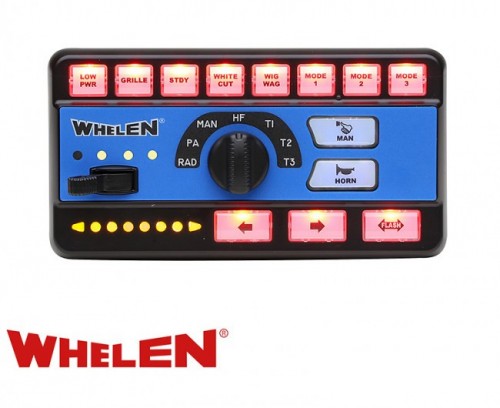
Awesome Siren! I will leave a review in a bit, just a quick question: Would you be able to make a Sapphire Howler Version out of that? Thanks!- 61 comments
- 9 reviews
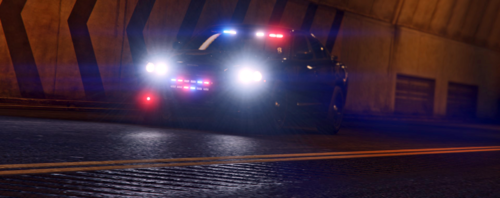 I recently got this car (aka yesterday), and I have to say: This is such a nice car! I love the double row of LEDs on the Rambar, you do not see that all to often in my opinion. Keep up the great work man!
- 5 comments
- 3 reviews
-
-
- 1
-
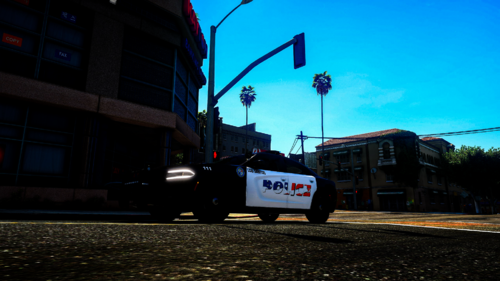 God damn, Jimmy! This is some serious Gourmet Shit! Jokes aside, though: Wonderful pack. Keep up the nice work!
- 8 comments
- 4 reviews
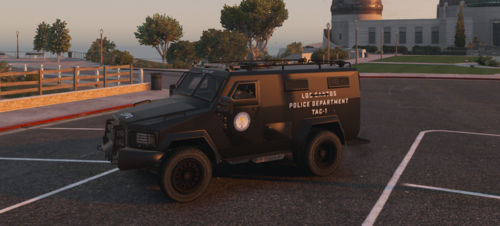 Great Bearcat! Great job man! Finally we have a bearcat that has multiple liveries that is standalone! Keep it up, mate!
- 18 comments
- 3 reviews
 Totally love this plugin! It adds much more realism, and gives a lot of opportunities for new stuff to do! Great Job!
- 168 comments
- 36 reviews
-
-
- 1
-
I found a fix, the bug happens quite rarely now, it doesnt really happen since 0.4.1, so yeah. If it happens I just need to restart my pc, it's most likely a problem from my pc. Thanks for helping though! I appreciate it quite a lot ^^I usually replace my cars, or actually, I never put add-ons in ^^Ok, thank you guys, I'm gonna try it with having that removed ^^Nope, with RPH, but it seems to only happen when I install new cars, scripts, etc. Apparently restarting my pc helps, I'd record it, but my pc isnt very good, so. When I restart my PC it works flawlessly, no crashes, nothing. It might be a problem coming from my PC to be honest ^^ But thank you for trying to help!Anything new on the topic? Over the last whole week it worked, except yesterday, I restarted my pc and it worked, I tried it again, but that doesnt work anymore ^^Oh I will, thank you, I have been craving to play this game since the 0.4 update 😄Hey, I fixed it, I just readded my mods folder, and it worked! Thanks for your help! I appreciate it 😄Also, I am sorry that I usually cant reply that fast, as, well, timezones xDOk I will try right now, thank you so much for trying to help me!I will right now, and it still doesnt work, sadly 😕It is crashing the whole game, my LSPDFR crashes sometimes when I start it and I cant get it loaded, but that is another thing.Nope, still says invalid model, I am ingame rn, I'll look if that is happening with every car, and not just the emergency cars. So, I found out something interesting, it happens with everything but the big helicopters, for some reasonNope, I read through it now, but apparently LSPDFR+ didn't work, also what I might wanna mention: It happens at random times, it works now f.e., but 2 days ago, it didn't work, I don't know what is going on, and why it is going on honestly.


