Skip to content
View in the app

A better way to browse. Learn more.

LCPDFR.com

A full-screen app on your home screen with push notifications, badges and more.

To install this app on iOS and iPadOS
  1. Tap the Share icon in Safari
  2. Scroll the menu and tap Add to Home Screen.
  3. Tap Add in the top-right corner.
To install this app on Android
  1. Tap the 3-dot menu (⋮) in the top-right corner of the browser.
  2. Tap Add to Home screen or Install app.
  3. Confirm by tapping Install.

Rowen

Members
  • Joined

  • Last visited

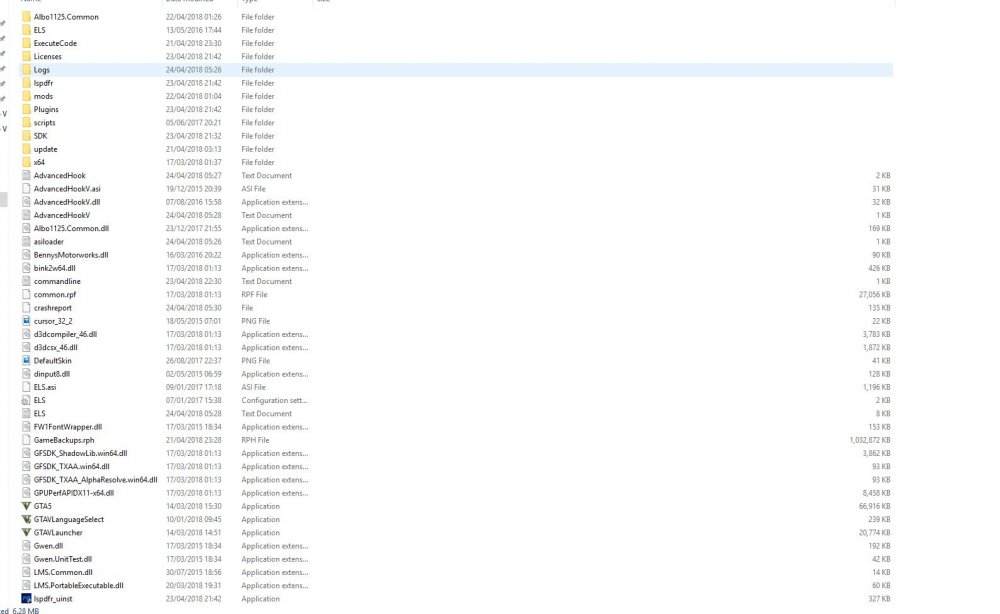
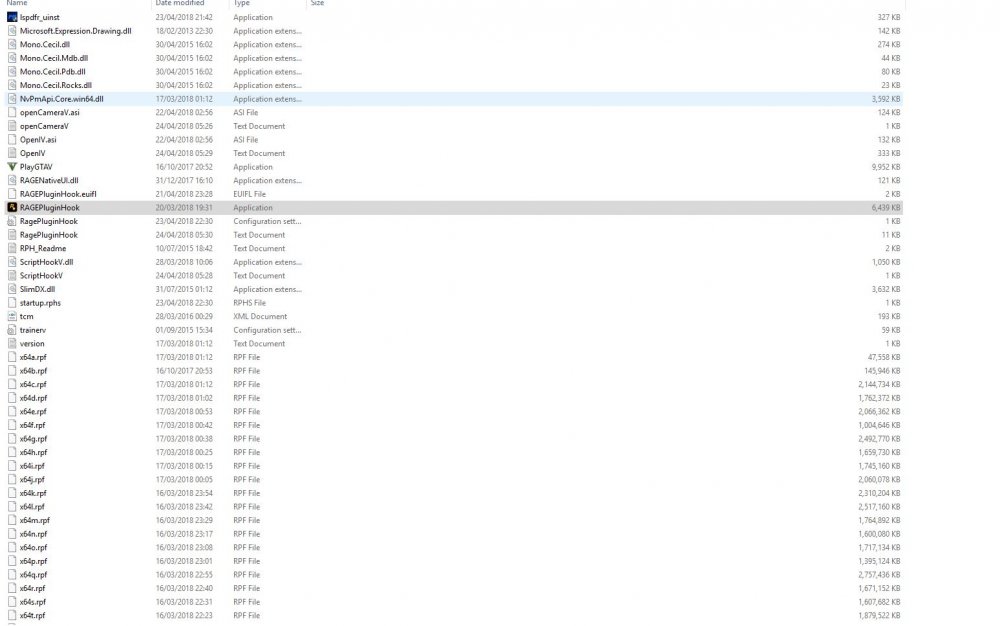
  1. I installed the vehicles in the proper folder in Open.iv and put the vcf file into the els folder in Open.iv. Not sure on where I'm going wrong. Ill try the N menu thing
  2. greeting summoner, I've been having allot of problems with LSPDFR modding, such problems include; Els vehicles Spawning No callouts I have managed to fix most of them but these two issues elude me. I believe that everything is installed correctly, els lights work but none of the els cars spawn. The rooftop sirens on the crown vic disappear, forced callouts work but I don't receive them naturally. I've tried almost everything, give us a hand.
Account

Navigation

Search

Search

Configure browser push notifications

Chrome (Android)
  1. Tap the lock icon next to the address bar.
  2. Tap Permissions → Notifications.
  3. Adjust your preference.
Chrome (Desktop)
  1. Click the padlock icon in the address bar.
  2. Select Site settings.
  3. Find Notifications and adjust your preference.