BigOunce
Members
-
Joined
-
Last visited
-
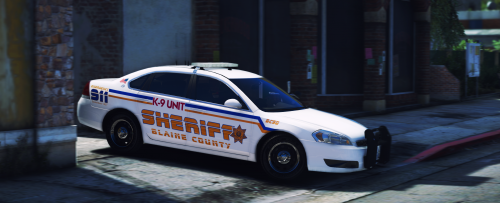 Could we get a skin for gumps new chargers? And maybe some of the new pickups that have come out? 😀
- 22 comments
- 4 reviews
-
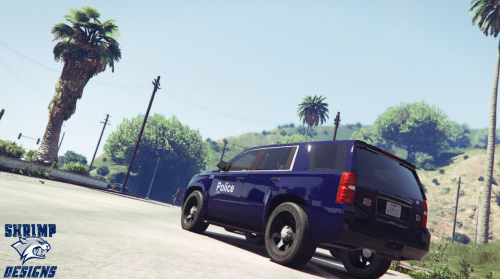 Yea right now I actually live in Oregon but I lived in Lenexa all my life until 3 months ago. I'll be moving back when I get a job with a FD out there!
- 15 comments
- 1 review
-
Gonna make more of the KC metro area? Blaine county would look really nice with some JoCo sheriff style liveries 😉
- 15 comments
- 1 review
-
-
-
-
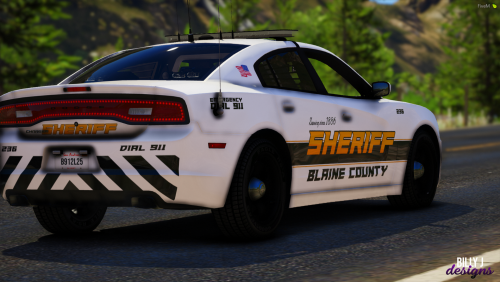 @Billy Johnsson I hate to be the guy already asking for something but from the same pack you did the BradM stuff could you do his 2014 Explorer? I fully understand if you just don't want to. Thanks
- 8 comments
- 2 reviews
-
-

- 1
-
-
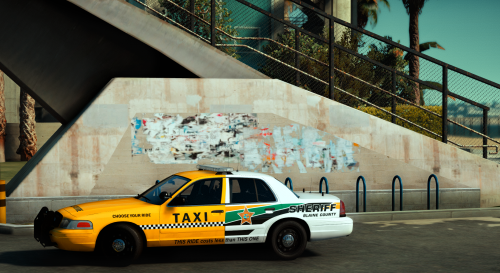 Any chance of some ghost textures? Specifically for gumps most recent charger pack? @Sinnisa
- 14 comments
- 8 reviews
-
-
-
-
My adventures around San Andreas
-
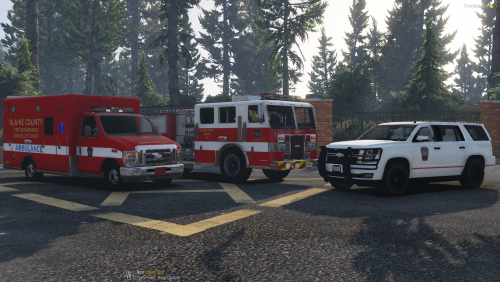 With all the new fire trucks flooding the scene any possibility of expanding the pack? I've been wanting to expand on BCFDs fleet but not great at liveries myself and this looks like a great scheme for the Blaine County area.
- 2 comments
- 1 review
-
-
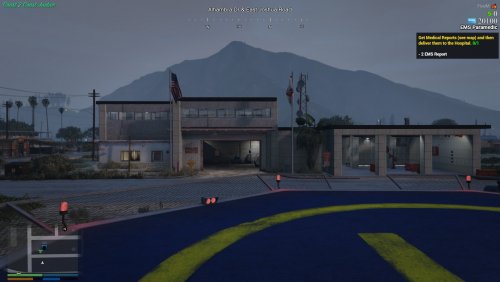 This is awesome! Any plans on making more stations say in like southern Blaine county?
- 51 comments
- 2 reviews
-
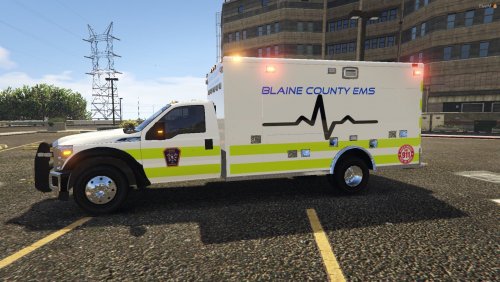 IDK what Johnson County you live in, because this doesn't look very much like Johnson County Kansas 🤔
 -