


aarlf
Members
-
Joined
-
Last visited
-
Hey, I had this issue too it was caused by the mod MoveThatPed. Try checking all the mods you installed before Grammar Police and delete them. That fixed it for me.
-
-
Thank you im sorry for being slow . Game is running fine now.
-
RagePluginHook.logany help would be appreciated thanks !
-
-
-
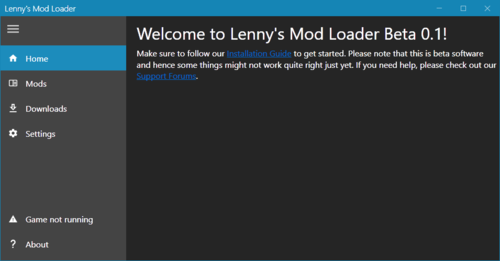 EVERYTIME I HAVE THE VERSION.dll installed my Rockstar game launcher wont load the game it says loading then it just closes the game launcher. I remove the version.dll the game then loads fine obviously LML wont work without version.dll makes no sense why it does this. Please help
- 339 comments
- 20 reviews


