BiscuitHead Modifications
Members
-
Joined
-
Last visited
Everything posted by BiscuitHead Modifications
-
I AM STARTING TO WORK ON IT!!!!
-
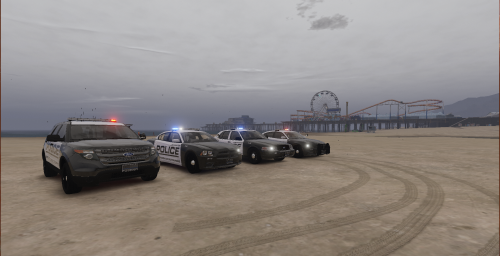 This pack IS NOT BASED OFF OF ANY DEPARTMENT My intentions are to do every car in this pack, so stay up to date because each car is going to be posted when I get them done. Vehicles coming: 2014 TAHOE AND K9 - COMPLETE 2015 FPIS - MAKING 2014 CHARGER - COMPLETE 2015 CHARGER - COMPLETE 2014 FPIU - COMPLETE 2011 CVPI - COMPLETE LSPD PACK: KNOWN BUGS/THINGS WRONG: NOTHING, PM ME IF ANY BUGS
 -
Ok! I will definitely look into it.
-
If you guys want me to make a 50 state car livery pack, please comment, I have been contemplating this idea for a while now, so leave suggestions if I should or not. I will be doing the states in alphabetical order!
-
-
 really nice
 -
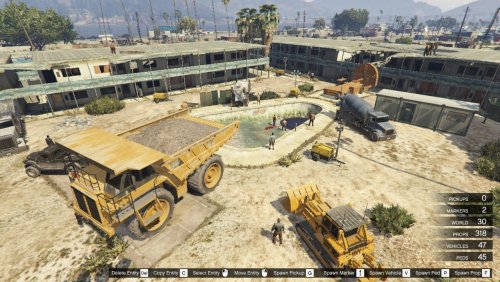 whats the installation path for this
 -
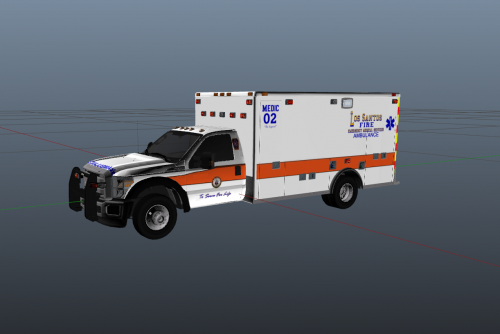
 really cool, but only suggestion, you should add multiple emergency vehicles instead of just the ambulance
- 643 comments
- 53 reviews
-
-

- 4
-
-
-
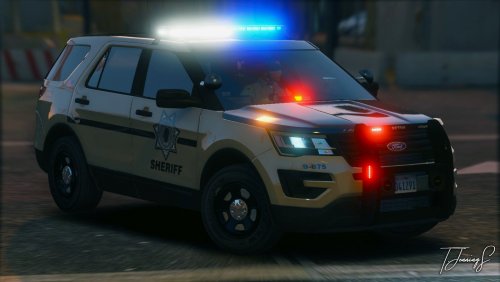 Love the skins, but could you make skins for all of the cars in his pack(s)
 -
-
-
 love it
 -
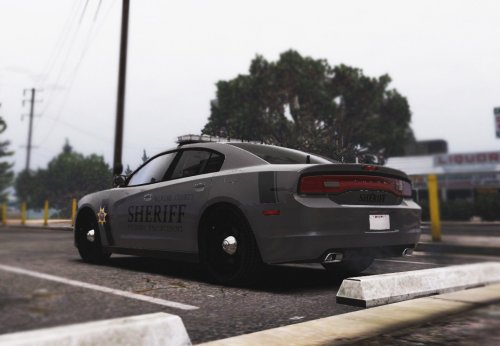 love it