
MythicReaper
Members
-
Joined
-
Last visited
Everything posted by MythicReaper
-
You can just change the spawn distance in the .xmls for whatever plugins you use. For example in ultimate backup you can set spawn distance in the vehicle set ex. <VehicleSet spawn_distance="150">
-
No problem man, has it been in any particular region of the map, or when you're doing something specific? from the log you sent me, looks like no plugins caused the crash. So that's good. glad you at least get some game play before it shits the bed.
-
Hm. That time your plugins didn't cause the crash, and in the Launcher 5 I didn't see anything wrong either. Try sending just launcher.log next time, that one gets updated most often. As for RPFs, have you updated gameconfig, heapadjuster and packfile limit adjuster? sometimes even vehicle.metas can cause problems if you've changed anything in there. This update screwed a lot of us. I had to do a fresh reinstall that took days. I legit have 100gigs of mods so, hang in there brother.
-
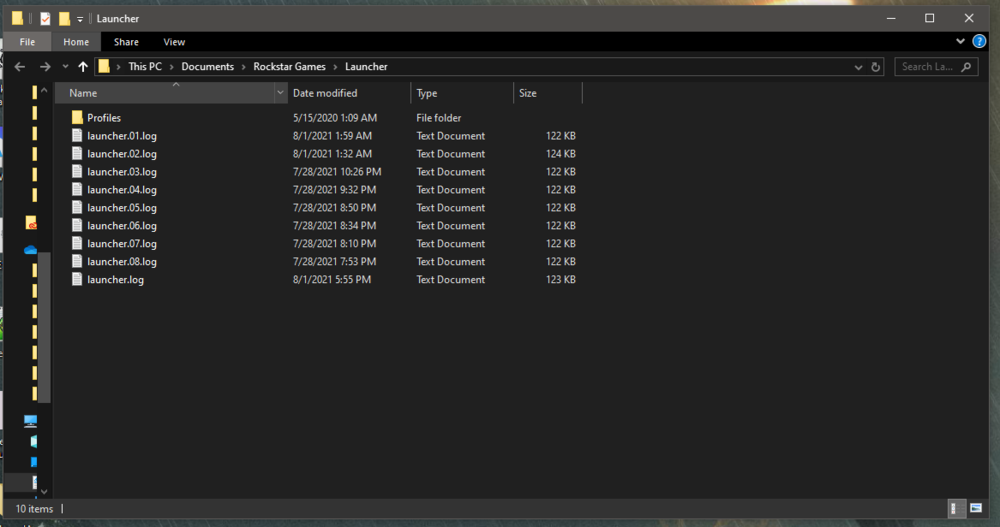
Alrighty. you wanna send thew newest Ragelog? also, we could look at the actual GTA crash logs its located in: C:\Users\[name]\Documents\Rockstar Games\Launcher
-
did you fix the file for ultimate backup? you need localization.ini in the UltimateBackup folder. if its crashing for another reason, let me know and we can try to figure this out.
-
 I've been getting an issue where PoliceSmartRadio isn't registering the PRT buttons, I've tried reinstalling both plugins but still no fix. Anyone else having this issue? I can't use PRT at all it seems.
- 394 comments
- 30 reviews
-
-
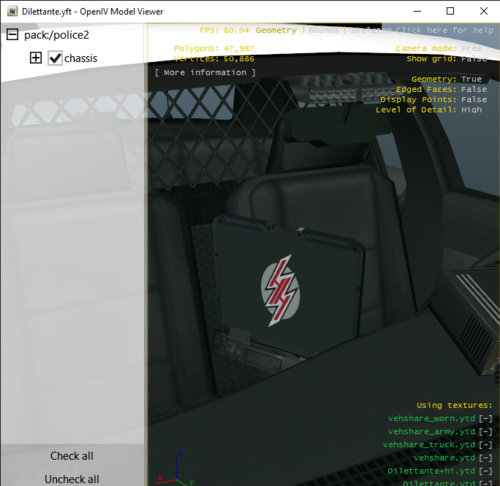 is it possible to make it into an actual patrol vehicle? I would like to roll up on suspects in style.
 -
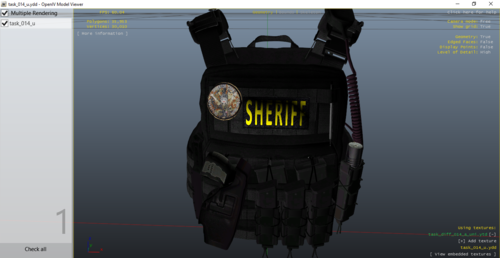 Love it, as a fellow weeb officer 🙂
 -
-
Bonjour, je n'ai pas utilisé le français depuis un moment. Pardonne-moi si mon grammaire n'est pas parfait. Utilisez-vous le plugin "Stop the Ped"? C'est très utile pour ce problème. 🙂
-
Hey instead when you start RPH, click the gear icon and choose load all plugins on start up. Everything loads in.
-
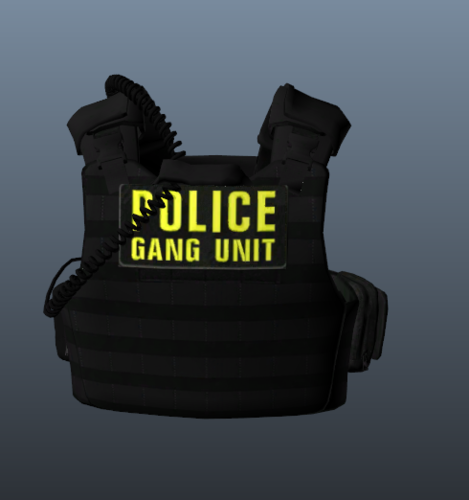 if you make the folder EUP will recognize it
 -
Hey I've got a question, when I request a police maverick to follow overhead in a non pursuit (POLMAV) it defaults to the second livery, which is a medic chopper, is there a way to change this? Any help would be appreciated!
-
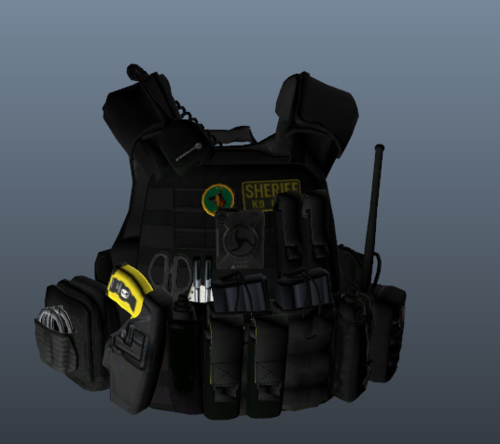 Gotcha, just figured it out too. I appreciate the help my man.
 -
I'm trying to figure it out too. I think if you change the letters it will load in (im new at textures for peds). Also, how did you get it to a ytd format?
-
 Can someone help me get the training callouts? They don't show up for me/I don't know which there are. I'd like to know how to rappel down my the chopper. Thanks.
- 503 comments
- 33 reviews
-
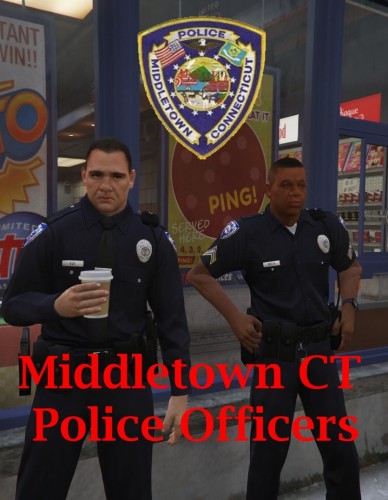 Hey this is my home state as well, great work!
 -
-