Ptic
Members
-
Joined
-
Last visited
Everything posted by Ptic
-
Good day I have another problem!) I have edited the model(there were several), and then maintained according to the instructions, respectively, were replaced. The game is loaded, but the spawn model is a crash game and POPs up a safe start.
-
Unfortunately, they still run away from their positions
-
Thank you very much, but now there is another problem, saves a file weighing 0 KB
-
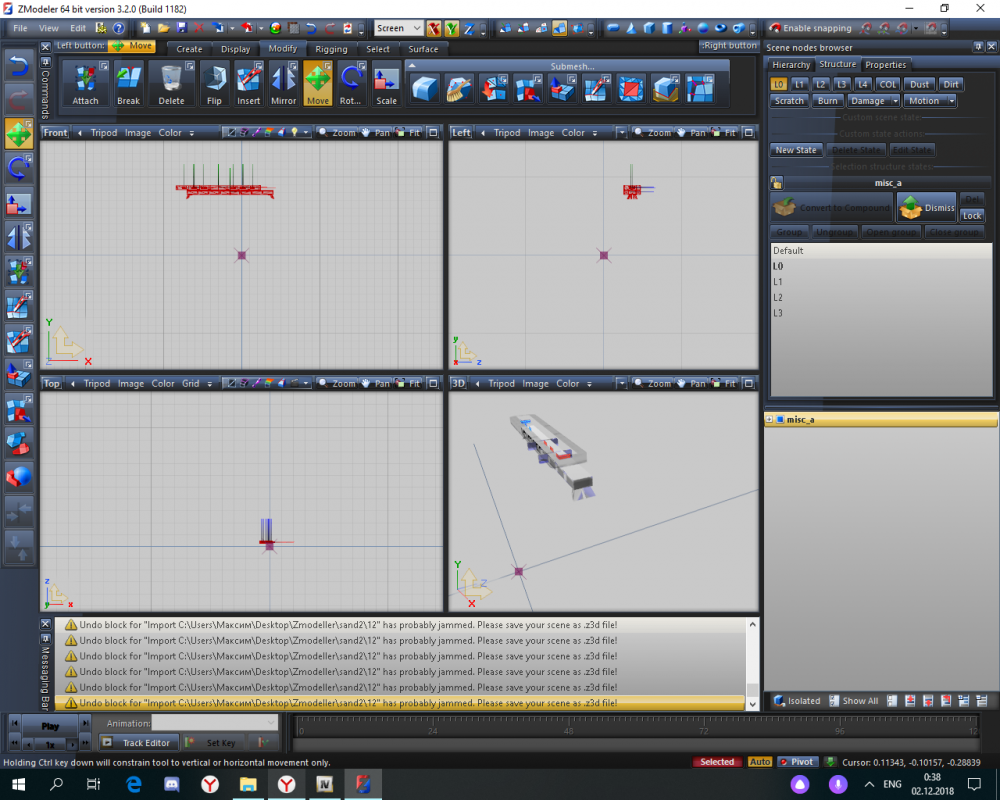
Hi friends, tell me how to make the flashing lights do not fall apart in this way?
-
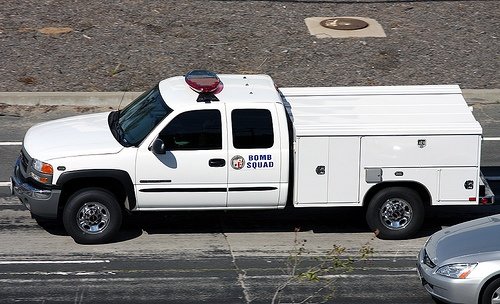
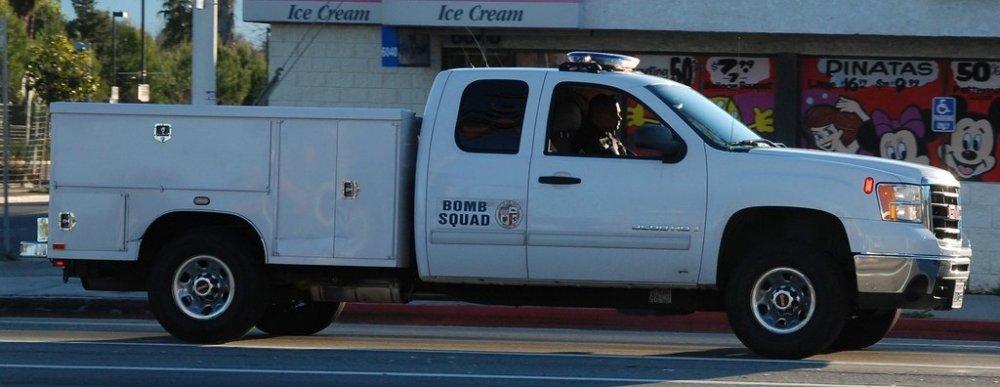
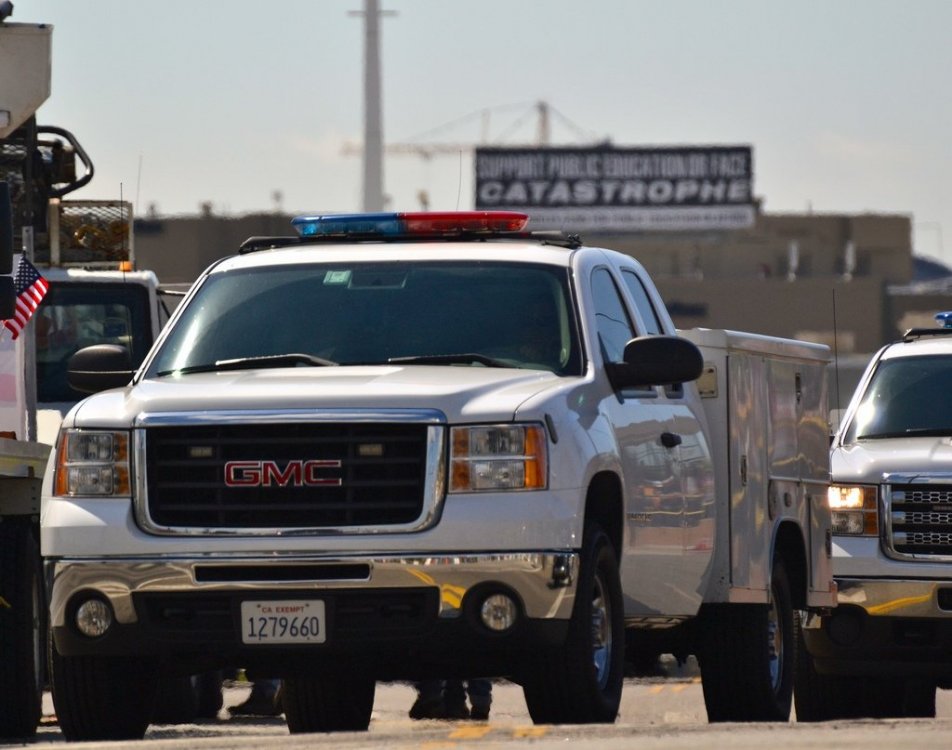
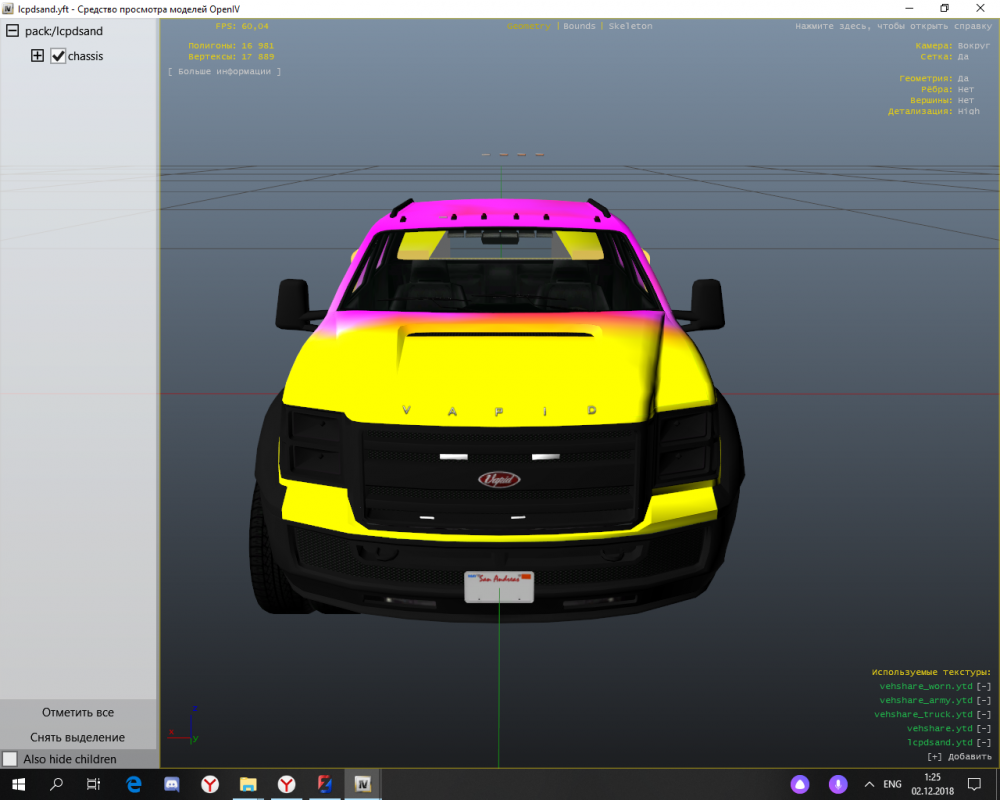
Hi guys! I apologize for my English! Help to find the right car! Utility. I almost fell in love with her.) As far as I understand, vapid Sadler or sandking. Or if someone suddenly does something similar, please share! Thank you! And if you're really brazen, can you have one lying around a fire with vanilla machines? Need a car-stairs, car-squad and battalion chief)