




Mags
Community Team
-
Joined
-
Last visited
Everything posted by Mags
-
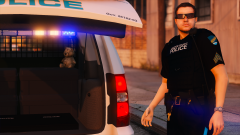 Yeah I was about to say very good job
 mmmm Caprice
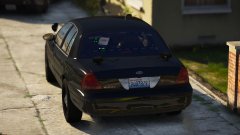 I really like the back lighting setup for some reason
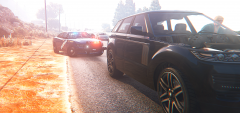 I haven't messed with anything I have MemeEnhancer, ReShade, VisualV , and I believe Make visuals great again.
 Yeah I second that nice skin!
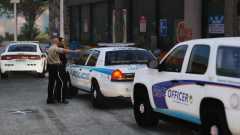 Nice action shot!This topic has been moved to the appropriate forum. Please post in the correct location in the future.This topic has been moved to the appropriate forum. Please post in the correct location in the future.
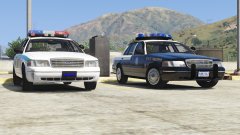 Yes! oldies!
From the album: Mag's 2017
This is actually pretty cool that you took the time to do this that in depth. Thanks for sharing!This topic has been moved to the appropriate forum. Please post in the correct location in the future.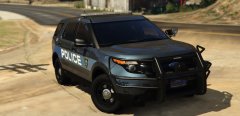 Nice Model!
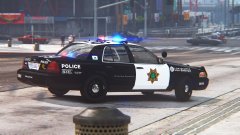 I like the skin looks cool. Never can go wrong with the black & white
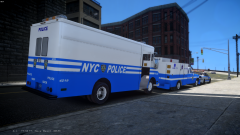 Nice to see people still playing GTA IV!
 Nice pic!

.jpg.jpg.52f4006c610c7421da12acb0792ac2eb.jpg)





