
Maryland Modifications
Members
-
Joined
-
Last visited
Everything posted by Maryland Modifications
-
I get being under the weather, I'm glad that work on this is still being done, great work man!
-
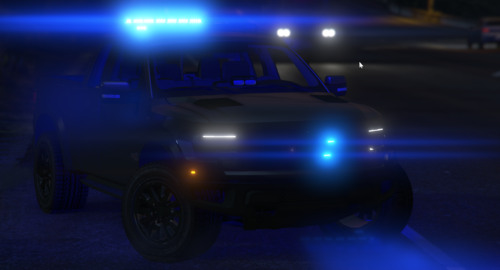 This is an amazing modification! Looks fantastic & the lighting pattern is on point, would highly recommend this!
 -
@0taku How's it coming along? Looks really nice & appreciate what you're doing for this community!
-
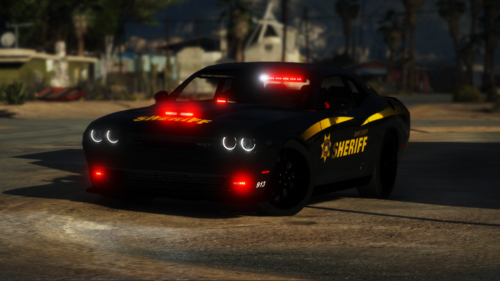 Ayo, great car and all but I'm banned from your Discord Server. If you could explain why, that'd be great
- 40 comments
- 5 reviews
-
If you don't know what it is, you most likely can't do anything about it
-
It's because of the LODs
-
You'd need to re-uv map them
-
-
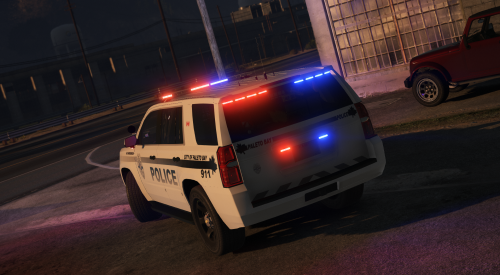 The Tahoe is amazing but the carvaritations is supposed to be a .meta file, not a .ymt just letting you know
- 10 comments
- 1 review
-
Than why would you split them up if they're only going to get attached again?
-
Here you go
-
Yes
-
ELS
-
I don't know how to make rotators. If anyone knows any good tutorials it would be great to link them. Thank You! - GTA V Modifications
-
-
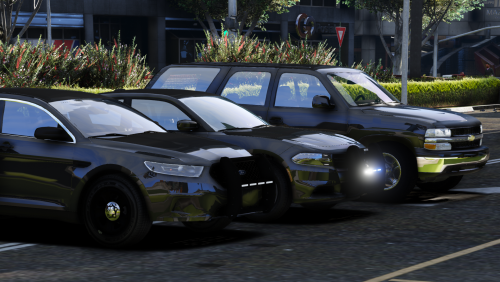 Just a fyi the model you put in the description as a 2003 Tahoe you used the credits in my file which is a 2006 Tahoe
- 7 comments
- 4 reviews
-
-

- 1
-
-
I'm in a pickle. I'm converting a 2006 Tahoe and I'm doing the interior and when I set the detail to speed (Speedometer) it works for the gauge and the steering wheel but the entire interior also uses that texture. I don't know what to do
-
I don't know how people do it but how do people have a bunch of lights and parts added on to the car but is still a small file
-
I think the problem is you just can't see the lightemissives through the glass. In zmodeler go into the materials browser and take the lightemissive material that's inside the car and put that material and put it above the window material for the car (just put it at the top it makes it way easier)
-
Where was the emissive in Zmod?
-
Why are you mixing ELS with NON-ELS?!
-
There should be an ELS mesh that comes with the module. AKA lightemissive
-
I'm looking at a tutorial on how to make a NON-ELS car, when he makes the siren_glass1 [COL] he selects it in polygon mode goes over to properties. Then he goes to "External State" and he has something on his screen called "Default Composition" that I dont have, PLEASE HELP ME!
-
No problem, glad I can help!
-
There is a tool in Resources & Assets