


DASWOOD
Members
-
Joined
-
Last visited
Everything posted by DASWOOD
-
 First Review I have ever done but this is well deserved. This is a beautiful model. Perfect in all forms possibly! This has the best damage affects, best lighting, and setup! Love the extras and modifications! Highly recommend.
- 133 comments
- 36 reviews
-
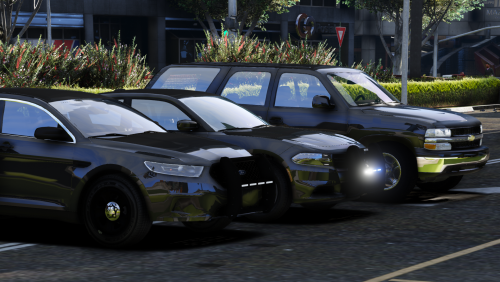 Love the tahoe, Minimal Lighting, Stealthy and nice! Charger runs and looks great! Taurus is excellent! Great Non-ELS Pack Keep it up!
- 7 comments
- 4 reviews
-
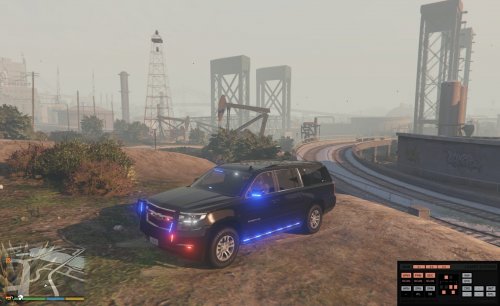 By far the best DIFFERENT release we have seen in forever!! So many Tahoes and no Suburbans! Love it!
- 87 comments
- 22 reviews
