IceAxe18
Members
-
Joined
-
Last visited
Everything posted by IceAxe18
-
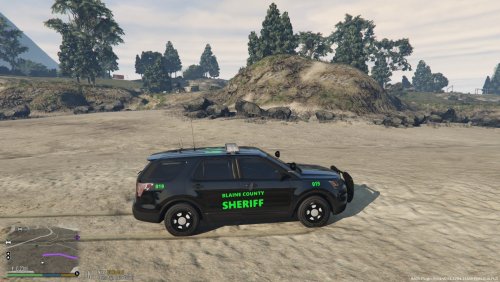 My texture pack is for the 2016 Ford Police Interceptor, and will grow over time. Required Vehicle: 2016 Ford Police Interceptor - By TheHurk
 -
 Are you sure you put the ELS file in the right place for example police3.xml is supposed to go into this directory: \Grand Theft Auto V\ELS\pack_default If so then I'm not sure then maybe someone else could help ya out.
- 2,698 comments
- 240 reviews
-
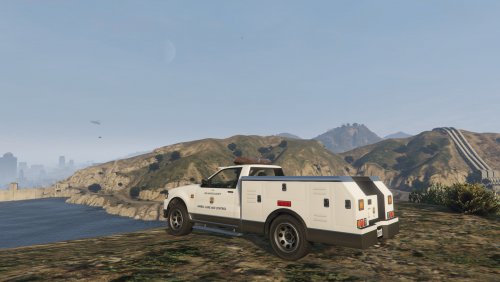 I like this vehicle for the Wilderness Callouts, so when I make a call to the vet, the Animal Control vehicle comes, and they take care of the animal. Anyways PNWParksFan does a really good job in how to install everything, and once you put everything in place it works great. I would recommend this to anyone who uses the Wilderness Callouts.
- 3 comments
- 1 review
-
 For some reason the Ranger skin isn't working, but the other two skins works (Sheriff, and Military), but not the Ranger skin.
- 85 comments
- 40 reviews