


Peeler
Members
-
Joined
-
Last visited
-
 thanks for getting back to me i have NVE dynamic vehicle first person mod, trainer V, lspdfr enhanced (preview version) nVE traffic mod (spawn mp vehicles) and yes i do have the radio folder thanks
- 202 comments
- 3 reviews
-
hi, This seems like a great all in one plugin, however im using the enhanced version of gta (& LSPDFR), and the police radio does not show and the game freezes everytime i try to access mdt from in vehicle. Im also using NVE. any solution? thanks
- 202 comments
- 3 reviews
-
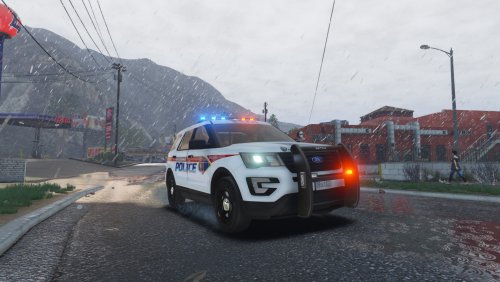 Hi this mod works nicely for els and old police cars but the newer dlc car siren lights are broke, i assume it because the mod has not been updated to include them, will there be a fix for this? thanks
- 110 comments
- 20 reviews
-
Peeler changed their profile photo
-
 Hi, first off, love this mod thanks for making this, i'm British so I needed that British touch to LSPDFR! I've got a problem with my court cases though, every time I arrest a suspect for anything, when I create an arrest report on the police computer, It should make a court case and it doesn't, nothing happens, also, when go to the magistrates court menu and press on pending cases, my LSPDFR crashes completely, i'm not sure why this is or why the court system does not work, i downloaded the LSPDFR checker to see if there was anything outdated in my folders that might be causing the issue but everything seems to be fine, is there maybe a conflict of plugins that is causing it to not work? Its not the worst issue to have I can still play without the court system but I would like to use it eventually. Thanks!
- 203 comments
- 29 reviews
-
 Can't seem to get this working, installation is in the plugins folder right? Same one lspdfr is in?
- 126 comments
- 25 reviews

