




JackCC
Members
-
Joined
-
Last visited
Everything posted by JackCC
-
-
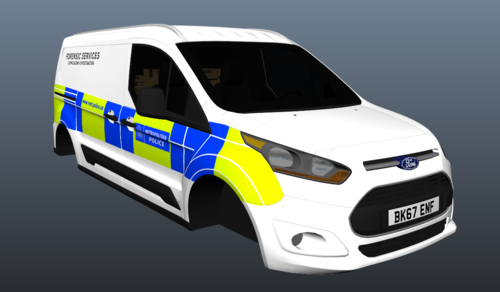 For a start you could include in-game screenshots to provide a better view of the model. Furthermore, you could do with adding a few more cutouts along the sharper lines (such as around the rear wheel arch. Ultimately, the general quality of it is lacking. You've got a decent start to it, however overall you are leaving something else to be desired from it.
- 15 comments
- 1 review
-
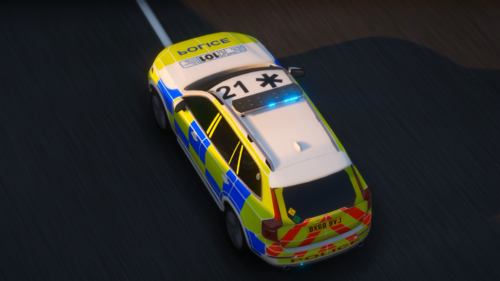 Very noice! Any other Ex-Staffs RPC cars too nice to just be sitting on your desktop?
- 1 comment
- 1 review
-
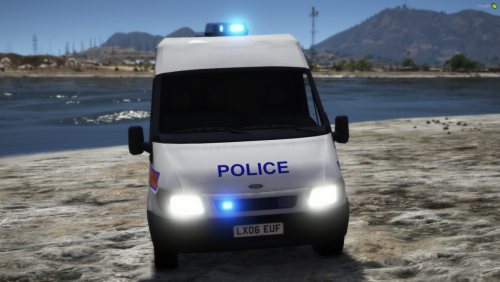 FANTASTIC! I have also been waiting for one of these for ages. It seems as if the British community is getting LOADS of public releases ❤️
- 5 comments
- 3 reviews
-
-

- 3
-
-
.thumb.png.bd97e37b7859461caf18a0863f388296.png) This is amazing to say the least!!! I have been waiting for peds like this for AGES!!!
This is amazing to say the least!!! I have been waiting for peds like this for AGES!!!- 33 comments
- 6 reviews
-
-
- 2
-
-
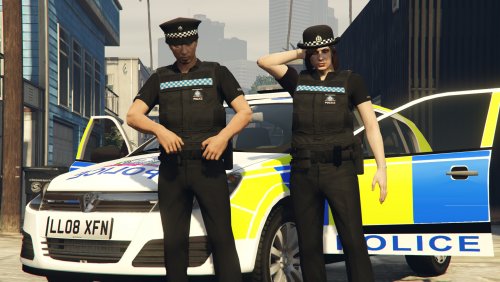 How do you put them in your game? Could you do them as the smy_cop and sfy_cop files
- 32 comments
- 4 reviews
-
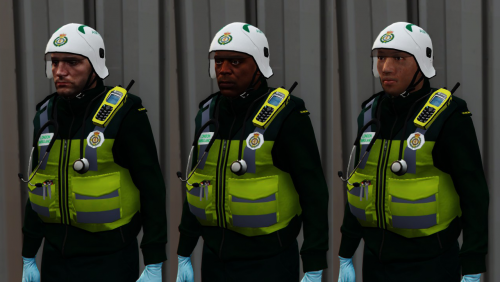 Amazing, love that you are still making peds, maybe you could do a different police officer to add a bit of variety to your peds
- 22 comments
- 5 reviews
-
-
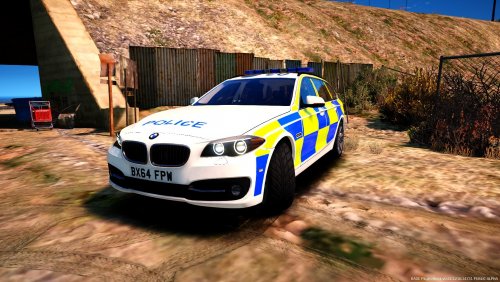 Yes I would also like to see a Nissan qashqai or a Citroen C4 as police cars. Maybee even a MK7 Vauxhall Astra Estate


.thumb.png.bd97e37b7859461caf18a0863f388296.png)

