
User Unknown
Members
-
Joined
Everything posted by User Unknown
-
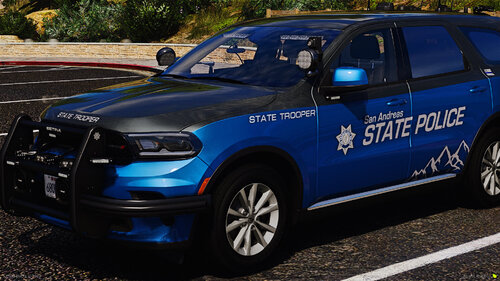 Would be nice if this would be a single pack and not every single vehicle being separate. I know that there's a way to make this myself but let's be hones, not everybody has the time and nerve to do this
 -
Well I did some searching and found a solution. If you have the same problem as me do the following: 1. Delete OpenIV.asi and dinput8.dll (asiloader) in your Grand Theft Auto V folder. 2. Restart your PC. (Not a shutdown, a restart) 3. Once back up, reinstall OpenIV.asi and asiloader via OpenIV. (OpenIV -> Tools -> ASI Manager)
-
Both and I did a clean install too, no plugins etc just car mods and ELS. My logs if needed ScriptHookV.log asiloader.log ELS.log
-
G'day, so today my ELS just "died". My lightbars won't work but everything else I guess. Already reinstalled OpenIV asi loaders, ELS and the VCF. This Video is showing exactly what I mean. Maybe someone has a solution that doesn't involve reinstalling the whole game
-
 Yeah, same for me. ELS stopped working on my replaced Vehicles but not on my addon cars. On the DLC cars there are only a few lights that don't work
- 2,707 comments
- 242 reviews
-
-
Just found another thread with a good solution. Just needed to change the something in the carvariation. If anyone has the same problem in the future just change the "<lightSettings value="690"/>" from whatever it is to 1 and you're good to go.
-
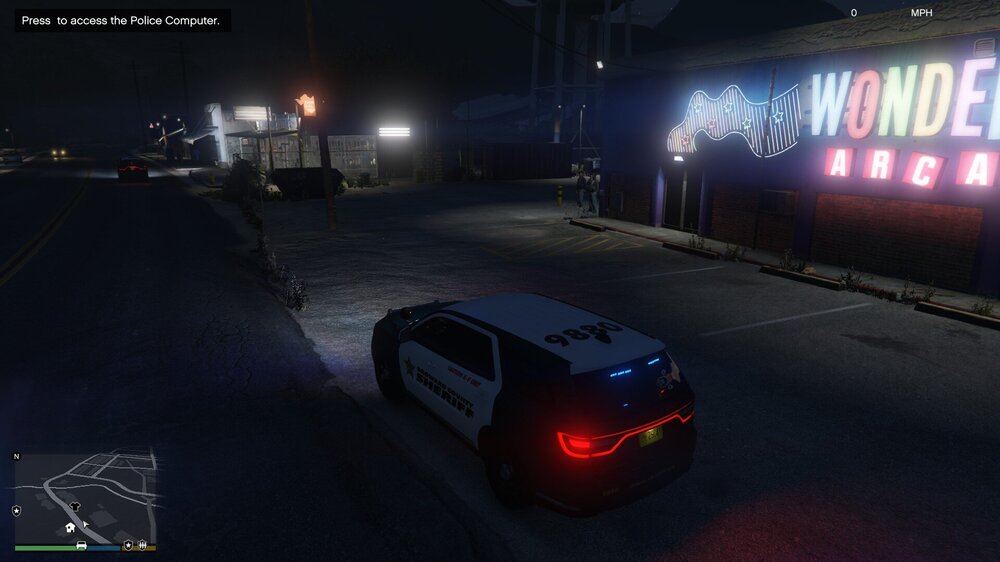
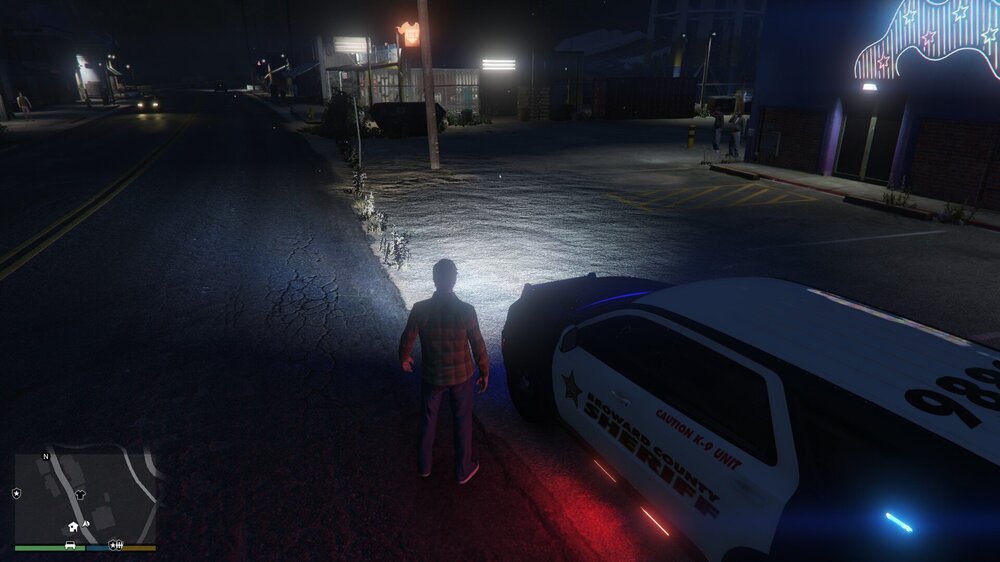
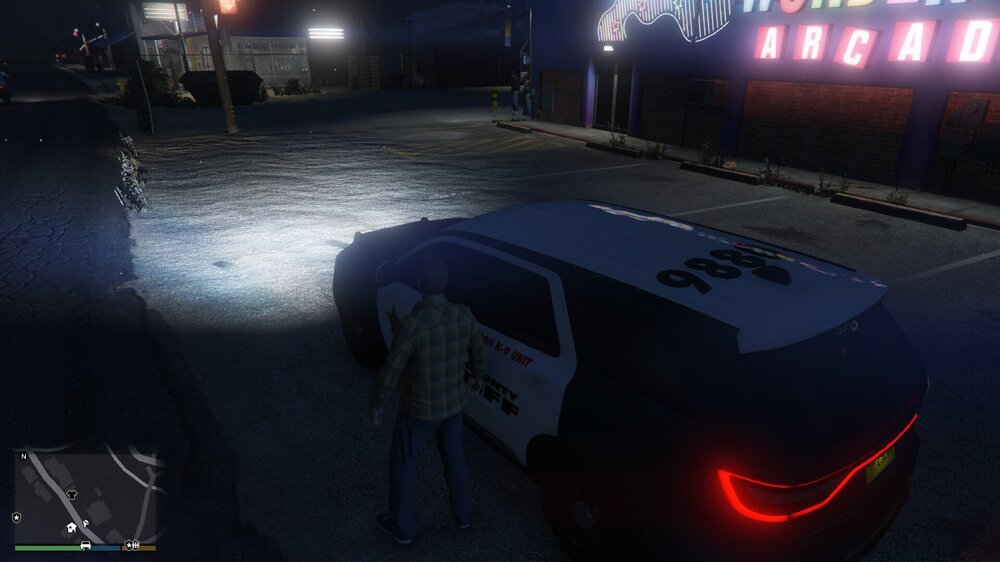
G'Day, so I basically just started to mod GTA again and followed every step for every mod I have BUT: I have a few cars installed (most are DLC) and whenever it's dark and I get out of my car my headlights just turn everything into daylight in front of me, especially when I have my takedowns activated. It's kind of annoying tbh. Anyone know a solution for this? EDIT: Attached some Screenshots so you better understand what I mean
-
-
-
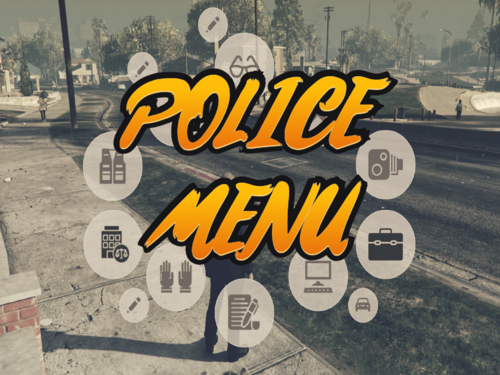 One question tho, where the hell do I find my default model ID? I've been trying to get my Gloves working since yesterday but I can't seem to find them anywhere FYI: My Gloves that I wanna use are 165 with texture 1, that what I have figuered out but my arms just vanish into nothing
- 713 comments
- 33 reviews
-
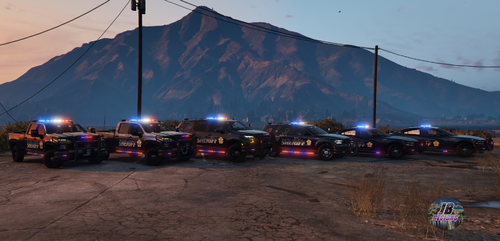 Go into your ELS ini and look for: LodCoronaInitDistance -> change the number to 100 ElsMaxRangePl -> change the number to 5000 ElsMaxRangeAi -> change the number to 5000 And boom, you shouldn't have any problems anymore
- 267 comments
- 15 reviews
-
-

- 1
-
-
-
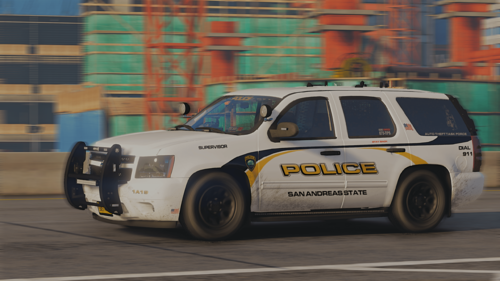 I absolutely love this pack but same issue like the others, my silverado hasn't got any wheels and I tried using the ytf, nothing is working
- 261 comments
- 37 reviews
-
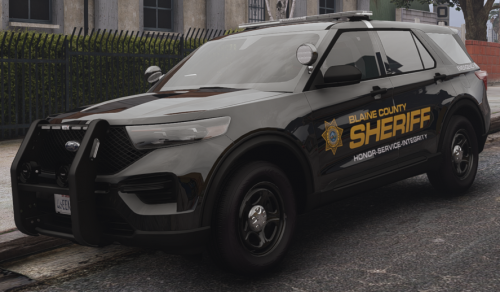 Nice pack man I really like it! But somehow my "sheriff2" disappears after a few feet and I just see cops floating, how do I fix that?
- 200 comments
- 16 reviews
-
So as the title already says my Police cars have more like orange than red lights and my lights are overall pretty dim. I guess I'm not the first nor the last person with this "feature" so does anybody know how to fix this? Settings are on high if this is relevant