Skip to content
View in the app

A better way to browse. Learn more.

LCPDFR.com

A full-screen app on your home screen with push notifications, badges and more.

To install this app on iOS and iPadOS
  1. Tap the Share icon in Safari
  2. Scroll the menu and tap Add to Home Screen.
  3. Tap Add in the top-right corner.
To install this app on Android
  1. Tap the 3-dot menu (⋮) in the top-right corner of the browser.
  2. Tap Add to Home screen or Install app.
  3. Confirm by tapping Install.

User Unknown

Members
  • Joined

  1. Would be nice if this would be a single pack and not every single vehicle being separate. I know that there's a way to make this myself but let's be hones, not everybody has the time and nerve to do this
  2.    User Unknown reacted to a post in a topic: ELS not working
  3. Well I did some searching and found a solution. If you have the same problem as me do the following: 1. Delete OpenIV.asi and dinput8.dll (asiloader) in your Grand Theft Auto V folder. 2. Restart your PC. (Not a shutdown, a restart) 3. Once back up, reinstall OpenIV.asi and asiloader via OpenIV. (OpenIV -> Tools -> ASI Manager)
  4. Both and I did a clean install too, no plugins etc just car mods and ELS. My logs if needed ScriptHookV.log asiloader.log ELS.log
  5. G'day, so today my ELS just "died". My lightbars won't work but everything else I guess. Already reinstalled OpenIV asi loaders, ELS and the VCF. This Video is showing exactly what I mean. Maybe someone has a solution that doesn't involve reinstalling the whole game
  6. Yeah, same for me. ELS stopped working on my replaced Vehicles but not on my addon cars. On the DLC cars there are only a few lights that don't work
  7. Mike Kowalskie     Finished responding to a [686] Large Vehicle Pursuit in Sandy Shores, Marina Dr
  8. Mike Kowalskie     Arrested Lauren DaVello in Sandy Shores, Marina Dr
  9. Mike Kowalskie     Responded to a [686] Large Vehicle Pursuit in Sandy Shores, Marina Dr
  10. Mike Kowalskie     Performed a traffic stop on a Cabernet Red Sanchez with registration 22OPV490 in Gd. Senora Desert, Route 68
  11. Mike Kowalskie     Finished responding to a [DC] Store Robbery in Gd. Senora Desert, Route 68
  12. Mike Kowalskie     Responded to a [DC] Store Robbery in Gd. Senora Desert, Joshua Rd
  13. Mike Kowalskie     Finished responding to a [DC] Emergency Assistance in The Alamo Sea, Marina Dr
  14. Mike Kowalskie     Arrested Kyle Davison in The Alamo Sea, Marina Dr
  15. Mike Kowalskie     Responded to a [DC] Emergency Assistance in Sandy Shores, Joshua Rd
  16. Mike Kowalskie     Arrested Max Gonzales in Sandy Shores, Cholla Springs Ave
  17. Mike Kowalskie     Finished responding to a Photography of Private Property in Sandy Shores, Cholla Springs Ave
  18. Mike Kowalskie     Responded to a Photography of Private Property in Sandy Shores, Marina Dr
  19. Mike Kowalskie     Performed a traffic stop on a Graphite Black FQ 2 with registration 84ZOH056 in Gd. Senora Desert, Route 68
  20. Mike Kowalskie     Finished responding to a [686] Offensive Weapon Reported in Sandy Shores, Marina Dr
  21. Mike Kowalskie     Responded to a [686] Offensive Weapon Reported in Sandy Shores, Alhambra Dr
  22. Mike Kowalskie     Finished responding to a [686] Attempted Break In in The Alamo Sea, Marina Dr
  23. Mike Kowalskie     Arrested John Evans in The Alamo Sea, Marina Dr
  24. Mike Kowalskie     Responded to a [686] Attempted Break In in San Chianski Mountains, Senora Fwy
  25. Mike Kowalskie     Finished responding to a Weapon Found in San Chianski Mountains, Senora Fwy
  26. Mike Kowalskie     Responded to a Weapon Found in Ron Alt. Wind Farm, Los Santos Freeway
  27.    Lennyy reacted to a post in a topic: Bright Headlights (ELS)
  28. Just found another thread with a good solution. Just needed to change the something in the carvariation. If anyone has the same problem in the future just change the "<lightSettings value="690"/>" from whatever it is to 1 and you're good to go.
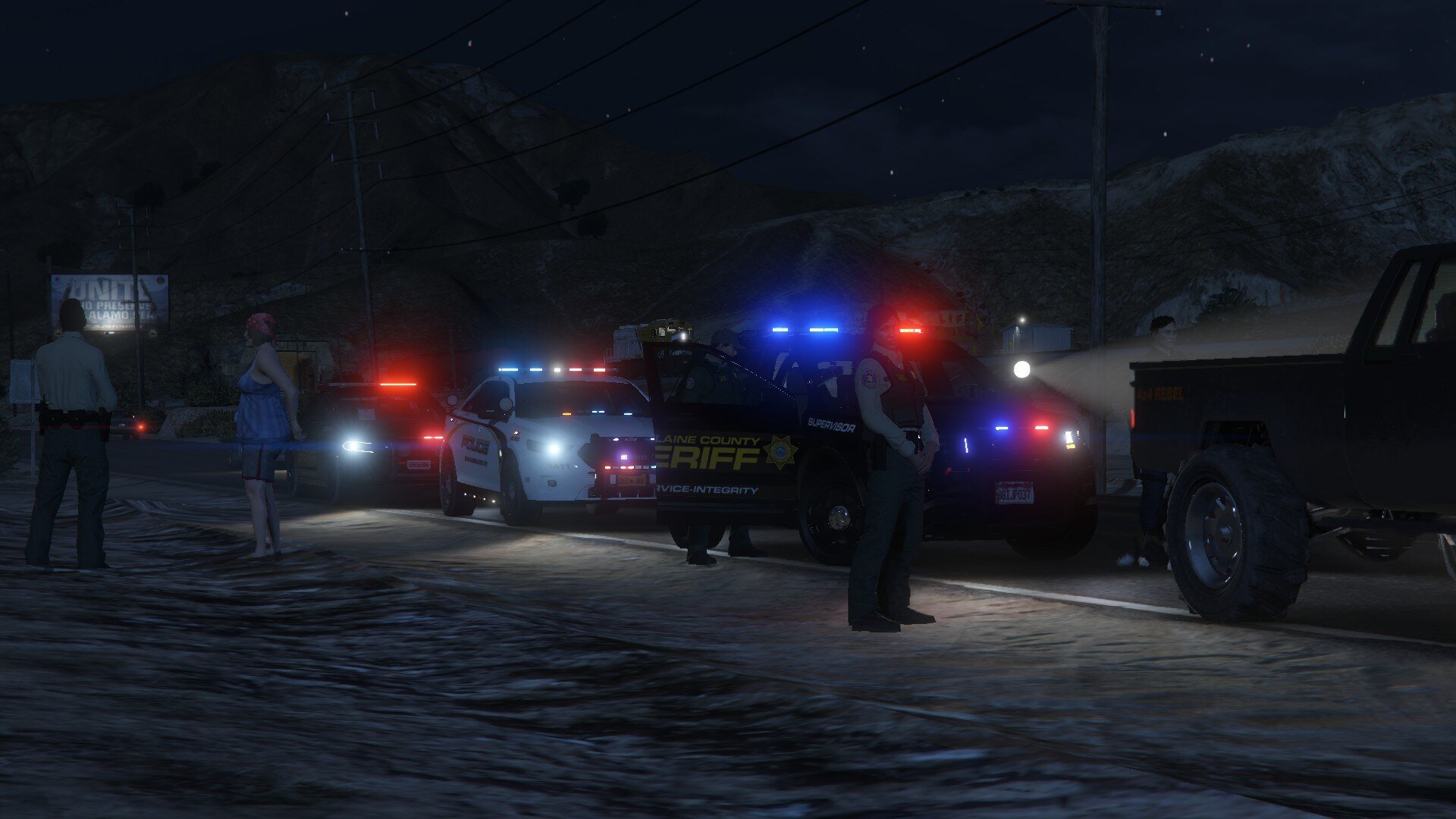
  29. G'Day, so I basically just started to mod GTA again and followed every step for every mod I have BUT: I have a few cars installed (most are DLC) and whenever it's dark and I get out of my car my headlights just turn everything into daylight in front of me, especially when I have my takedowns activated. It's kind of annoying tbh. Anyone know a solution for this? EDIT: Attached some Screenshots so you better understand what I mean
  30.    User Unknown reacted to a file: [ELS][DLC] FHP/SHP Pack
  31.    Trp. Keaton reacted to a review on a file: Florida Highway Patrol
  32.    Trp. Keaton reacted to a comment on a file: Florida Highway Patrol
  33. Really nice pack, I love it! Would be nice to see a ghost charger too!
  34. One question tho, where the hell do I find my default model ID? I've been trying to get my Gloves working since yesterday but I can't seem to find them anywhere FYI: My Gloves that I wanna use are 165 with texture 1, that what I have figuered out but my arms just vanish into nothing
  35. Go into your ELS ini and look for: LodCoronaInitDistance -> change the number to 100 ElsMaxRangePl -> change the number to 5000 ElsMaxRangeAi -> change the number to 5000 And boom, you shouldn't have any problems anymore
  36. And? I mean it's almost 2 Years and you haven't told us
  37. I absolutely love this pack but same issue like the others, my silverado hasn't got any wheels and I tried using the ytf, nothing is working
  38. Nice pack man I really like it! But somehow my "sheriff2" disappears after a few feet and I just see cops floating, how do I fix that?

Account

Navigation

Search

Search

Configure browser push notifications

Chrome (Android)
  1. Tap the lock icon next to the address bar.
  2. Tap Permissions → Notifications.
  3. Adjust your preference.
Chrome (Desktop)
  1. Click the padlock icon in the address bar.
  2. Select Site settings.
  3. Find Notifications and adjust your preference.