


TheLegendary
Insiders
-
Joined
-
Last visited
Everything posted by TheLegendary
-
Delete the outdated mods
-
I can play, although i get the same message.
-
Its in your root gta folder RagePluginHook.log
-
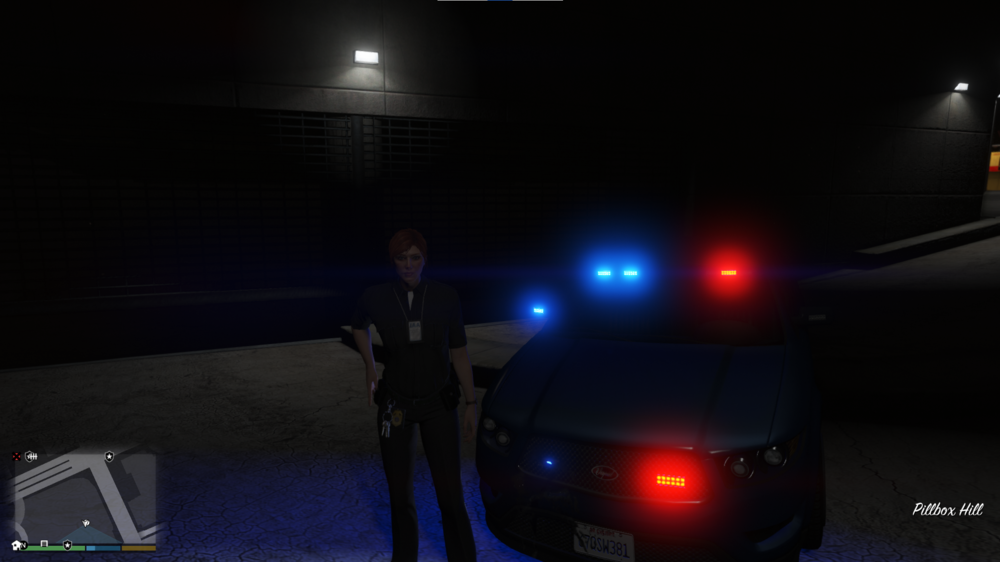
No character Bug( btw nice character ;)) Try to reinstall GTA. Here is a other idea to build a stable modded gta: 1. Need a clean copy of GTA 2. Install one mod, and play, and add the next mod, do this with every mod you would like to add. 3. When gta crash, you know which mod, are responsible for the error. 4. Have fun with stable modded gta. (I have 3 folder GTA=Backup, LSPDFR, and LSPDFR+RDE)
-
Hmm, okay. I dont know why rage its loading normally with this message.
-
Hey, i had the same problem, but rph loading normally at the background. Try to wait, perharps rph loading normally.
-
The same message, but the rph load in the background.
-
It works for meHey, Solution work for me: When the message shows up, wait, until the game start and RPH load normally It works for me, i hope also for you!Hey, i have the same message. Solution: When the message shows up, wait, until the game start and RPH load normally. Here, i hope work for you!What wont work? You reinstall LSPDFR und the RPH, that i send you? Which mods do you have? Crashed the game without lspdfr? Crashed the game without lspdfr and rph?I dont understand what you mean. Do you this try this, what i write?Start the application RAGEPluginHook, you can click on the gearwheel, and change unter General ->Plugin timeout threshold to 60000Try this: 1. Backup your custom character, and delete the file PennyWhelan.ls , and creat a new character. Other Idea 1. Uninstall LSPDFR completly( With all settings), and reinstall, and try again.I have the lastest version! Try to reinstall rph, and start it again, https://1drv.ms/u/s!AnJ7NsCZPIBfhOxyjq0bomKtVRXRfQ?e=E7ytp4Do you have this file in your root gta folder? When you dont find, try to reinstall rph You see it on the right side, name "Configuration settings", this is the right file.
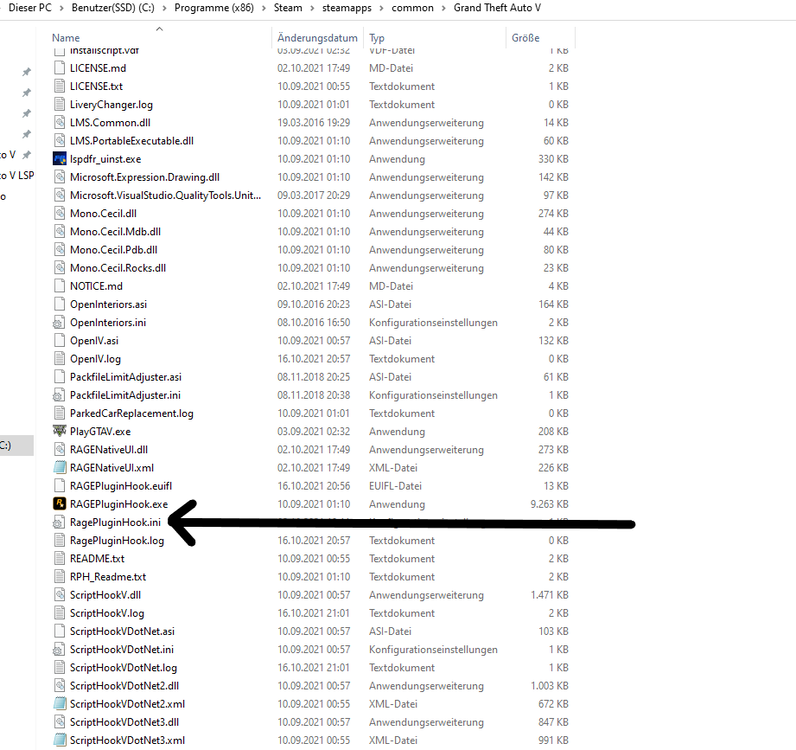 Open RagePluginHook.ini in your root gta folder. Search this line: PluginTimeoutThreshold= and change the value to PluginTimeoutThreshold=60000 This fixed my problems.Hey, please send the RagePluginHook.log into your root GTA folder.Hey, i can play lspdfr, with this message. Solution: When the message shows up, wait, until the game start and RPH load normally It works for me, i hope also for you!I can play with Rph. Solution: When the message shows up, wait, until the game start and RPH load normally It works for me, i hope also for you!Which graphical mod you have?Please, send the Ragepluginhook.log in your root GTA folder.Hey, ALPR: Scan plates, and tell you offence CompuLite: You can search people, plates, write arrest and citation report. ALPR Lite (v1.5.4.2) (bejoijo.com) CompuLite (v1.5.2.6) (bejoijo.com)This is a great thread!



