



Deputy Nick
Members
-
Joined
-
Last visited
Everything posted by Deputy Nick
-
Hey, so i got this coast guard helicopter MH-65-C Dolphin and i put it in my fiveM test server but textures are all messed up and i don't know how to fix it. Is there any solution to this ?
.thumb.png.479cdc94fa54be47f6de00af8bf3f6c9.png)
-
Thanks!
-
Thanks man! It's working! If u dont mind i have one more question for ya , how can i add multiple police cars without replacing others in way that they'll respond in their jurisdiction areas?
-
I will test that right now
-
yea in open IV it shows up properly but in game it's all messed up.
-
yea but what to do with that slimy green texture?
-
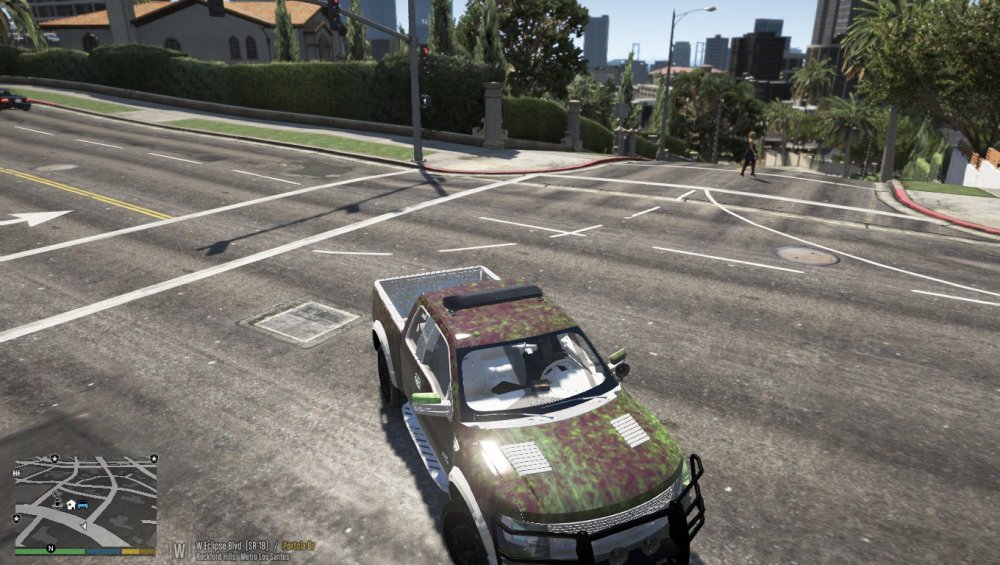
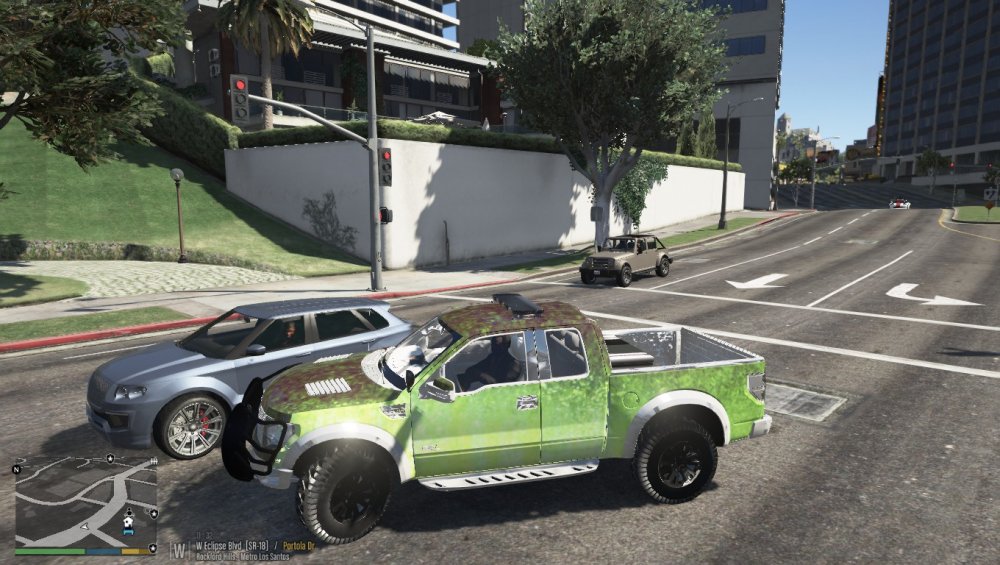
Hi guys, i installed park ranger pickup and texture isn't working. How can i fix this?
.png.69294837f87f6180f73d05aa3a9cf43e.png)

