




DarKKlusteR
Members
-
Joined
-
Last visited
Everything posted by DarKKlusteR
-
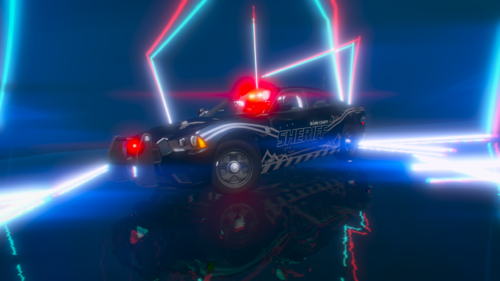 It's a showroom YMAP that somebody made. Lightroom (Reflective Lightbars) [YMAP] - GTA5-Mods.com This guy I believe right here^
 -
 Ah I wasn't entirely sure on that, thanks for the info.
 -
-
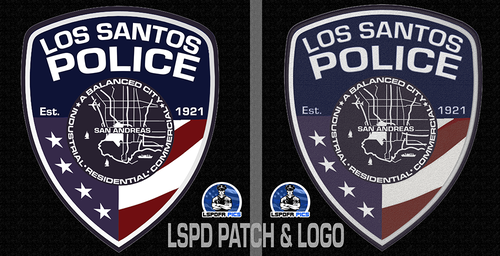
Please include an installation guide. From the looks of it these patches actually look good.
-
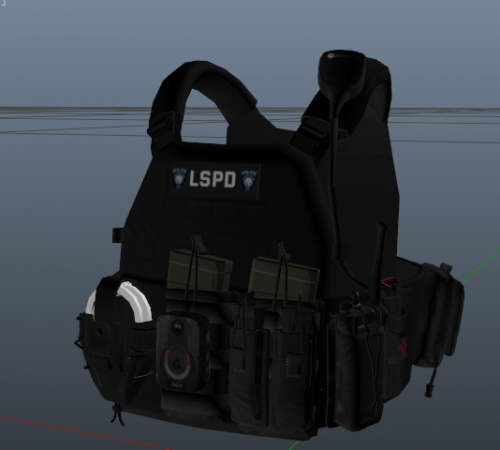 Would prefer if used on a free vest like one of HANAKOs vests. Not everyone can afford $20 for a vest.
- 8 comments
- 2 reviews
-
-
 I honestly thought it was done on purpose at first before Knight told me about it! LOL
 -
Might wanna fix that thumbnail picture
-
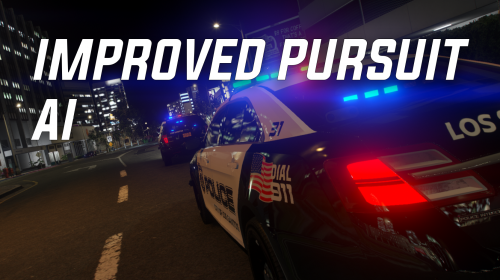 Thanks for this. It's honestly so annoying to have to worry about my backup rear-ending me causing me to spin out, and then having to catch back up for like 20min in an active pursuit. Or to see 5 other units crashing each other while being the only unit to keep up. A preview video would be nice so others know what to expect when it comes to this mod.
- 61 comments
- 8 reviews
-
-

- 3
-
-
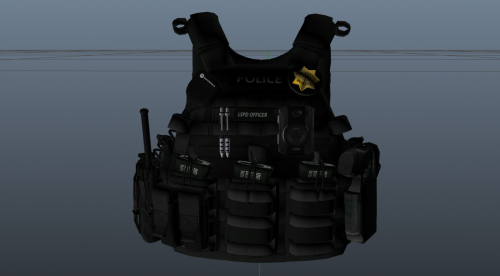 I'm aware of this, but plenty of people like myself don't have the model either. It's a good vest don't get me wrong. But I just wish I had the vest model itself.
 -
I agree with this statement. It's pointless in posting stuff like this if people can't get the item its made for anymore.
-
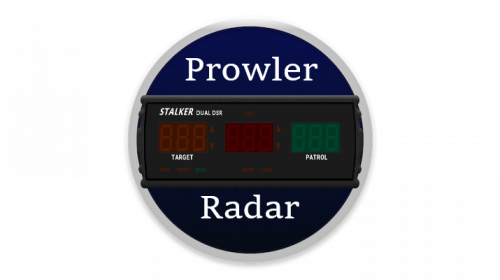 Thanks. There's not much to it since there's not a whole lot to offer with the Prowler Radar script other than what we've had so far. Just more realism. Hence why there's few buttons to the profile. But once more is added to the Prowler Radar like Automatic Locking or something else I will for sure update it!
- 2 comments
- 1 review
-
This is a Stream Deck profile for the Prowler Radar script by opus49. -[Requirements]- *Stream Deck* Downloads | elgato.com *Prowler Radar* -------------------------------------------------------------------------------------------------- -Installation- -> Open up your Stream Deck software -> Click on the settings wheel at the top right. -> Click on the downward facing arrow and select "Import" -You should be done now and enjoy your Stream Deck! I would advise making a folder on your Stream Deck to make things easier. If you have any further questions please ask below in the comments! --------------------------------------------------------------------------------------------------
- 2 comments
- 1 review
-
-
-

- 2
-
-
 --README--- About: This audio pack is intended to replace the sounds in opus49's new Callout Interface script. It includes 8 different audio files. Credit to opus49 for the script. ----INSTALLATION---- Step 1.) Navigate to: GTAV Directory -> plugins -> LSPDFR -> CalloutInterface -> audio Step 2.) Either replace any of the MDT audio files or replace them all. Step 3.) DONE! Enjoy your new audio sounds! Video Preview: ******************************************** SIDE NOTE: Special Thanks to opus49 for coming to me requesting to use my own Immersive Dispatch Audio Pack audio files for their new script! Much appreciated man! ******************************************** Remember to download this! :
- 1 comment
- 1 review
-
-
-
- 2
-
-
-
 Yea make sure you actually followed the instructions before posting comments or reviews and blame the author.
 -
Did you not use OIV for this? Did you not follow the instructions given? It works perfectly fine for me, I even tested it. It should work fine for you. The only thing I can think of is that you had previous loading music installed and replaced it. Even then it should work fine. The extraction to desktop is to ensure that OIV takes those files from the td_loading_music folder and nothing else.
-
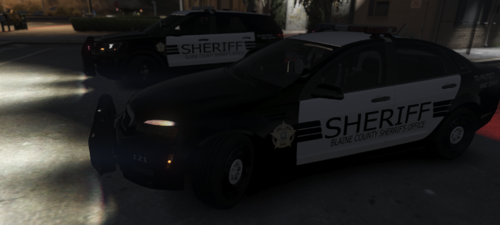 All good and nah it's usually always with Vehicle Models 🙂
 -
Remove the [ELS] from the title please. It almost confused me into thinking it was an actual vehicle model pack instead of a texture pack.
-
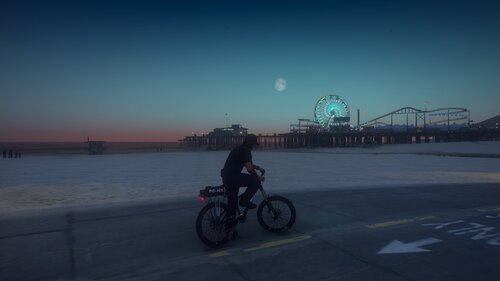 It could be the bike model itself. Maybe something with the collision files. I doubt it's the ELS files.
 -
Hello! Thank you for downloading this loading screen music! The song is not mine and rightfully belongs to the owner. How To Install: Click on the provided "Click Here!!" folder. After that extract the td_loading_music folder and oac file to your desktop. Once that is done load up OpenIV and make sure Edit Mode is on. ***Make sure you have a mods folder!!!*** File Path: Mods > x64 > audio > sfx > prologue.rpf Drag and drop the provided td_loading_music oac file here!^ You're done! Now enjoy your new loading screen music! Link to Song: https://www.youtube.com/watch?v=aV3p001fh1s&ab_channel=NoCopyrightSounds [This song is Copyright Free and available to use on all streaming platforms]
-
.thumb.jpg.c8fb8233aeb461877dcf41988a06c1d6.jpg) I think this would be a Misc or Visual/Data file and not a Scripts. Otherwise, good list of questions to use whenever you're patrolling as a Park Ranger, or a Fish & Wildlife officer.
I think this would be a Misc or Visual/Data file and not a Scripts. Otherwise, good list of questions to use whenever you're patrolling as a Park Ranger, or a Fish & Wildlife officer. -
 I never said you owe me anything. I use it because I like the plugin, and it makes LSPDFR more immersive. I appreciate all the work you do for a free plugin. I'm not trying to be a pain in the ass or anything. I just feel like you should at least look into the matter.
- 1,365 comments
- 86 reviews
-
I'd be happy if you could figure this issue out and stop commenting like this. Especially when this has been reported by several other people. This is a clear issue with the script itself and not individual people.
- 1,365 comments
- 86 reviews
-
This is after requesting for a 10 - 28 on a stolen vehicle, and after doing training for speech recognition on my PC.
- 1,365 comments
- 86 reviews

.thumb.jpg.c8fb8233aeb461877dcf41988a06c1d6.jpg)
