
DarKKlusteR
Members
-
Joined
-
Last visited
Everything posted by DarKKlusteR
-
-
 Hello! Thank you for downloading this loading screen music! The song is not mine and rightfully belongs to the owner. How To Install: Click on the provided "Gone But Not Forgotten" folder. After that extract the td_loading_music folder and oac file to your desktop. Once that is done load up OpenIV and make sure Edit Mode is on. ***Make sure you have a mods folder!!!*** File Path: Mods > x64 > audio > sfx > prologue.rpf Drag and drop the provided td_loading_music oac file here!^ You're done! Now enjoy your new loading screen music! We shall never forget those who scarificed their lives on 9/11/01 to save others. Song Link: https://www.youtube.com/watch?v=e-NTwfvacNw&ab_channel=BrantleyGilbertVEVO All Rights of the song belong to the creator [Thank you Brantley Gilbert for dedicating this song to the 9/11 attacks]
 -
-
 Please update your speech recognition for the mod. I've requested for air support several times, and it almost 90% of the time is like "What?? What did you say?? Oh you said code 99? Sending all units!" Same goes for other commands such as 10 - 8 or 10 - 79. It gets really annoying when I'm trying to request for something and GP either doesn't understand me or thinks I've said something totally opposite.
- 1,346 comments
- 82 reviews
-
Yes redo your mods folder :kappa 😆 😆
-
 A video preview would be sufficient to know exactly how this plugin works, and what it does in-game.
 -
-
 It won't let me open it at all with 7zip. However I tried it with WinRar and that seemed to work. If you can't open it with 7zip, try it with WinRar
- 105 comments
- 13 reviews
-
-

- 1
-
-
-
I think he's having the same issue I am right now. It won't let me open the zip file once downloaded.
- 105 comments
- 13 reviews
-
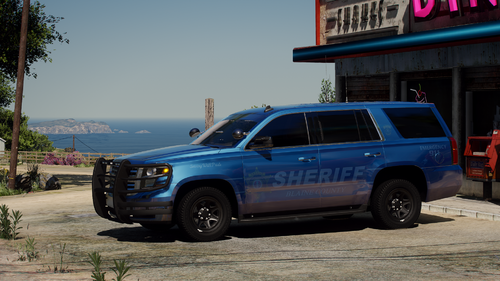 Thank you!! I've been looking for a decent BCSO pack now for a while. This one looks very decent. 8.5/10 will be my rating for this one, only reason is cause I prefer the valor light bar. But that's just personal preference.
- 75 comments
- 10 reviews
-
-

- 1
-
-
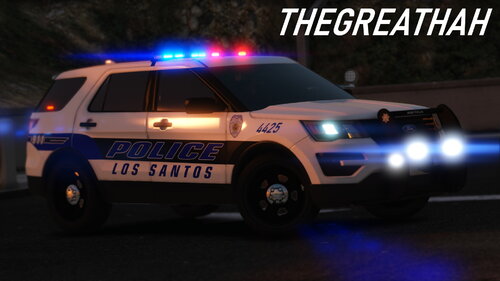 As a person who lives in Florida and has been throughout most of the state, this is very accurate and very cool! 10/10.
- 33 comments
- 4 reviews
-
-
- 1
-
-
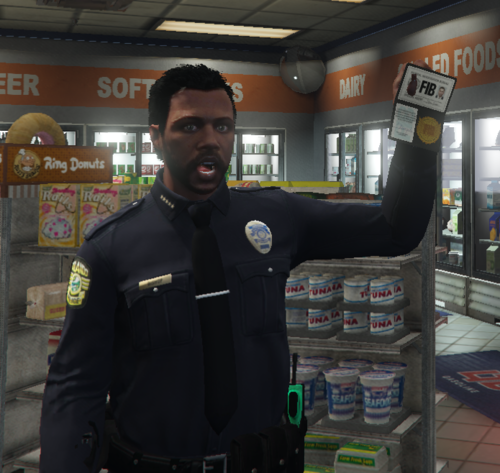 You mean Orlando? 😅😅
 -
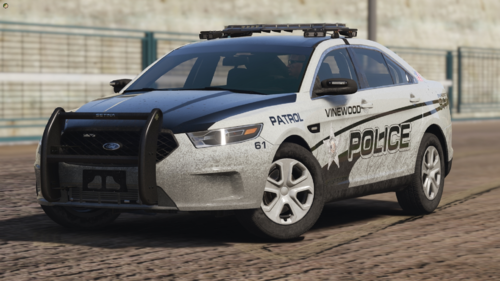 Awesome!
 -
Could you do Non-ELS SP version? Add-On if possible?😄
-
ELS Singleplayer version by any chance? Add-On if possible? Otherwise great car, but keep it clean! 😉
-
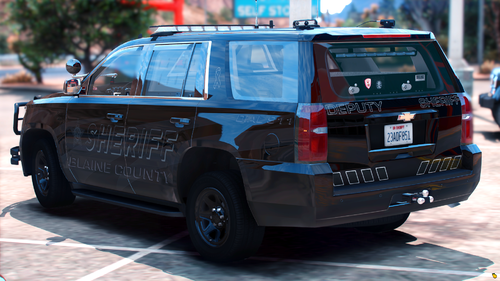 I agree with this^ I've seen a lot of liveries I'd love to use but can't cause they're made for paid packs
 -
 Today's the 25 Year anniversary release of Twister so I thought I'd do a special something! 😄
 -
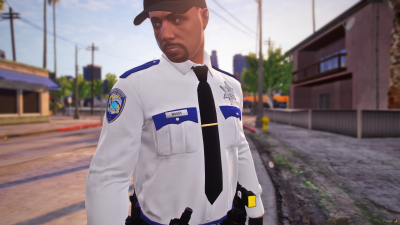 More pictures would be nice, and larger ones.
 -
Hello! Thank you for downloading this loading screen music! The song is not mine and rightfully belongs to the owner. How To Install: Click on the provided "Loading Music" folder. After that extract the td_loading_music folder and oac file to your desktop. Once that is done load up OpenIV and make sure Edit Mode is on. ***Make sure you have a mods folder!!!*** File Path: Mods > x64 > audio > sfx > prologue.rpf Drag and drop the provided td_loading_music oac file here!^ You're done! Now enjoy your new loading screen music! Song Link: https://www.youtube.com/watch?v=igNkzZl50RE&ab_channel=VanHalen-Topic Song Title: Van Halen - "Humans Being" Song Genre: Heavy Rock - DarKKlusteR ***DO NOT USE MY FILES!!! DO IT YOURSELF*** -ALL RIGHTS TO THE OWNER- AND REMEMBER TO SHINNNEEEEEE ONNNNN!!!!!! 😄 😄 😄
-
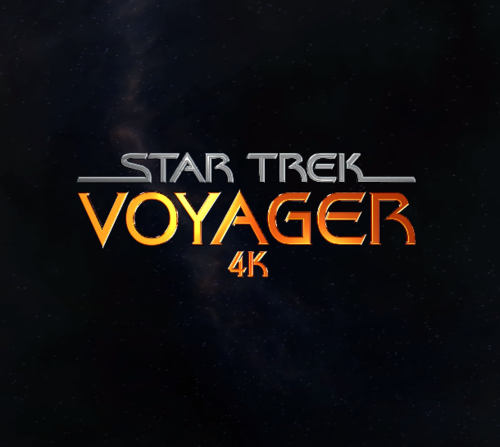 --README-- -> You will need OpenIV for this, and make sure Edit Mode is on. ((Be sure to have a MODS folder)) Open the provided "Video Folder" folder. Once inside here you will see a file named "rockstar_logos.bik" Make sure you have OpenIV open and go to this file path: GTAV > mods > update > update.rpf > x64 > movies Drag and drop the provided rockstar_logos.bik file here! DONE! 😄 Enjoy your new Voyager 4K intro video! 😄 ***DISCLAIMER: DO NOT USE MY FILES AT ALL!!! DO IT YOURSELF!!***
 -
-
-
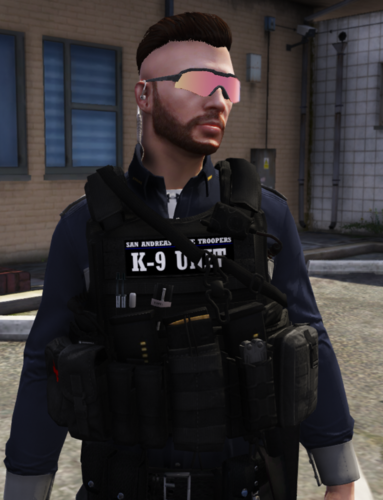 Keep up the good work dude, I've been able to use these in my server 👍
 -
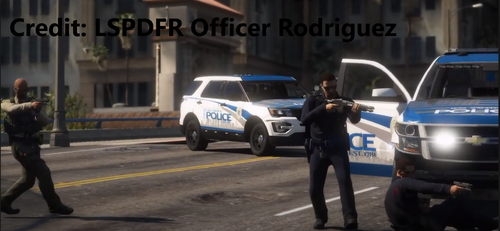 --README!!-- Welcome, and thank you for downloading this file! This video was created by LSPDFR Officer Rodriguez [All credit goes to this person for the video] How to install: (Ensure you have OpenIV & a mods folder!) Go to: mods > update > update.rpf > x64 > movies Replace the provided "rockstar_logos.bik" file here! You're all done! NOTICE - Terms of Service*** DO NOT USE MY FILES!!! DO IT YOURSELF!!! ALL CREDIT TO: LSPDFR Officer Rodriguez - https://www.youtube.com/channel/UCTKTw1mZ_MRNgC7zrF1UAsQ
- 3 comments
- 1 review
-
-
- 1
-