


ROYKIRK
Members
-
Joined
-
Last visited
Everything posted by ROYKIRK
-
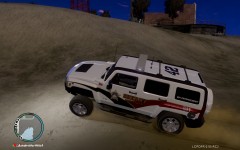
From the album: New Sheriff in town
-
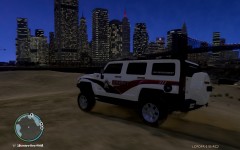
From the album: New Sheriff in town
-
I grew up in Roseville, MN and lived 4 miles from the old Sheriffs office, so I saw more Sheriffs and Troopers then city cops.
- 6 comments
- 6 reviews
-
-
-
-
-
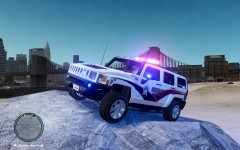
From the album: New Sheriff in town
-
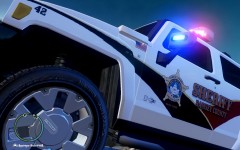
From the album: New Sheriff in town
Ramsey County Sheriff - Water Patrol and DUI unit. -
This is my Ramsey County Water Patrol unit. it's an 2007 Hummer H3, I made two skins with different plates also a fix for the lights. Here the link to the Hummer: http://www.gta-modding-chest.com/database/grand-theft-auto-iv/vehicle-models/police-vehicles/40-fictional-or-generic-vehicles/ff17d19a
- 2 comments
- 4 reviews
-
To much for me! thanks...
-
http://www.gta-modding-chest.com/database/grand-theft-auto-iv/vehicle-models/police-vehicles/40-fictional-or-generic-vehicles/
- 3 comments
- 2 reviews
-
-
-
What dose that program cost?
-
What paint program are you using?
-
-
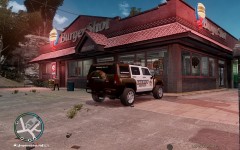
From the album: New Sheriff in town
-
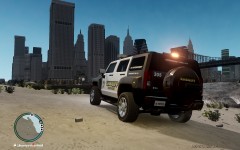
From the album: New Sheriff in town
-
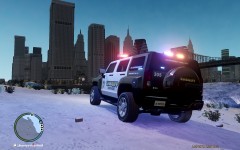
From the album: New Sheriff in town
-
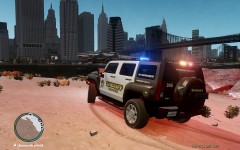
From the album: New Sheriff in town
-
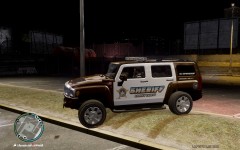
From the album: New Sheriff in town
Look for my skins for the Hummer H3 and you'll find the link for the squad! -
This Ramsey County Sheriff's skin is for a 2007 Hummer H3. Please note this is a fictional squad, Ramsey County has no Hummers in there garages! However in the game the Hummer H3 is a blast for your Sheriff's because you can go where no Crown Vic has gone be for! This is the link for the Hummer H3: http://www.gta-modding-chest.com/database/288-2007-hummer-h3x-lc-police-edition/index.html *Note - There is two skins not just one
- 3 comments
- 2 reviews
-
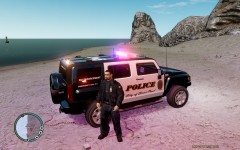 My link is correct! What are you linking to?
 -
This is where you can find the hummer...... http://www.gta-modding-chest.com/database/288-2007-hummer-h3x-lc-police-edition/index.html?s=7415edda53ad1b2d3f78e260c608404898186497





