
Nick181983
Members
-
Joined
-
Last visited
Everything posted by Nick181983
-
-
-
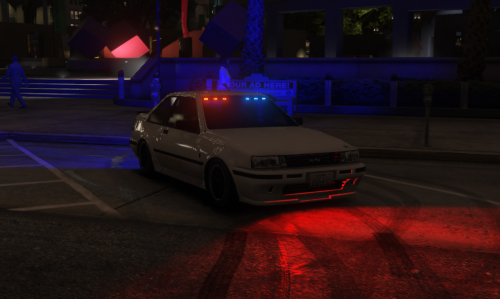 having trouble with the siren lights using SP its like reflecting when its on
 -
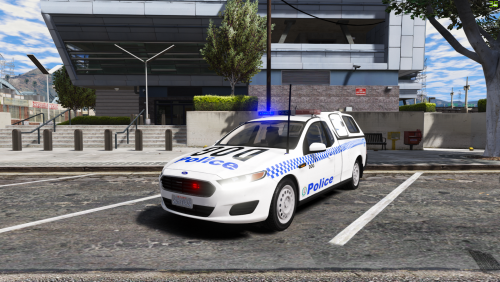 I wanna know why the high beam at the rear of the vehicle instead of the front??
- 7 comments
- 2 reviews
-
-
 Hey guys I’m not familiar using non els is there another way to put non els vehicles to els vehicles?
- 2,681 comments
- 235 reviews
-
has anyone made or in talks creating VICPOL/HWAY PATROL VW Passat?? base in australia police car??
-
-
-
 Instead delete and re download just quit the game and start the game and it worked
 -
 for some reason crash i dont know if its the callout or the callout manager RagePluginHook.log
 -
-
 change it did not change while in game
 -
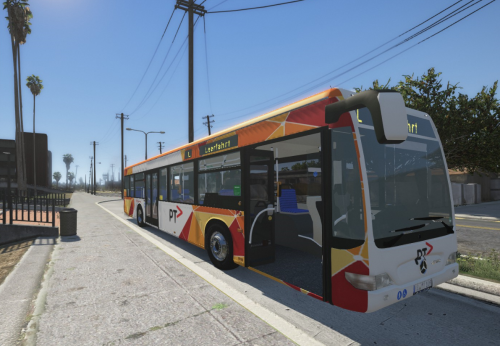 oh wells the model bus is no longer available which is no good
 -
-
 Just wondering does this all sirens goes to every single emergency vehicles including addon?
 -
-
-
 Yeah u do need it without it will crash your game
 -
-
into what? ph or aud??
-
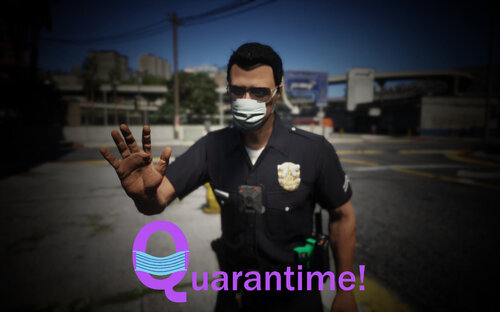 so the callouts been made and than suspect not at home and its been bolo to look for the suspect and says code 4 disregard
 -
-
-
 Yeah it works download them it’s better to have them if you have any warrant callouts
- 255 comments
- 16 reviews

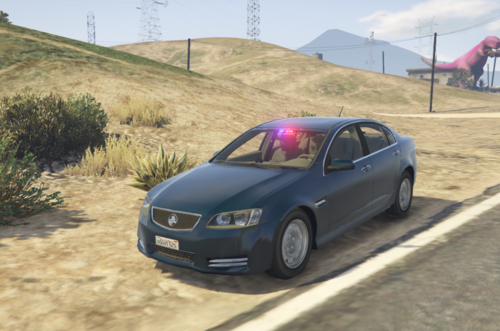



.thumb.png.3544869af0bc256098d3ba0e7a2b74fb.png)