


D Day
Members
-
Joined
-
Last visited
Everything posted by D Day
-
I don't know if anyone else is having issues with GTA V crashing on launch, I can launch RPH with Script Hook V but as soon as I install LSPDFR boom crashes on launch. Its not my mods folder I've tried that also I have tried launching as admin still nothing. If anyone can help I would be very grateful for your help. Here's the crash report. Update I launched the game in borderless window mode and it worked...
-
I haven't added a mods folder yet. That's what I was thinking earlier, i feel like it might be something up with either rage or scripthook v I have both lspdfr and eup disabled on launch.
-
I don't know what is causing my gta to crash but this is the third fresh install that i have done and it still crashes on start up. The current mods i have installed are- Rage, Scripthook v, ELS & EUP. Hees the crash report if anyone would be able to help>
-
Once again a fresh install with just the basics installed currently and my game beings crashing. If anyone can help Id be very appreciative
-
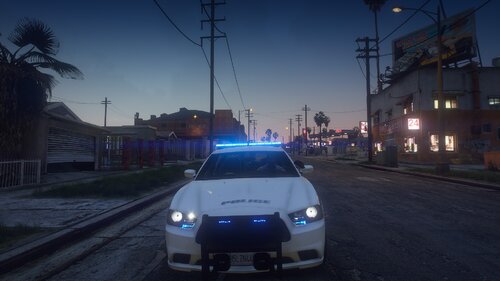 Thank you mud you explained it way better then I could have.
 -
So this has been definitely an uphill battle and this is my third fresh start today, I redownloaded GTA again but... my game keeps crashing on start up. I tried it without the mods folder and scripthook, i can launch storymode from steam.
-
I added on a few cars but deleted them. Also I added a billboard mod but deleted it when it first crashed.
-
Hello once again I am having issues with my GTA crashing on launch, I don't know how to read the crash report and understand it but hopefully someone else can help
-
alright thank you ill try that
-
Hey guys so I dont really understand the crash reports mainly I just do a clean install but I have been getting tired of doing that every time. Can anyone assist me on reading it?
-
Thank you I greatly appreciate it.
-
So Ive been struggling with this for the past few days. Its been a good bit since I've had a fresh install of GTA V, but All my modded cars aren't spawning its staying as the vanilla cars. I know after a recent update that Rockstar made a little speed bump for us since they're not huge fans of modding GTA. Does anyone have a list complied of all the install locations for the cars, even Sheriff's and FIB?
-
Thank you I appreciate it!!
-
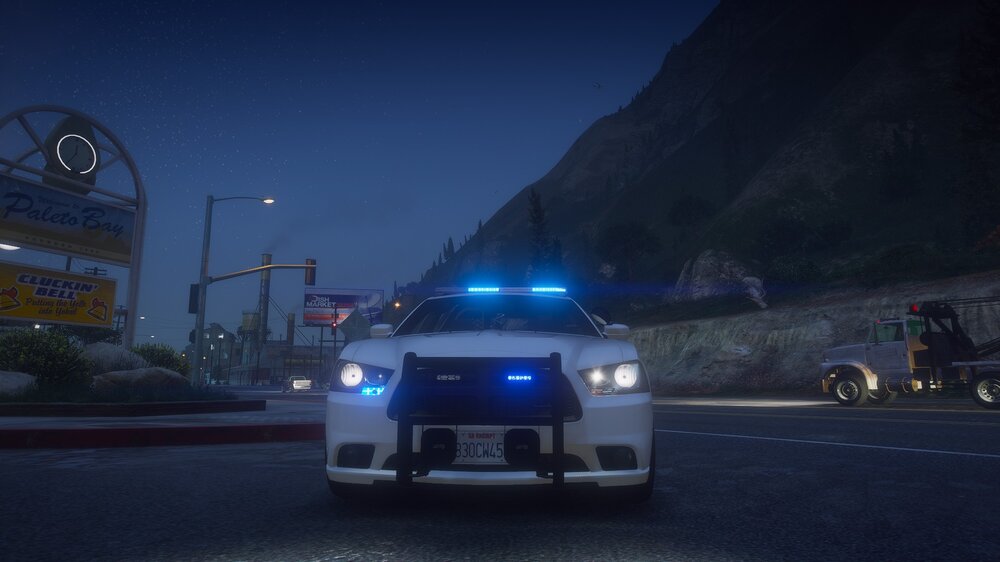
Do you love the Legacy pack from Ripple but also love having your lightbar flashing blue with a touch of amber? Well I have news for you!!! I did a little research and found out how easy it was to convert the lights to all blue so I decided to make a blue and amber ELS pack from Ripples LSPD Legacy pack. I hope you enjoy this pack as much as I did converting it. To Install you will have to edit the YTD file wherever you have the cars installed, XML files are included you can rename them from LSPD1 and so on to whatever you need. Note- The screenshots are of only a few vehicles not all of them there are 18 in the pack. Also if you use this in any videos or in a server please give credit where its due to both Ripple for the models and to me for converting, I love doing this and want people to enjoy their gaming experiences. -Also I am gonna release some skins for the cars soon for the smaller agencies and for BCSO so if you are interested in them keep an eye out. I got permission from Ripple to upload these files before I uploaded them. You find Ripples Legacy pack by clicking this link-
-
Thank you I am trying to make skins I really don't see much and make them for the smaller agencies. For a bit there were pack coming out regularly for Paleto and Sandy but I guess everyone's getting tired of them. Thank you brother
-
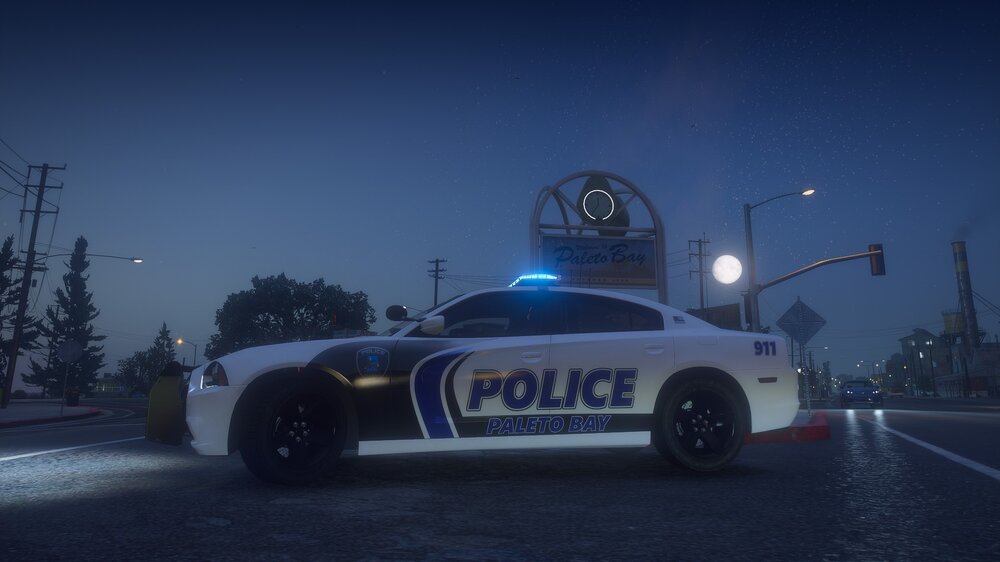
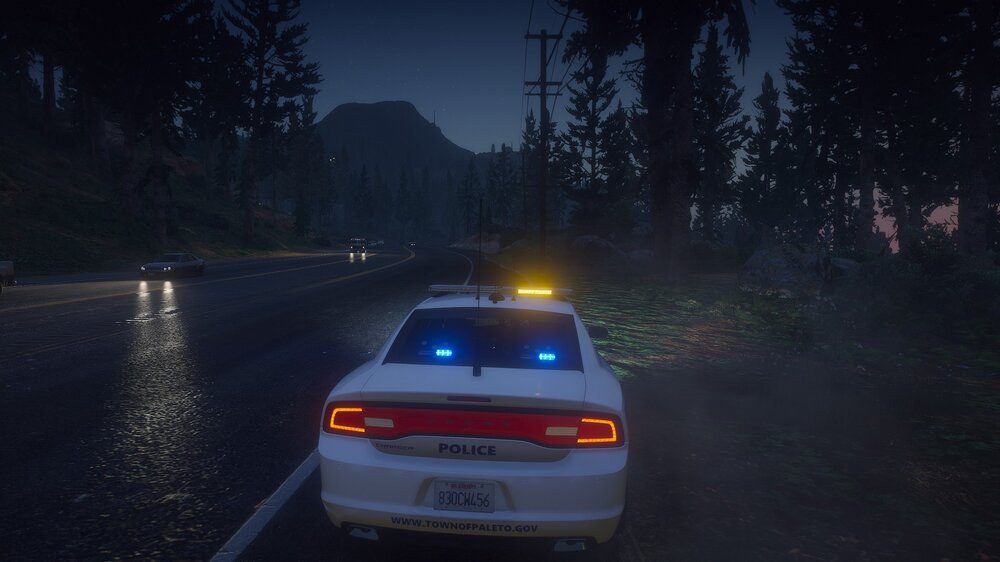
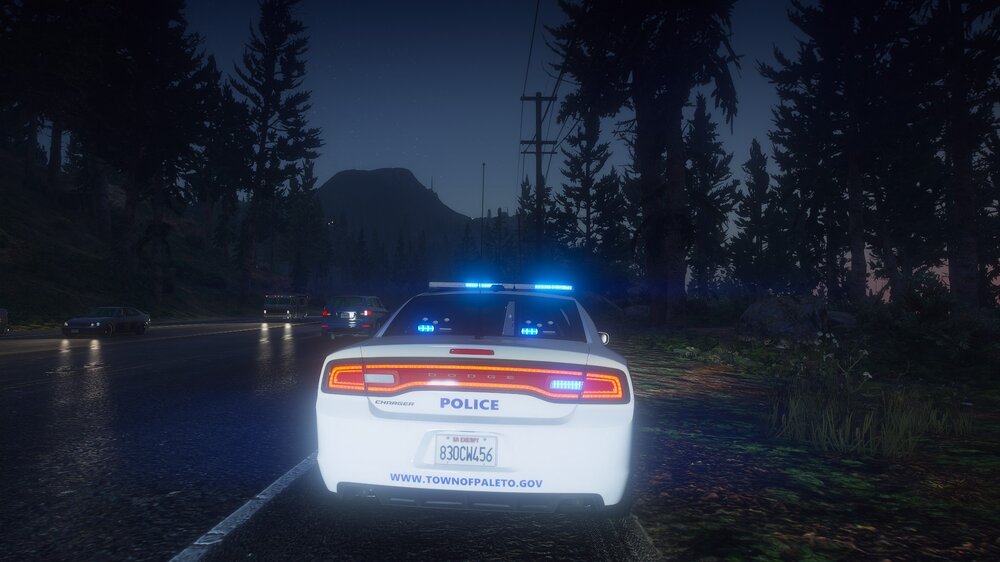
So I made a skin for Ripples Legacy pack and got the lights converted to blue on the 2014 Charger. What's your thoughts?
-
Thank you brother, I'll let you know when I finish the pack
-
So great news I discovered converting cars to blue is like stupid simple. The more you know right.
-
I was on the same boat i went from the Black and Whites to Florida based to Tennessee based but now I am skinning all the agencies. It seems like the BB lcars are becoming fewer and far between. I want the car to be blue and have the takedowns flash and blue and amber on the rear. I've used multiple packs from both it just doesn't seem like they're being updated that much anymore or I get really picky which is definitely a me problem. Im gonna look through both and see if I can find something I like.
-
I am gonna do some research and see if I can make Ripples LSPD Legacy pack Blue on Blue. Wish me luck brother and I will keep you updated.
-
So I am pretty curious on what everyone's opinions are on lighting, like I prefer all blue for the county, state and smaller agencies and red and blue for the bigger agencies. Whats everyone else opinions?
-
 So I don't know if this is a me issue or an els issue but my cars have no taillights and the headlights go to high beam every time i activate the code 3 lighting. Is there a fix?
- 380 comments
- 31 reviews
-
Is there any chance you could do the legacy pack from Ripple? If so it'd be greatly appreciated.
- 380 comments
- 31 reviews
-
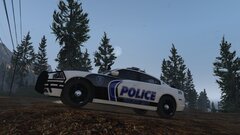
From the album: Paleto Bay pd
-
Whats up everyone I have been out of the loop for a bit but decided to use some of my downtime while away from home to design some new skins. The first pack i will put out is Paleto bay.



