



harrisonm
Members
-
Joined
-
Last visited
Everything posted by harrisonm
-
Hello everyone, I am looking for a PED modeler who would be willing to make 3-7 different ped models with different extras on them. If anyone would be interested please contact me by replying here or DMing me.Fixed. BTW, 1079I keep crashing when I go into the tunnels for the first GTA: SP Heist. Does anyone have a fix? I have already tried changing the priority of the application to high and lowering all my graphics. that did not work. Thanks.That is gta5-mods so yes.1064 1065
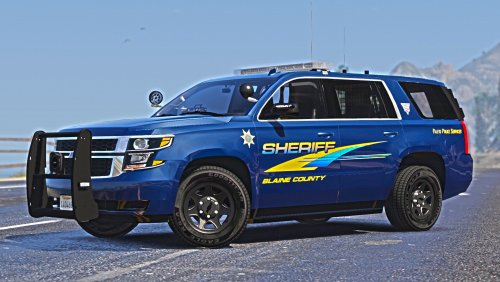 I was wondering if there was an ETA on the other vehicles. I would defidently like to use them.
- 11 comments
- 2 reviews






Account
Navigation
Search
Configure browser push notifications
Chrome (Android)
- Tap the lock icon next to the address bar.
- Tap Permissions → Notifications.
- Adjust your preference.
Chrome (Desktop)
- Click the padlock icon in the address bar.
- Select Site settings.
- Find Notifications and adjust your preference.
Safari (iOS 16.4+)
- Ensure the site is installed via Add to Home Screen.
- Open Settings App → Notifications.
- Find your app name and adjust your preference.
Safari (macOS)
- Go to Safari → Preferences.
- Click the Websites tab.
- Select Notifications in the sidebar.
- Find this website and adjust your preference.
Edge (Android)
- Tap the lock icon next to the address bar.
- Tap Permissions.
- Find Notifications and adjust your preference.
Edge (Desktop)
- Click the padlock icon in the address bar.
- Click Permissions for this site.
- Find Notifications and adjust your preference.
Firefox (Android)
- Go to Settings → Site permissions.
- Tap Notifications.
- Find this site in the list and adjust your preference.
Firefox (Desktop)
- Open Firefox Settings.
- Search for Notifications.
- Find this site in the list and adjust your preference.