ShotsFired932
Members
-
Joined
-
Last visited
Everything posted by ShotsFired932
-
-
 Might be just me but the audio sounds really distorted? However really nice mods you are putting out here
 -
 The wail is From a Federal signal SS2000 same as the horn
 -
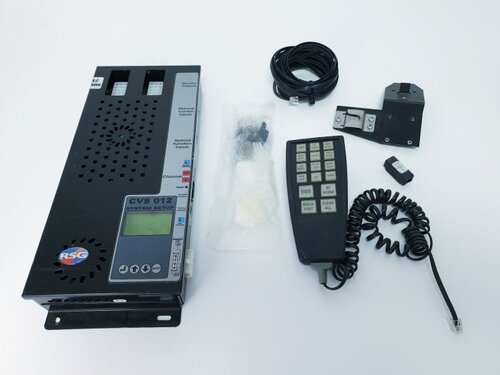 It is RSG, the 7009 is a completely different siren. Listen to the difference Between the Yelp in this video and this
 -
Again, its not a Premier Hazard. I live in West Midlands and i do hear it on a daily basis so i do know its a RSG siren
-
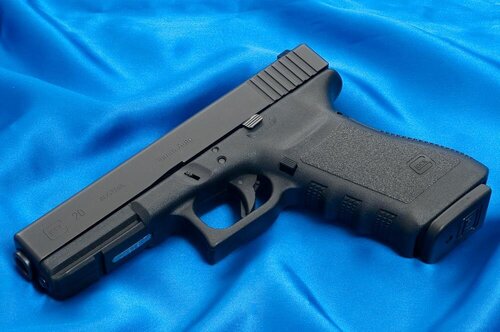 Im unsure myself, i havent paid attention to file names for the normal pistol, you might want to look around
- 32 comments
- 5 reviews
-
 Video Linked in the File is a SSP3000, the file name is SS2000, Not a big deal but would be better to have it more accurate and also have a ingame demo
 -
Its Not, its a Siren made by RSG itself, and ill upload a Video as soon as i can, weird because the link works for me fine
-
I've Made this siren a few months ago in 2020, fully rendered audio with high quality tones, it may not be the best however it may be one of the only ones released for gta platforms. You may use it in fivem and videos but do not include it in mod packs or downloads without my permission. Also if you do not know how to install sirens please look on youtube for a tutorial
-
.thumb.png.75ac81586f6e731efbfc0d52375e32bc.png) Would be much better to have a ingame video since gta translates sounds differently
Would be much better to have a ingame video since gta translates sounds differently -
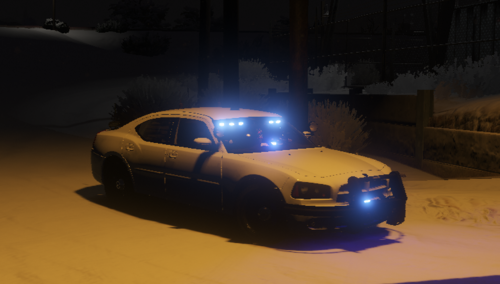 I dont believe the sounds that are in this pack are yours, definitely not the siren, if you want to upload a pack of sounds you need to get the permission of the owners first and correctly credit them in the credits tab.
- 10 comments
- 3 reviews
-
 Okay drop your attitude, i was asking a simple question in the comment section and number 2 there is no other comments on this post alone about is the siren being yours, if you are "putting sirens together" atleast dont have a attitude to me when im asking if the sirens are yours when i ask. Thanks.
 -
Are these even your sirens....
-
 He didnt upload the sound folder, he only uploaded the .oac which is just a file which puts the sounds ingame from a folder that is needed
 -
-
you need to verify the files with Archive Fix, If you dont do that fivem notices that the files are modified and dont allow you in game, however if you verify it, it will class them as stock files
- 32 comments
- 5 reviews
-
-
-
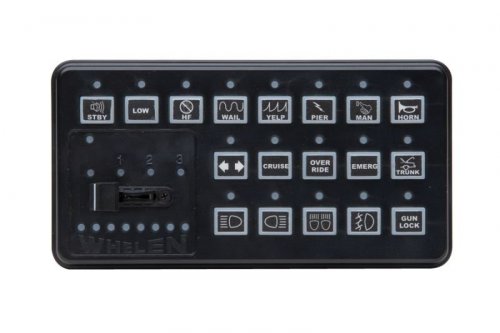 Yes im back, some of you may remember me, some of you may not Made this About 2 days ago, i got the tones from a youtube video, sounds pretty clean, yes i know it is slightly Distorted but i am very limited on this siren in general, i think this is a pretty good for what it is Sadly have to say, this includes: custom turbo sounds custom tyre screeching custom backfire custom ignition starter if you want to get the tones on its own, names are 0x0EA58C7C- Airhorn 0x0D329446 - Police Primary SIREN_2 - Police Secondary POLICE_WARNING - Priority The Sound names are different, i am still using the old siren format, i will include a seperate folder with the flies already seperate
- 5 comments
- 2 reviews
-
-

- 1
-
-
 Personally i think the title is misleading, Yes it is new however in my opinion it isnt a good one, the Wail is not even from a SSP3000, the Wail is from a SS2000. The Yelp tone is indeed from the SSP3000 however it isn't the cleanest quality, its very muffled and you cannot hear the base in the sound. For your first siren, this isn't bad, it very usable and enjoyable for some users however not me Like i said in the start, its a personal preference
 -
 Export these sounds from the Vehicles folder, do not extract from the awc. basically redownload and take these out of the vehicles folder 0x0D329446 0x0EA58C7C AMBULANCE_WARNING POLICE_WARNING SIREN_2
- 19 comments
- 1 review
-
It only replaces weapons.awc in RESIDENT.rpf and the Pistol files in the WEAPONS_PLAYER.rpf
- 32 comments
- 5 reviews
-
That was the only one i really done, i knew the audio names for the Combat Pistol so thats the only i knew it, sorry
- 32 comments
- 5 reviews
-
No, plt_combat.oac goes into Weapons_Player.rpf drag the plt_combat folder and the .oac onto your desktop and ONLY drag the .oac file into WEAPONS_PLAYER.rpf
- 32 comments
- 5 reviews
-
you need to drag the folder and the .oac to desktop and make sure they are close to each other, and then move it in
- 32 comments
- 5 reviews



.thumb.png.75ac81586f6e731efbfc0d52375e32bc.png)