Alex39000
Members
-
Joined
-
Last visited
Everything posted by Alex39000
-
Thank you for your answer I cleaned the car but nothing when i change tint with my trainer it work but when i spawn my sheriff2 car dont work sorry for my bad english :/
-
I have edited my vehicles.meta diffusetint with "0x00FFFFFF"
-
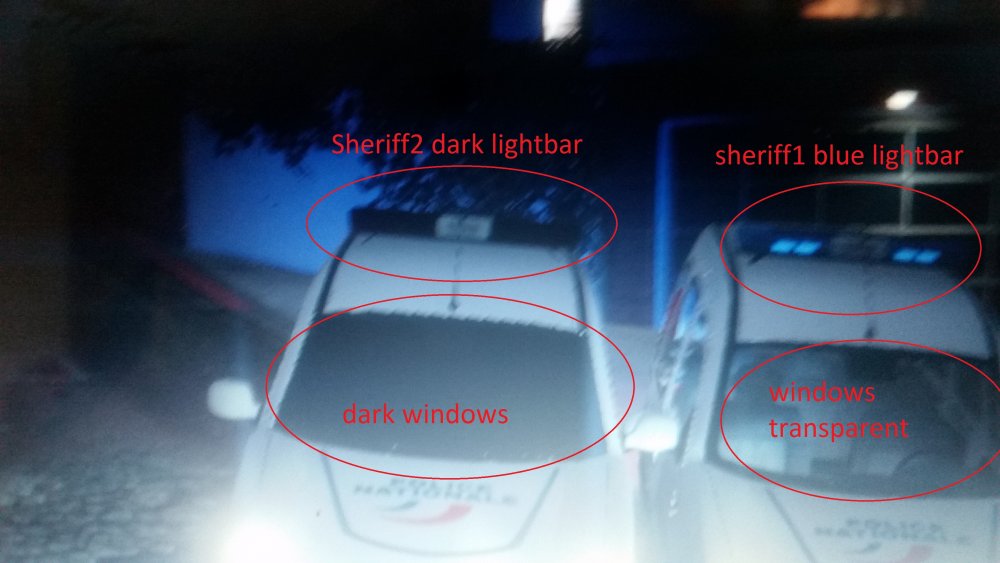
hello sorry for my bad english, i'm french English: i need help. I use ELS with all rescue vehicles (firetruck, ambulance, police, police2...) and it work. but i have replace my sheriff2.ytd , yft, +hi.ytd, -hi.yft and my lightbar and windows are black. sorry for the bad image quality Thank you for your help Francais: Salut j'ai besoin d'aide SVP J'utilise ELS sur tous les vehicules de secours, police, pompier, sheriff j'ai changé le sheriff2 par un vehicule perso mais les gyrophares et les vitres sont teinté noir et fonctionne pas. Tous les autres véhicules fonctionne parfaitement. désolé pour la mauvaise qualité de l'image Merci de votre aide