
AestheticDelta
Members
-
Joined
-
Last visited
Everything posted by AestheticDelta
-
I just make a basic mods folder in the GTA V folder, itself? Right? Then I put the update file in there, if I am correct. So if I have any issues, I just delete that entire folder? Do I have to put the LSPDFR and all other plugins in there too? Admins, and all else, please excuse me if I am talking in the wrong sections about this. Feel free to tell me to move it along, or whatever. This game already has me face palming sometimes, forums and comments sections shouldn't be any different.
-
I actually had it in the correct path, but there were 2 copies of the files. So I deleted one set, now it works :) I feel like an idiot though. GTA: SA was the game I began modding on. I did a little with IV, but now with V, I keep getting my butt kicked. I'm to the point where I am hesitant to even try and install other skins, or cars.
-
People are going to begin to believe that I have no idea what I am doing. I installed the files in the Plugins folder, and Rage sees the files there, but even when trying to load Computer+ itself, it says its loading, then says unable to load. Does not give me a reason why.
-
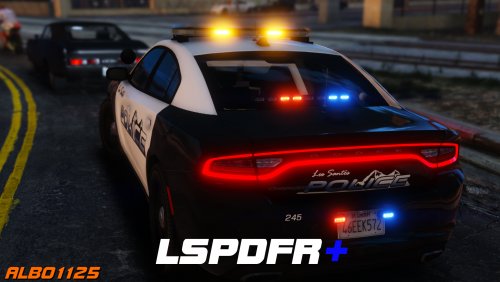 I apologize, it actually says that Traffic is out of date, that the game version is newer than what is supported.
- 1,178 comments
- 137 reviews
-
Hey Albo, When I boot up my game, it says that LSPDFR+ is out of date, as my game version is newer. I downloaded it directly from this page, and chose the latest version. Am I do doing something wrong? Last night, I was getting more callouts, but today (My game bugged out, and I accidently deleted my backup file, so I uninstalled everything and reinstalled.) On the left side of my screen, it shows that Traffic and Arrest are active and installed. But says FR+ is out of date.
- 1,178 comments
- 137 reviews