Skip to content
View in the app

A better way to browse. Learn more.

LCPDFR.com

A full-screen app on your home screen with push notifications, badges and more.

To install this app on iOS and iPadOS
  1. Tap the Share icon in Safari
  2. Scroll the menu and tap Add to Home Screen.
  3. Tap Add in the top-right corner.
To install this app on Android
  1. Tap the 3-dot menu (⋮) in the top-right corner of the browser.
  2. Tap Add to Home screen or Install app.
  3. Confirm by tapping Install.

MOM YOUR A DUDE

Members
  • Joined

  • Last visited

    • 42 downloads
    • Version 1.0.0
    Ayeeee Check it out and don't even tell me you don't want Jake from state farm for- Discord- https://discordapp.com/invite/hxmvtHE
  1. And see I wanted to try to fix that but on the download page for the ambulance it says not to re-upload :(
  2. Yes I still cant believe I did that lol but thanks :D
    • 32 downloads
    • Version 1.0.0
    OK I know its not like the best thing in the world but I like it looks dope af in game :P Also has 2 skins one NYC logo and one DEP logo... for- Discord- https://discordapp.com/invite/hxmvtHE
    • 47 downloads
    • Version 1.0.0
    So I think this is pretty cool and plus you can always use an FBI truck right? (and I spelled it right this time lmfao just diddent update the pics) Also If anyone has any ideas on any other skins please lmk for- Discord- https://discordapp.com/invite/hxmvtHE
    • 10 downloads
    • Version 1.0.0
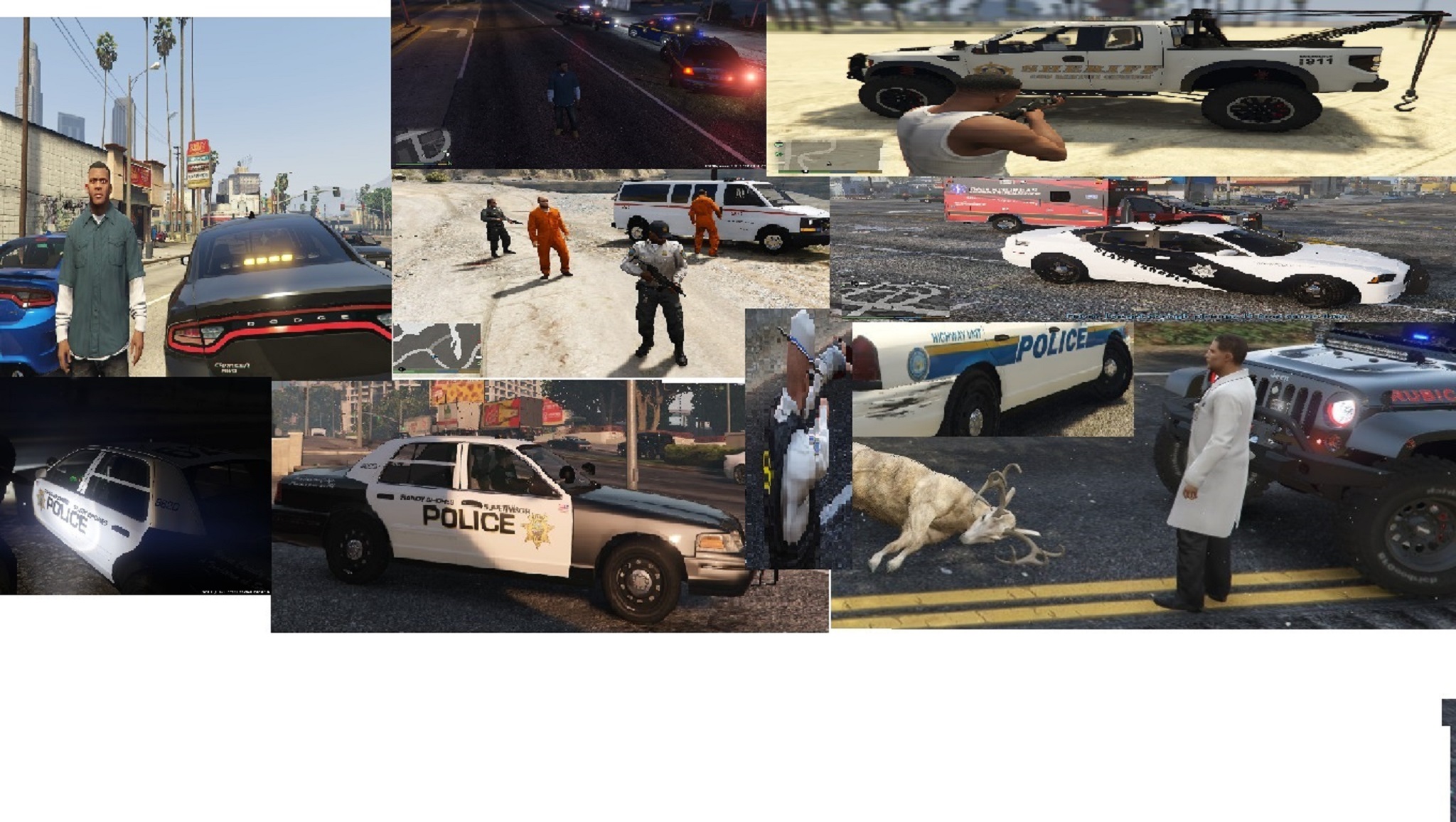
    So now that's pretty much all the cop cars in my town Discord- https://discordapp.com/invite/hxmvtHE for-
    • 19 downloads
    • Version 1.0.0
  3. sup dudes so pretty new to youtube and just made an account on lcpdfr.com so I thought It would be cool to upload a video on here check some of my lspdfr videos out and lmk what you guys think Feedback would be great :D
  4. Go check out my channel and let me know what I can do to improve it. its- mom your a dude (its like the 3rd one down) THANKS!!

Account

Navigation

Search

Search

Configure browser push notifications

Chrome (Android)
  1. Tap the lock icon next to the address bar.
  2. Tap Permissions → Notifications.
  3. Adjust your preference.
Chrome (Desktop)
  1. Click the padlock icon in the address bar.
  2. Select Site settings.
  3. Find Notifications and adjust your preference.