
Officer Rempe
Members
-
Joined
-
Last visited
Everything posted by Officer Rempe
-
-
 I'm getting a "Error applying hook" message. I don't have any conflicts because I fixed those in the carcols.ymt and carvariations.ymt so I'm a little confused.
- 342 comments
- 20 reviews
-
-

- 1
-
-
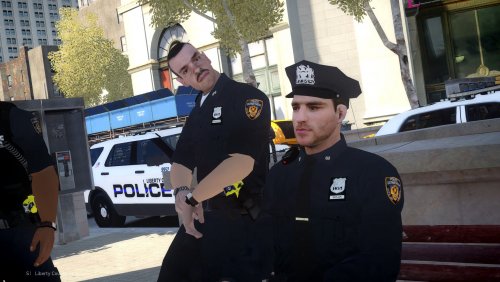 Is there a PedVarients.dat that doesn't have officers walking around with body armor bulging through jackets and invisible torsos? This by far has to be the best LCPD pack I've seen yet other than that.
- 26 comments
- 8 reviews
-
-
-
From the album: LSPD Officer Rempe
-
-
-
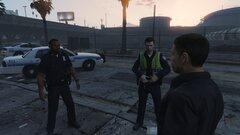
From the album: LSPD Officer Rempe
-
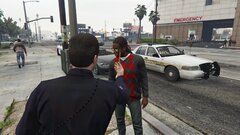
From the album: LSPD Officer Rempe
-
-
-
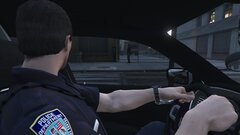
From the album: LSPD Officer Rempe
-
-
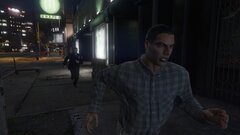
From the album: LSPD Officer Rempe
-
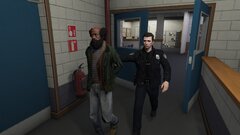
From the album: LSPD Officer Rempe
-
Try starting it without lspdfr loaded and load it when you get in game. It may take a couple of reboots but it worked for my friend who had the same issue.
-
It crashes on a clean install, or when you have plugins installed?
-
Honestly so dumb. They say noise pollution, but the sirens need to be loud for the drivers and pedestrians to hear.
-
Launch the game without any plugins loaded and load them one by one when you get in. You might only have to do this once and it will be fine.
-
Are you launching the game with LSPDFR started? If so, launch without lspdfr enabled and enable it when you get in the game.
-
Disable the ped images and vehicle images. GTA doesn’t have unlimited memory, so these cause the game to crash. Do this by setting their options to false in the .ini file.
-
 Under the vehicle menu of the stock LSPDFR menu. Make sure that the car radio is off. You can have it on because patrols can get boring, just make sure to have it off when accessing the computer.
- 1,743 comments
- 172 reviews
-
-
- 1
-
-
Disable your ped and vehicle pictures in your ini file (set them to false). Also I guess the in car radio can cause crashes too.
- 1,743 comments
- 172 reviews
-
-
- 1
-
-