LibertyDesigns
Members
-
Joined
Everything posted by LibertyDesigns
-
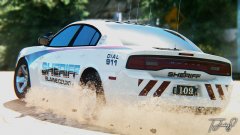
From the album: Eye Candy
-
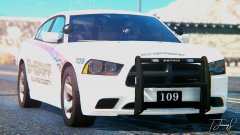
From the album: Eye Candy
-
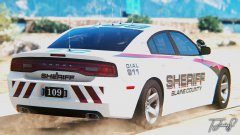
From the album: Eye Candy
-
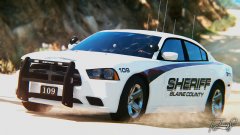
From the album: Eye Candy
-
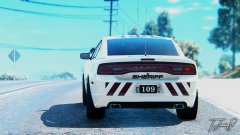
From the album: Eye Candy
-
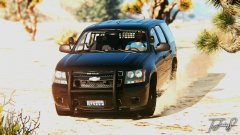
From the album: Eye Candy
-
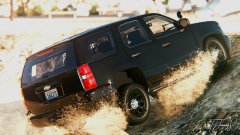
From the album: Eye Candy
-
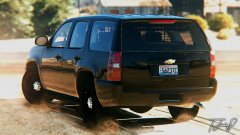
From the album: Eye Candy
-
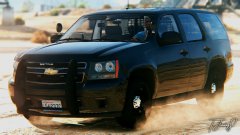
From the album: Eye Candy
-
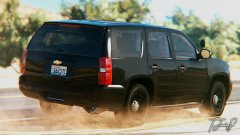
From the album: Eye Candy
-
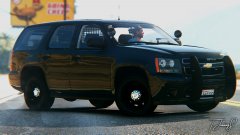
From the album: Eye Candy
-
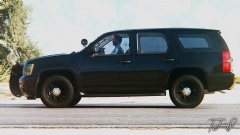
From the album: Eye Candy
-
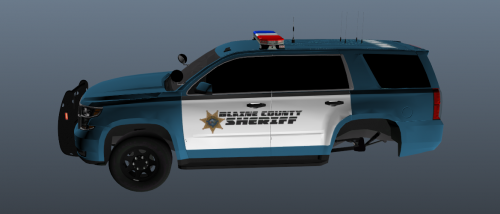 Broward co. uses green paint, not blue.
 -
-
-
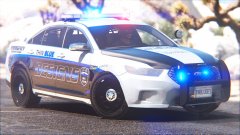
From the album: Eye Candy
-
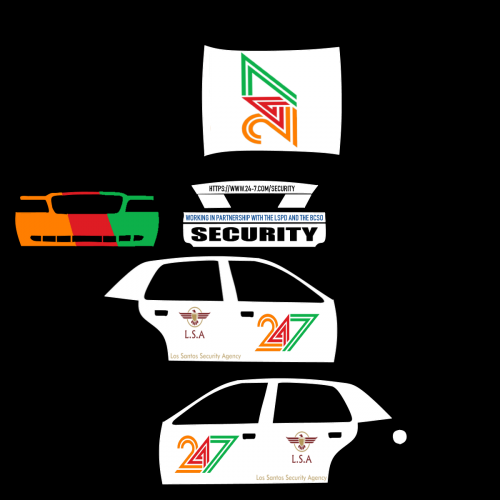 This is what we want: 1) a link to the car used. Find the car which you got the template to create the skin from, and paste the link in the description 2) in game screenshots. I understand your PC can’t run GTA V. Please reach out to a person who has posted a file with good screenshots and nicely ask them to take some for you. Most people will. Do this via PM. These are tasks that should’ve been completed before the file was uploaded.
 -
Retweet
-
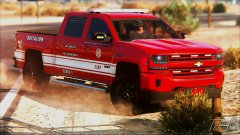
From the album: Eye Candy
-
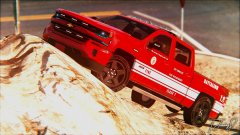
From the album: Eye Candy
-
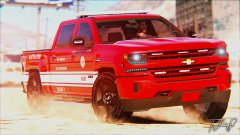
From the album: Eye Candy
-
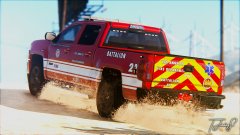
From the album: Eye Candy
-
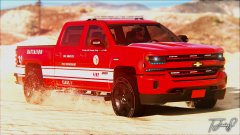
From the album: Eye Candy
-
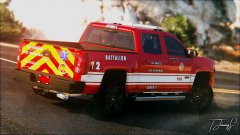
From the album: Eye Candy
-
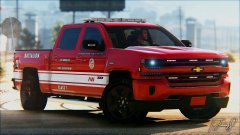
From the album: Eye Candy