LibertyDesigns
Members
-
Joined
Everything posted by LibertyDesigns
-
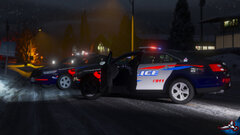
From the album: Eye Candy
-
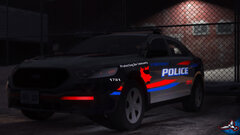
From the album: Eye Candy
-
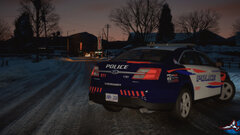
From the album: Eye Candy
-

From the album: Eye Candy
-

From the album: Eye Candy
-
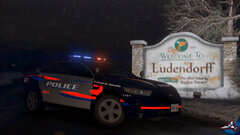
From the album: Eye Candy
-
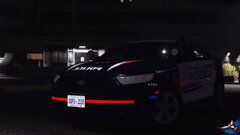
From the album: Eye Candy
-
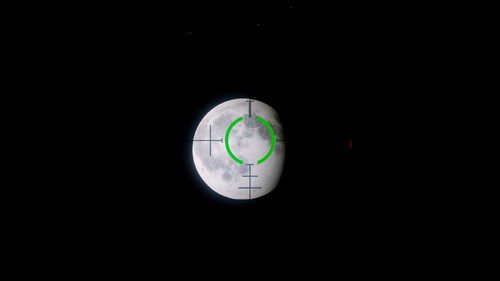 3640x3640 isn't 4k lol
 -
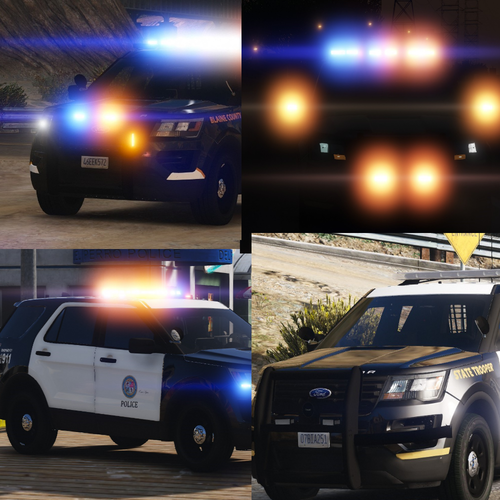 Interior 2 for the wraps & spotlights?😬 Its a cool concept but needs more work.
- 9 comments
- 3 reviews
-
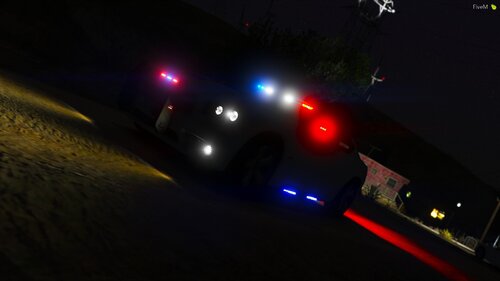 fivem ready!!!!
 -
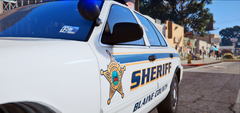
From the album: Hanover County Sheriff's Office - ELS
-
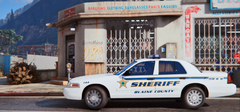
From the album: Hanover County Sheriff's Office - ELS
-
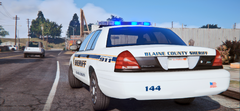
From the album: Hanover County Sheriff's Office - ELS
-
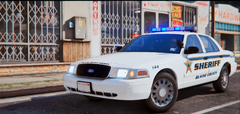
From the album: Hanover County Sheriff's Office - ELS
-
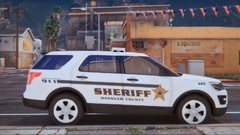
From the album: Hanover County Sheriff's Office - ELS
-
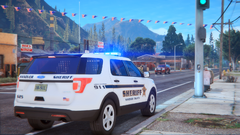
From the album: Hanover County Sheriff's Office - ELS
-
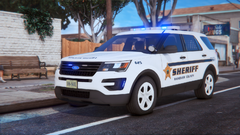
From the album: Hanover County Sheriff's Office - ELS
-
-
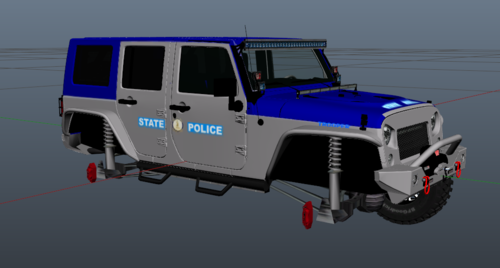 @Cameron Waller OOF
 -
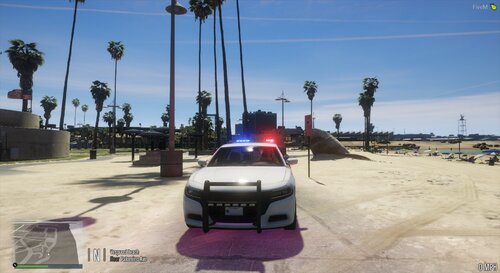 that’s not how it works. you have to credit everything you put on the car, no matter how old the model is.
- 12 comments
- 1 review
-
-

- 1
-
-
-
-
-
 This is an old file. Probably not. Just copy the audio hash entries from the one I provided.
- 28 comments
- 2 reviews
-
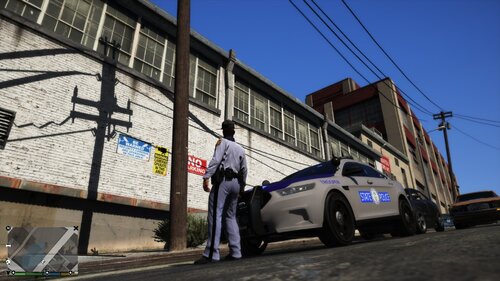 That's a no from me. The FPIS for VSP is missing the blue on the tops of the doors, and the newport news skins are too too thin (line wise) and needs some scaling.