rabbit1988
Members
-
Joined
-
Last visited
Everything posted by rabbit1988
-
Well the file is missing. Verify your installation via steam 😉
-
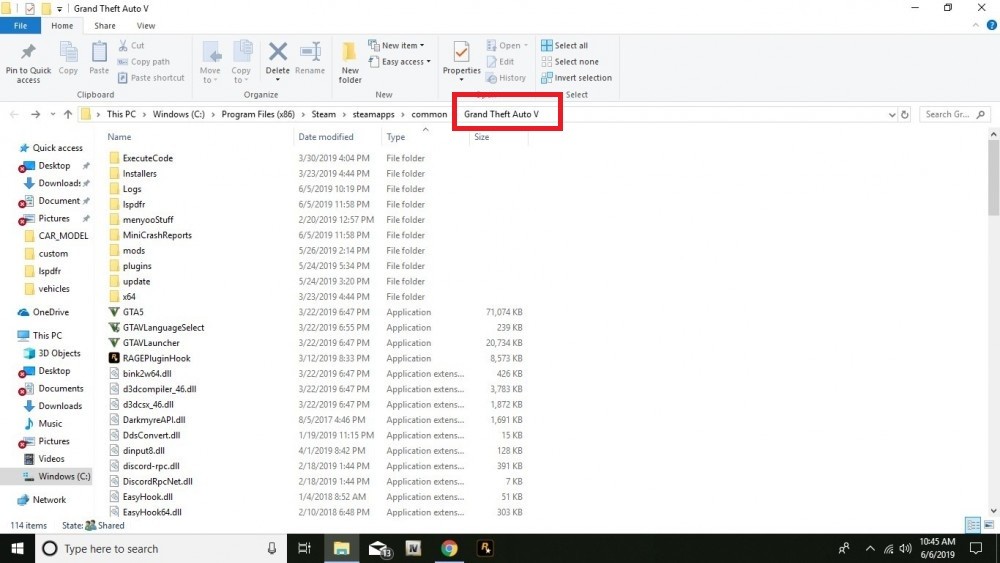
Please post your log and also a screenshot of your GTA-folder
-
Wenn im Spiel das falsche Auto spawnt hast du nicht in den richtigen Ordner kopiert. Dann wird dein kopiertes Fahrzeug durch GTA wieder überschrieben. Fahrzeuge sollten immer in den neusten Patchordner eingefügt werden. NUR wenn sie da nicht funktionieren, musst du sie in einen anderen kopieren (welchen musst du dann selbst rausfinden via try&error)
-
Please report back when it works or not 😉
-
You never been on duty. The guide is linked on the download page. But as a nice guy 😉 here: Just as a little tip: Don´t download complexe mods without read something or watch tutorials or read the manual. Otherwise you will have problems again and again wit plugins, mods, or games or other stuff in life. It isn´t that difficult 🙂
-
You still not being on duty. Do you ever read the Starting guide or anything about LSPDFR?
-
You never been on duty when you start the game. 🤨
-
In this log you never be on duty. Please start the game, go on duty and play a minute. Then exit and post the log again.
-
You can´t load LSPDFR-plugins via console like I said. They would be load automatically by LSPDFR as soon as you go on duty. Please post your RPH-Log
-
Whatdo you mean with they don´t show up with F4? LSPDFR-Plugins would be loaded when you go on duty.
-
Well, you don´t need to repeat the stuff i wrote 😄 😉
-
Reinstall LSPDFR. For any reason you or your system seems to delete the outfits.xml.
-
What did you do?
-
Well please post your log than again.
-
Well set it to 60000 and try again.
-
Why you set the PluginTimeout so high?
-
This isn´t the full log. Please attach the file. A part of the log wont help
-
Well please post your RPH-Log
-
Deswegen die Frage. Nicht böse gemeint aber wenn du wüsstest was ich hier in den letzten Monaten schon alles mitbekommen habe 😄 Was heißt denn ewig? Die Entfernung. wie weit weg sie spawnen kannst du ja in der Ini einstellen
-
Please post your PC-specs. What other mods do you use? (Cars, Visual and stuff like that)Please post your RPH-LogNo need to feel stupid 😄 But next search a bit by your wown 😉 Will save your time. It feels like every fifth topic is about that 😉Please post your RPH-Log@MrMook Are you kidding me? 😄 😄