


gotchadownunder
Members
-
Joined
-
Last visited
Everything posted by gotchadownunder
-
Recently I've noticed my fps are dramatically reduced from 58-60 down to 35-50. When I first did a clean install (approx 2-3 months ago) of LSPDFR my fps was stable at around 55-60fps in all map areas, with some plugins and mods installed. Now it's lucky to stay in the 50s and mostly sits as previously mentioned 35-50. What I've noticed: - biggest hit to fps is when doing traffic stops. Fps sits around 50s until car is just about to pull over and then fps gets smashed to 30-40s. Once car is completely stopped fps stabilises around 40s-50s. - some callouts are fps hungry (haven't got specifics yet). - playing GTA without going on duty I get a constant 59-60fps in all map areas. - I'm also getting more frequent game crashes What I've done: - removed all plugins and scripts (still installed are: LSPDFR and ELS plugins + some vehicle models and visual settings for lights). I booted GTA with this setup and have the same issue. - visited the same areas on the map with all plugins and reduced plugins to test fps (same result) I mostly noticed the drop in fps after installing more callout plugins, but since I have removed these I'm confused about the low fps that is still occurring. I think we've all had FPS problems but has anyone else had the same or have any tips to try (without doing another clean install)? Cheers
-
-
-
-
-
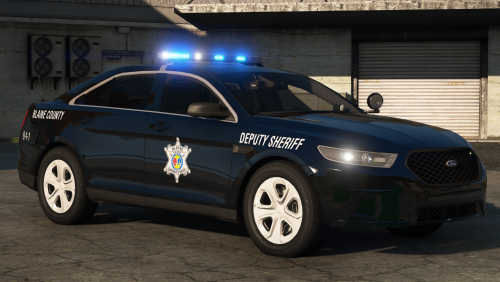 This is without a doubt one of the nicest packs to be released recently. I can tell a lot of time and work has gone into putting this together. I appreciate the classic vehicles but also really appreciate the Camaro! That is a really nice and different car. Any issues must be so minor they're not noticeable. My only criticism is that there is only an all-blue lighting set up and not a red-blue option too. Perhaps in a future update? Great pack though!
- 46 comments
- 27 reviews
-
-

- 1
-
-
Thanks Pav500, seems to have done the trick! Cheers
-
I'm going to try uninstalling VisualV soon but in the meantime here's a video of what is happening. https://youtu.be/JdVQCy-2R78 Thanks for the help so far.
-
Bit of an odd issue that I've had a while that only occurs whilst playing GTA. Essentially when I activate the red and blue lights and either colour lights up this will cause the screen to dim...once lights are off the screen brightens. Where the issue is, is that because the lights flash alternatively there is a brief moment where the screen brightens before it dims...this essentially causes a strobe effect...quite annoying really. The brighter the light bar/closer I get to the light bar the more noticeable the alternate dimming is. No other games have same problem, nor does watching flashing lights on a video (YouTube for example). Has anyone experienced the same problem? Does anyone know a fix? Monitor: Philips BDM3201FD/75 31.5" (all drivers up to date) Graphics mods used: Visual V (unsure if same issue is experienced if this is not installed) As a result of this issue I am basically restricted to playing LSPDFR during day setting only. Night time is just ridiculous. Any suggestions welcomed. Thanks
-
-
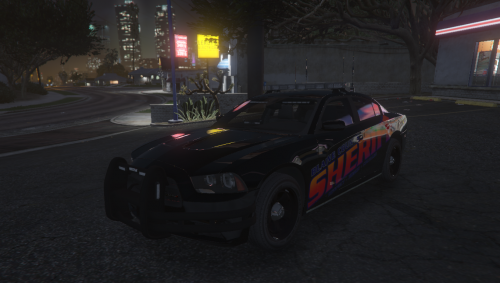 To make it easier to install the vehicles that people want, could you make sub-folders in the 'Models' folder that divides the police, sheriff & fbi files into their respective vehicle models. Otherwise we have no idea (until we install the model) what each file is. OR in the 'NOTES' file, list what each file is 'i.e. fbi2 = 2016 Ford Explorer (no idea if that's correct as I haven't installed yet) Cheers
- 20 comments
- 4 reviews
-
-
- 1
-
-
 I'm fairly sure I pressed the trainer, but I also remember just pressing basically every button on the keyboard. Unfortunately it didn't do anything for me. Sounds plausible though, something weird happened. I'll see if it happens next time I get the call.
- 136 comments
- 42 reviews
-
Great callout pack Cheep 👍 Have played a couple of the calls from the latest download (not all) however when playing Moneytruck Robbery I had a game freeze (not a rage crash). All buttons/actions completely useless, still able to access desktop and 'End Task'. The freeze (crash if you like), happened after I had viewed the 'dashcam footage' and the prompt for the details popped up. From there nothing happened. I didn't/couldn't move, or do anything. Interested to know if anyone else has experienced any issues with that particular callout. Cheers
- 136 comments
- 42 reviews
-
Having same issue as well
-
 I've now resolved my issue thanks to Tactical Donut but I was having texture loss/graphics not loading in whilst on duty...I also have the same vehicles installed. Since removing Arrest Manager I no longer have any issues...but I do like Arrest Manager. Shame they can't be installed together. Thanks for posting how you resolved the issue.
- 1,915 comments
- 242 reviews
-
You are a genius! No longer having any issues. Thanks heaps!
-
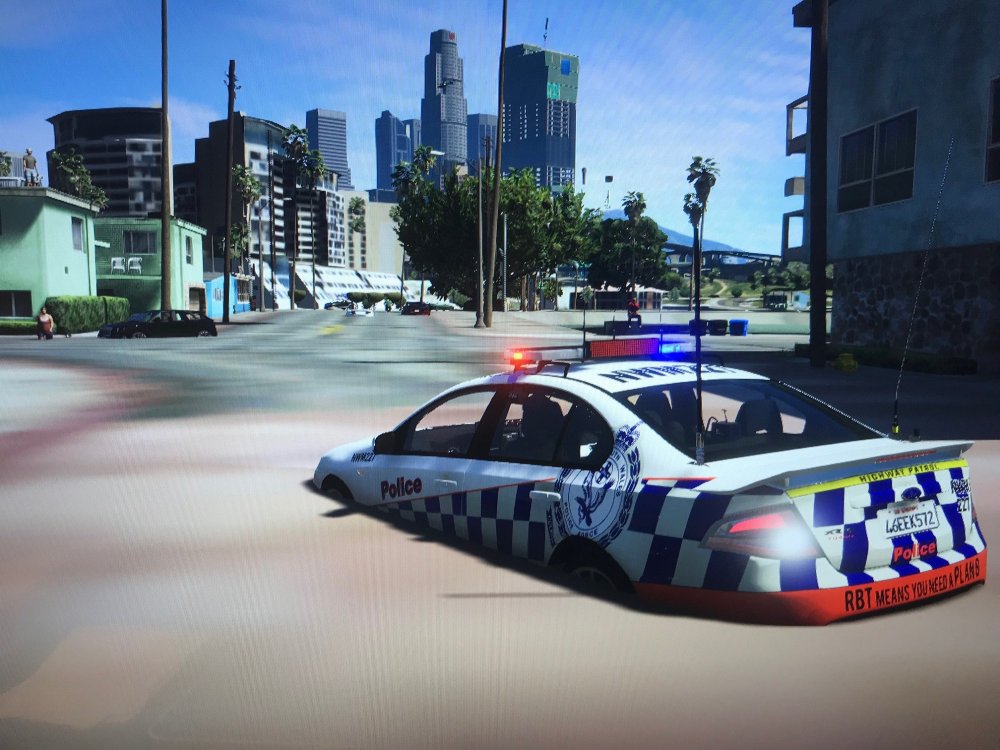
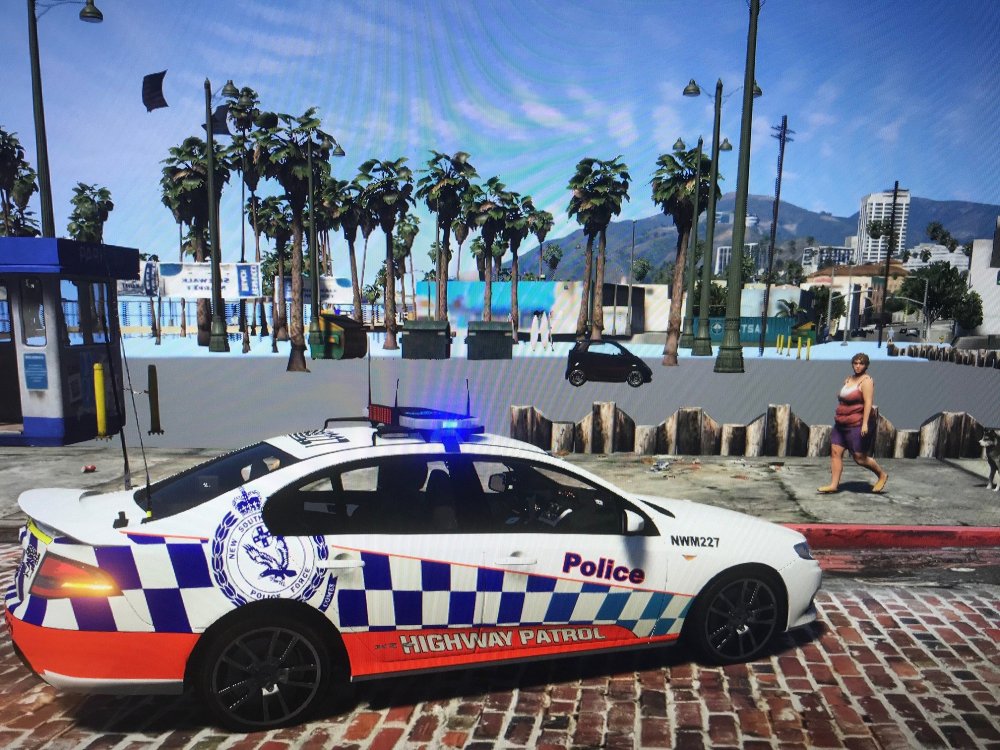
So I've upgraded to a new PC. Intel I7-8700, 16GB 2666MHZ RAM, 1060 6GB Graphics Card. Current LSPDFR install has, 6 plugins, Visual V, Radiance V and Natural Vision Remastered (note that graphic issues occurred without visual mods). The issue: I load into GTA - > prior to going On Duty all graphics are loading fine, absolutely no issues at all - > once I either go On Duty at station or 'Force Duty' there are immediate graphic issues and texture loss. This is only cosmetic as I am still able to drive on the road and crash into objects however I may not be able to visually see it normally. The texture loss will also vary depending on the camera angle. Considering this LSPDFR setup is the same as my previous PC setup and current PC has 10 times better specs I am at a loss as to why I am having issues. Considering I have issues once loading the LSPDFR mod/go on duty I'm assuming it has something to do with that instead of mods installed? Any tips/advice would be appreciated. Attached are photos to give you an idea of what I see. (I'm a noob when it comes to screen capture so these are photos off my phone...) Cheers!
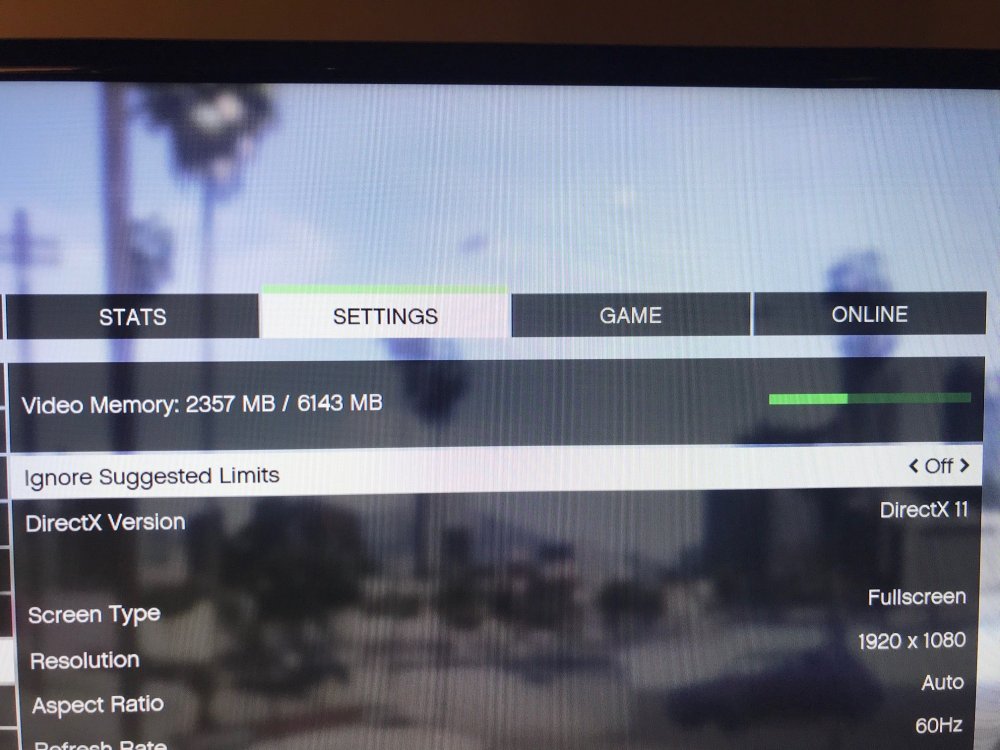
-
yeah it caught me out as well.
-
Create a new folder in your main GTA folder called 'Scripts' and place Realistic Speed Radar files in there. It will work. Realistic Speed Radar won't work in a Plugins folder for some reason.
-
 My first time with rotars - best decision I've ever made. Excellent pack, can't fault it.
- 154 comments
- 46 reviews
-
-
- 1
-
-
.thumb.png.cae3342e3a84eb4722b9ad62a2bd0550.png) Disregard. Rookie mistake. Forgot to add Car Variations and Vehicle Meta. Code 4.
Disregard. Rookie mistake. Forgot to add Car Variations and Vehicle Meta. Code 4.- 16 comments
- 4 reviews
-
-
- 1
-
-
Hey man, awesome job on the vehicle! So much detail! I've just got a minor issue with the lighting that I can't seem to fix. Both front and rear beacons have appearing and disappearing large red and blue lights (with chrome backing) on top of the normal rotating lights. ELS file is in ELS folder, vehicle files have been put into latest patchday and I have played GTA with and without carcols.ymt - it didn't appear to change much and definitely didn't get rid of issue. Do you have any advice? (yes I know pictures aren't great but you get the jist)
- 16 comments
- 4 reviews
-
-
- 1
-
-
Thanks Kallus! I've taken a while to respond as my pc updated to another version of Win10 and I received the blue screen of death. I ended up reinstalling EVERYTHING again even GTA itself and am currently not having ELS issues. Your FAQ that you linked is really quite helpful, cheers!
-
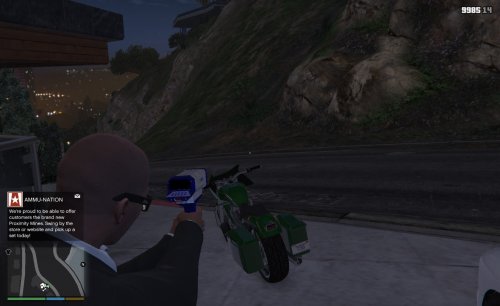 Great job mate! I can now use this with the updated version of Traffic Policer and actually have a speed radar device instead of holding a gun at a car. If you wanted a little tip/something to work on could you look at making aiming in first person a little easier; i.e. with a window or scope/top of model a bit smaller so you can see over the top of it. Not a big issue as I use this in third person anyway but just a thought. Anyone wanting to know how to replace simply drag and drop/replace files in download into: Mods > Update > x64 > dlcpacks > patchday8ng > dlc.rpf > x64 > models > cdimages > weapons.rpf
- 16 comments
- 7 reviews
-
I have had an ambulance, police1-3, FIB, bike and transporter vehicle models installed for a few weeks and played LSPDFR yesterday with no issues. (all ELS vehicles) Today, however, when activating the lights on all the added vehicles the following does not work: any red/blue/yellow light or corona that should be emitted from a light bar or other small light fixture, and no wig wags. i.e. when on LTSG 3 only the tail lights will flash. The takedowns work from light bars and light up area in front correctly. There is also no ambient red/blue lighting reflecting off buildings etc. The only update I did prior to opening GTA V was installing the new Tacco Highway callouts. I have already reversed this and the issue is still remaining. I haven't changed any settings nor opened OIV in about 2-3 weeks and have played LSPDFR a number of times in that time. Standard GTA V vehicles that I have not changed such as the Fire Truck have fully working emergency lighting. Does anyone know what's happened/how to fix? Cheers


.thumb.png.cae3342e3a84eb4722b9ad62a2bd0550.png)
