



PenOkOh
Members
-
Joined
-
Last visited
Everything posted by PenOkOh
-
.thumb.png.656f907bc2febc81911b0b821cb502c8.png) I could never find this. If you have time to, I wouldn't mind a highly detailed explanation in text or visual guide with screenshots. Anyways, super fun to use, very fun actually.
I could never find this. If you have time to, I wouldn't mind a highly detailed explanation in text or visual guide with screenshots. Anyways, super fun to use, very fun actually.- 351 comments
- 45 reviews
-
-

- 1
-
-
Actually, it would be nice if the popup screen that says to respond to a call doesn't disappear until you accept or deny call.
- 351 comments
- 45 reviews
-
 You didn't reply to me so I was unable to know.. Try something else, paint for example. Anything that loads a png. I realise that it saves as dds. Change the format to png in the export window and you're good.
- 44 comments
- 11 reviews
-
Go to where you installed the vehicle. 1. Locate the vehicle, for example - police4. 2. Find police4.ytd at the Texture dictionary 3. Double click police4.ytd 4. Top right search field, search for sign 5. If a sign appears with a texture, press "Export selected" at the bottom left and put it on desktop for example. 6. Go to pixlr . com or any other software and select "new" and 2048x2048. 7. Open the extracted texture and minimise it to fit. 8. Save it to desktop, replace the original. 9. Back to step 1. Then in the top right, enable "Edit mode" in OpenIV. 10. Do step 2-4. Once you have the sign located, press "Replace" at the top right and select your downsized file from desktop. 11. Press save at the bottom right. 12. It'll now be less intensive to use. If it still is, lower it to 1K.
- 44 comments
- 11 reviews
-
This can be solved by extracting the vehicle sign / texture file and lowering it to 2048x2048, which is 2k, or even 1K. It'll look fine in game either way. Most cars come with 4K textures, which is just weird considering that Gta can't handle that...
- 44 comments
- 11 reviews
-
Has anyone actually had success using this on M series Mac's? I have Java already, then I get the JDK22 installed but the actual application never launches. Minutes go by and nothing. if I try to launch it again nothing happens. I need to recreate the files from the zip in order to get the prompt to run it, but even then it never opens. Server runs fine in game. Edit: Nvm. Sorted it out.
- 351 comments
- 45 reviews
-
 I appreciate you making the comment. It alerted me to this. I will try it out and (fingers crossed) hope that it works. Welcome to the community and have fun on the road! Edit: Rich wont reply to you by the way, he left the scene a while back.
- 262 comments
- 35 reviews
-
-

- 1
-
-
-
Kind of late to the party here, but make sure that it's in the most recent patchday, or the one over the folder that has police3.
- 44 comments
- 11 reviews
-
-

- 1
-
-
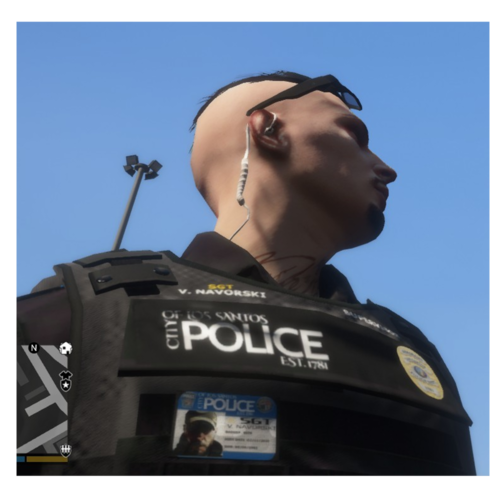 For those who come back to this every now and then, wondering why it's not working like above screenshots - later EUP textures have changed, or well, some of them. The pants and the polo shirts still work. For Polos, go to - mods/update/x64/dlcpacks/eup/dlc.rpf/x64/eup_componentpeds.rpf/mp_m_freemode_01 and replace jbib_diff_002_a_uni.ytd, jbib_diff_002_b_uni.ytd, jbib_diff_002_c_uni.ytd with the ones from the stuffies.rar. It's drag and drop. Please backup the original files beforehand. The pants go where they are explained from this mod. It's only the polo location that has changed. I've yet to find the vest texture, but when I do I will edit this post if I can. The same for the cap I suppose. If anyone knows the vest location, holla at me please. EDIT: The vest has been fixed, partly. Alex changed something with EUP and since I don't have the original files for this mod, I can't replicate it like it was. Instead there's POLICE on the front and back. If you wanna change the POLICE, keep within the letters (imagine that the white letters are boxes) and for the badge, the same there, imagine that it's a box and place a new badge within that. For POLICE, you need to make it thin, it will stretch in game. As for the ID badge, the same there. The same also goes for the Supervisor and F.Gilbert. TO REPLACE - go to - mods\update\x64\dlcpacks\eup\dlc.rpf\x64\eup_componentpeds.rpf\mp_m_freemode_01_mp_m_january2016 Double click any of these - task_diff_003_a_uni - task_diff_003_b_uni - task_diff_003_c_uni - task_diff_003_d_uni - task_diff_003_e_uni - task_diff_003_f_uni - task_diff_003_g_uni - task_diff_003_h_uni - task_diff_003_i_uni - task_diff_003_j_uni Once a new window opens, click "replace" on the top right and select the PNG file I have included. Of course edit it before hand. Pixlr is a great free site, but any image editing will do just fine. EUP menu / armor / #21 PS, if I figure out the shirts, I will update this I guess.
- 95 comments
- 16 reviews
-
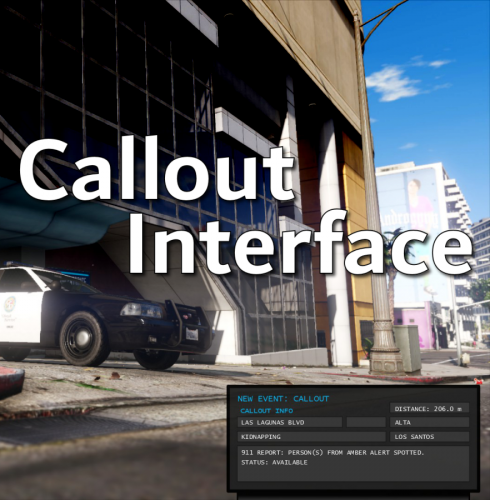 I love this. It makes LSPDFR so much more fun. In the future, I wouldn't mind a way to bind the license plate to NumPad6 so that it hides if you hide the CAD. Speaking of license plate, is there a way to make it read live, meaning that the plate of the car your front bumper is aiming at appears and disappears if you turn? If not, I'm sure people might like that as well. Keep up the good work. I hope to see more great stuff from you, like CompuLite but more realistic and grounded. Either way, have a great day mate!
- 453 comments
- 50 reviews
-
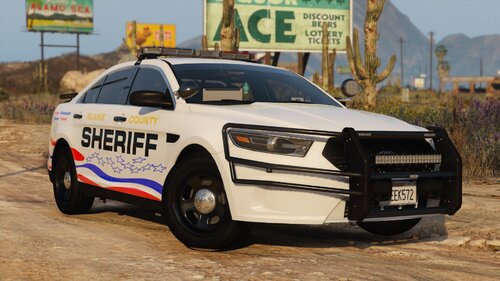 Awesome cars mate. Can the wrap-around over the front lights be removed in game or are the stuck in place?
 -
-
-
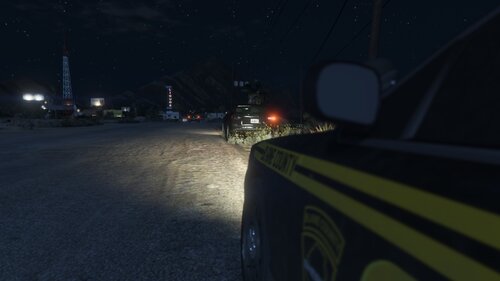 Well that explains a few speeding cars and reckless driving.. I thought they were blips so I thought these cars were just Gta being Gta you know. I'd love a blip for these ambient events, or maybe a text box over the map pretending some witness is screaming that [current event] is taking place to make you more alert.
 -
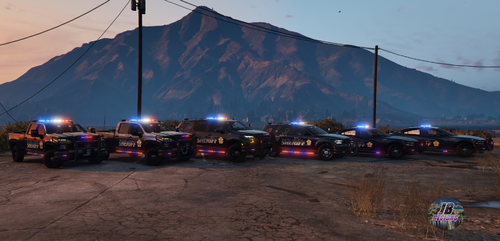 Looking forward to the fix. Apart from that it's a solid model. A bit too high in size though, but otherwise it's indeed very nice. That sounds good, although I'm not a huge fan of slicktops.. If you were to do a paid model without the ALPR cameras I'd feel more inclined to buy it off you. Thank you!
- 267 comments
- 15 reviews
-
Yeah sorry mate, it's the same in game actually. And by the looks of it, your first image of the Tahoe above looks like it also has the same issue. Steve's video above also seem to have the issue in game... So you're not planning on making the ALPR cameras togglable?
- 267 comments
- 15 reviews
-
Finally got into my game and the car is working fine. Sadly I can't toggle the ALPR cameras. Can you please add that as a feature? Secondly, I've provided two images showing something weird going on with the rear right door on the 21 Tahoe. If you didn't know, now you do. Truly an amazing car though, I love it and so does K9 Sally!
- 267 comments
- 15 reviews
-
My ini file looks like this; // Categorize the frequency of each ambient event (off, common, uncommon, rare) // Default is off AssaultFrequency=off CarJackingFrequency=off DrugDealFrequency=off DriveByFrequency=off ProstitutionFrequency=off BOLOFrequency=off I left those off since I'm not too keen on having them. So what about the other ambient things; - No vehicle lights (minor event) - Broken headlight/tail light (minor event) - Reckless driving (minor event) - Speeding (minor event) - Broken windshield (minor event) Are they also off by defaults? Cause I got blips turned on and the setting for ambient event is toggle to true.
-
Is there any reason why no ambient events are spawning? I left the timer on default and I have your Police Enhancements latest version 1.5.2.0.
-
This looks very good indeed. Especially the 21 Tahoe, and I got one question about it. I'm unable to launch the game within the next few hours and I was wondering if you can toggle the ALPR cameras on/off? Cause I usually don't use cameras unless I specifically wanna do ALPR which is close to never. Awesome pack nontheless, I will be installing some of those cars into my game!
- 267 comments
- 15 reviews
-
 I changed it to Ctrl + S since it's such a fast key that it wont conflict with something else. It also happened with the default keys you set. Weirdly enough it doesn't happen a lot but once it does it creates frustration. I recall the same thing with Traffic Policer way back when I used it too... But I will take note of the console the next time it happens and provide the log for you. Thanks!
- 112 comments
- 21 reviews
-
- lspdfr plugin
- legacy
- lore
- non-lore
-
Tagged with:
-
So when ever you trigger the mimic function, sometimes it cancels the mimic and I need to restart the game for it to go away. Anyone know of any other plugin that causes this or is that just a random bug?
- 112 comments
- 21 reviews
-
- lspdfr plugin
- legacy
- lore
- non-lore
-
Tagged with:
-
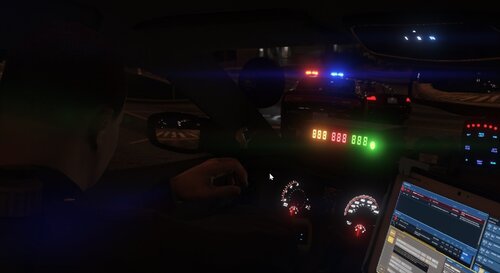 Hey there mate, awesome plugin, how ever I have one tiny issue which creates a bigger issue in game. And that is that other LEO's passing by will go full code 3 and drive by me slowly. So the bigger issue is that eventually they stop traffic, not that they stop, but other cars stop and then it creates a backlog of AI cars reacting to code 3. What can I do to solve this? I've been reading on reddit where others have had the same issue. Might be a conflict, either way, thought you should know so you could fix it if it's an issue. Edit: I think it might be the 'EnableSilentBackup' now that I'm reading the ini again. Sorry, I should've paid more attention.
- 395 comments
- 30 reviews
-
 Thank you for the reply on the roof. Now I have one last issue I discovered when I finished my paintjob and that is the monitor in the car. I replaced your screen with the blue car. When I stand outside the Tesla it's the picture I replaced it with, but when I enter the vehicle is switches to the one you have. Is there any solution to this or is the desktop image you chose hardcoded?
- 48 comments
- 8 reviews

.thumb.png.656f907bc2febc81911b0b821cb502c8.png)


