


Anubyyx
Members
-
Joined
-
Last visited
Everything posted by Anubyyx
-
High(er) resolution liveries for downcoldkiller's 2015 Ford F-550 Ambulance 2.0.2. These liveries are a work in progress and I have a list of agencies in which I am making liveries for based on the designs of their real life counterparts. Not all agencies depicted have a type 1 Ford ambulance (such as Denver Health), and again, these are based of the designs of their real life counterparts. If you have a request for an agency, Colorado or not, please let me know and I would be happy to make one for you. I'm making a pack of these for release, however if you see something you like, let me know. I'll send it to you.
-
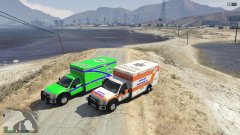
From the album: Colorado (Denver) EMS & Fire
-
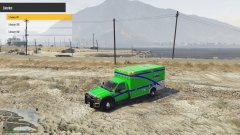
From the album: Colorado (Denver) EMS & Fire
-
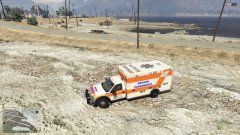
From the album: Colorado (Denver) EMS & Fire
-
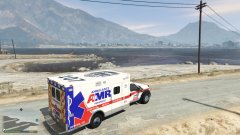
From the album: Colorado (Denver) EMS & Fire
-
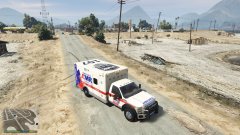
From the album: Colorado (Denver) EMS & Fire
-
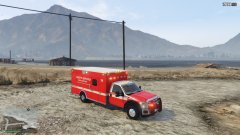
From the album: Colorado (Denver) EMS & Fire
-
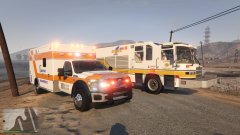
From the album: Colorado (Denver) EMS & Fire
-
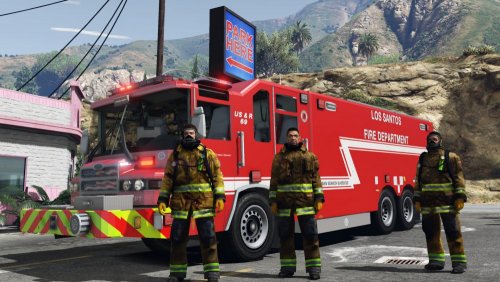 This model is fantastic! Thank you for including a template as I have already begun making liveries. However, I cannot get additional liveries to work in game. As in be able to switch between them. How can I get that to work? Also, I'm a firefighter in Colorado and have been making Colorado based liveries. With your permission I would like to post them.
- 88 comments
- 27 reviews
-
-

- 1
-

