
Simulator Liam
Members
-
Joined
Everything posted by Simulator Liam
-
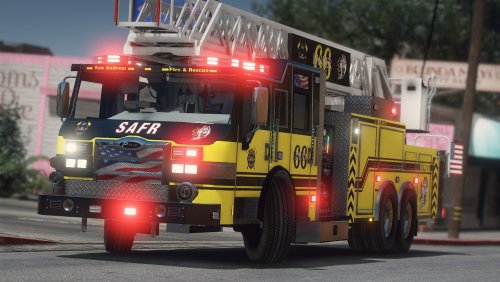
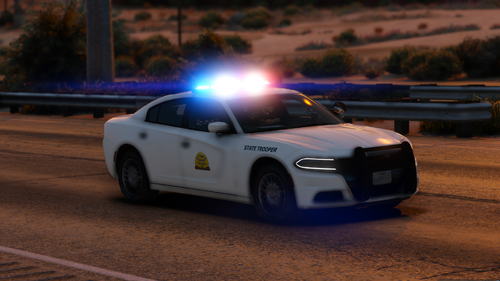
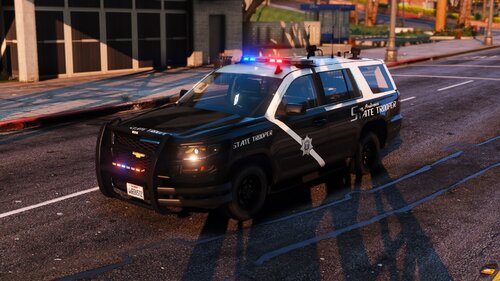
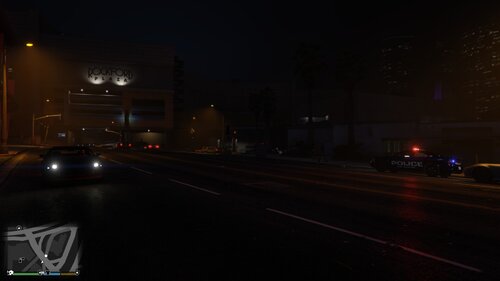
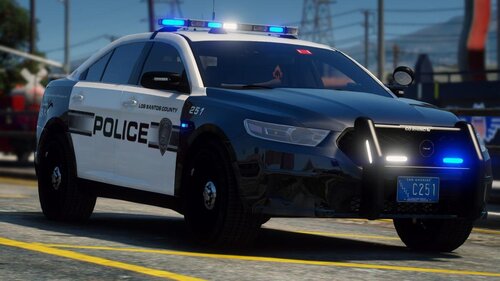 I love the light set up on these vehicles. Amazing! Keep up the great work.
- 37 comments
- 11 reviews
-
-

- 1
-
-
-
-
-
-
-
-
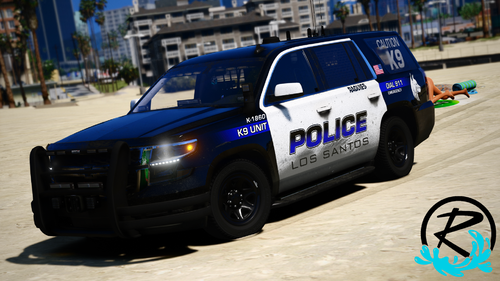
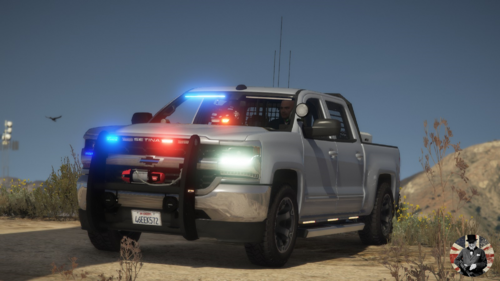
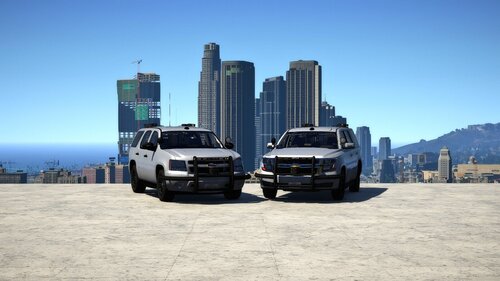 Amazing vehicle mate! Keep up the good work. Love that this vehicle comes with an all blue option. Well done. Love it!
 -
-
-
-
-
-
-
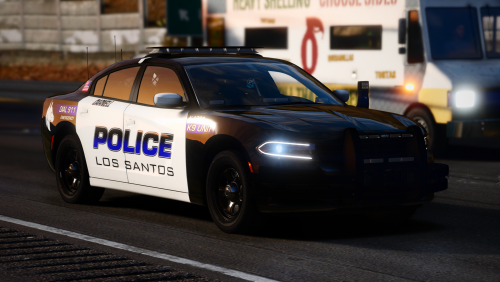
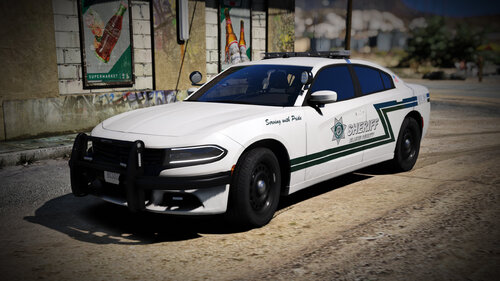 Is it just me or are the doors on the back of the vehicle get stuck open when putting a suspect in the back?
- 14 comments
- 5 reviews
-
-
- 3
-
-
-
-
-
-
-
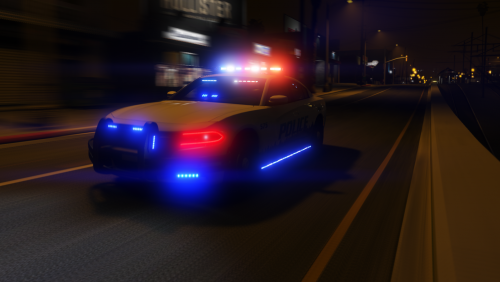 I wouldn’t say this is a Christmas vehicle but it’s still a good vehicle. Good work!
- 28 comments
- 8 reviews
-
-
- 1
-
-
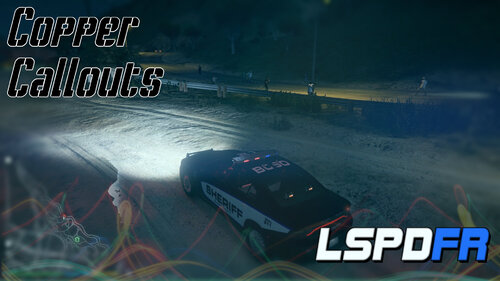 This is a good callout pack. Some of the callouts I haven’t seen before so that’s good. Keep up the good work.
- 47 comments
- 11 reviews
-
This is a good callout pack. Some of the callouts I haven’t seen before so that’s good. Keep up the good work.
- 47 comments
- 11 reviews
-
-