



StraightGlitcheZ
Members
-
Joined
-
Last visited
Everything posted by StraightGlitcheZ
-
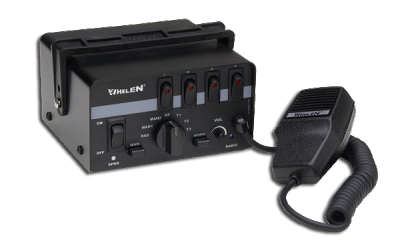 So sorry I was in a really big rush to get everything done before I left and I just couldn't that's the only video I could get of it. I'm sorry guys. Trust me when I'm back with my pc I will start working with the sirens again but atm I can't.
 -
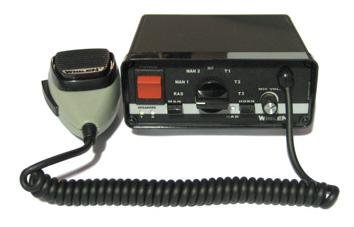 Yes I already got requests I'm currently busy with other stuff.
 -
-
Yep
-
Ok since christmas is coming up ill be busy so cant do it this week thats why i went ahead and tried to make as much sirens as possible
-
.thumb.jpg.f74d9e128aea16174544c721edbb72ce.jpg) Look up a video on yt.
Look up a video on yt. -
Ok
-
OpenIV, Command Promt, Arhive Fix, You only have to use openiv and archivefix if you have done it before
-
No, Its my game and fivem server if you want i can make a video on how.
-
Easy :)
-
Thanks man.
-
-
Do you mean Federal Signal Touchmaster Delta?
-
Ok there its done
-
Yeah let me look into it
-
Yeah sure
-
Im on it :)
-
VIDEO LINK HERE -------------------------------------------->
-
Any requests go ahead. I already made some sirens and dont know what to make now.
-
So i use Zmodler3 for editing police cars or making them. And i will get a lightbar off from here and when i import it Its so big. Anyone know why?
-
Can you please help me.
-
Ok but i put the files back into openiv loaded up the game and muted again. I restarted the whole thing and still doing the same thing and i followed what you said step by step and it worked but now it wont. Sorry for taking all your time and i really appreciate your time also.
-
Ok i have it all set and in game but its really quiet. Do you know why
-
Ok ill try it. Does there have to be a certain time for each one?
-
Ok thank you. Can i contact you on something else?


.thumb.jpg.f74d9e128aea16174544c721edbb72ce.jpg)