
MotherTrucker02
Members
-
Joined
-
Last visited
Everything posted by MotherTrucker02
-
-
 That's odd, it should look like this: You might have to manually install it. Use 7zip or a similar program to extract the files from the .oiv file in the build folder in the downloaded RDE folder. Then go here: Use that trainer.ini to overwrite the original in you GTA install folder.
- 1,524 comments
- 85 reviews
-
-
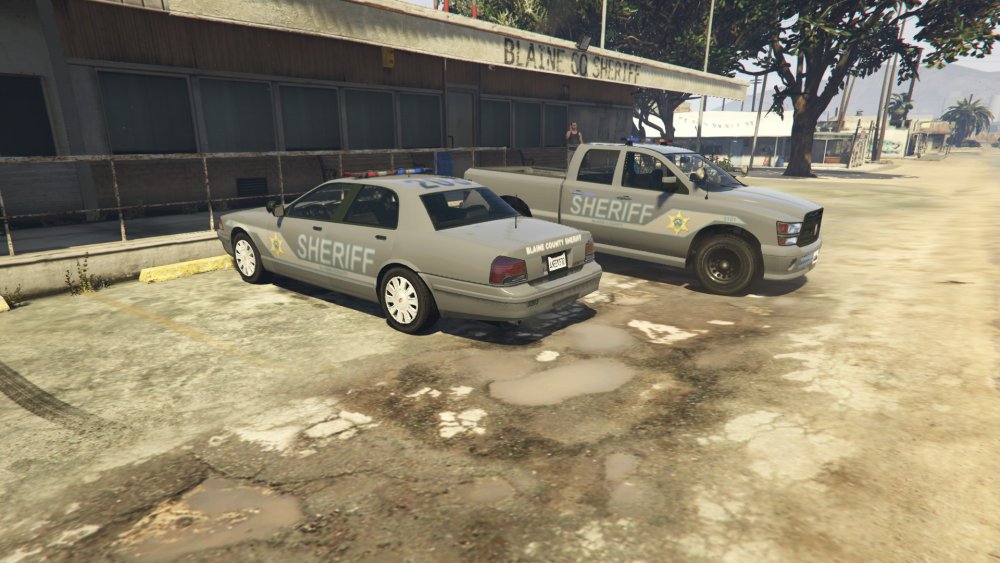
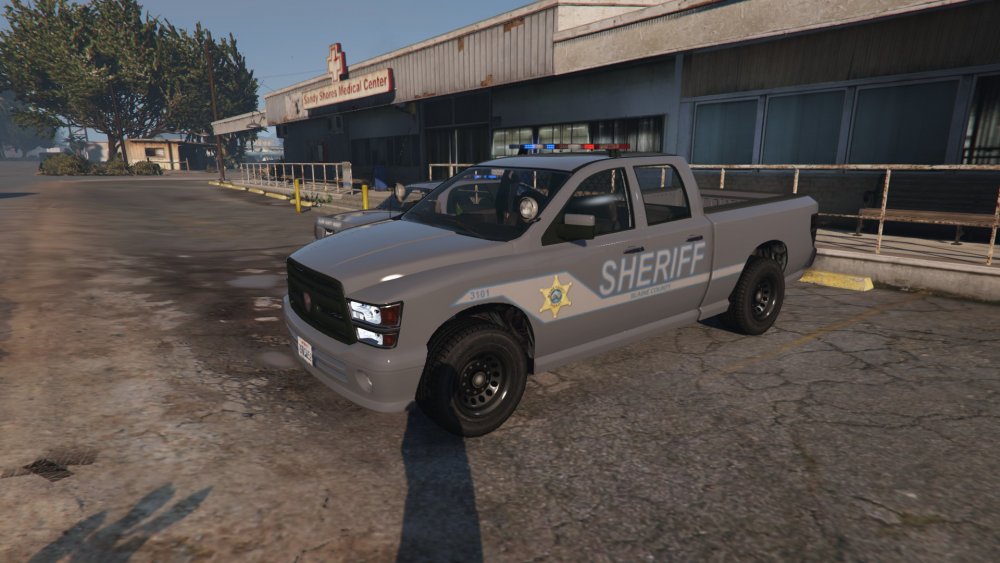
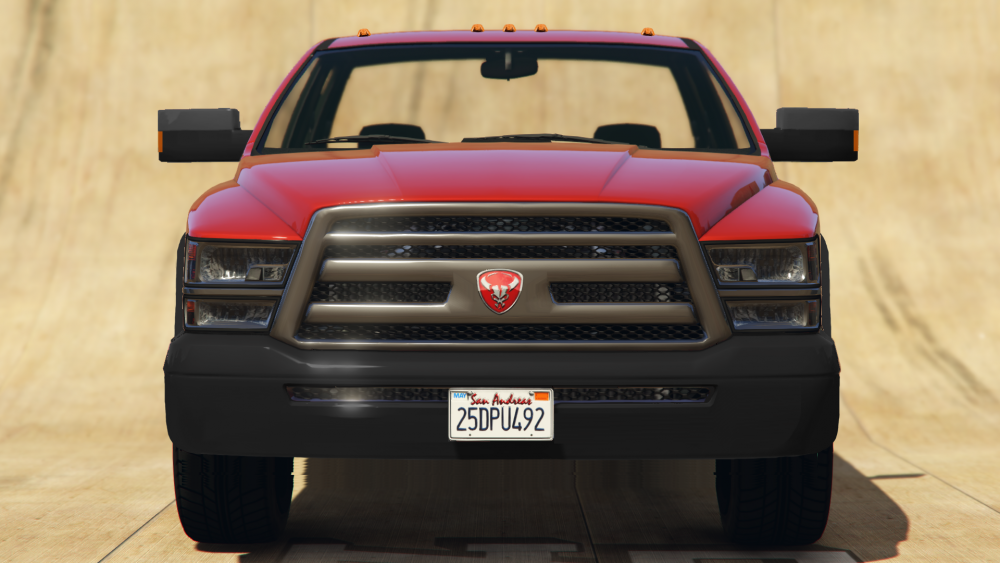
Yeah I was trying to keep the start and end of the design between the wheel wells, but I ended up with something that I think looks all right. Now I just have to do it for the rest of the vehicles. They'd have to make a more heavy duty looking model to make it convincing, which I've wanted to do for a very long time, but I don't have any 3D modeling skills so a crappy concept photo is as far as I've gotten.
-
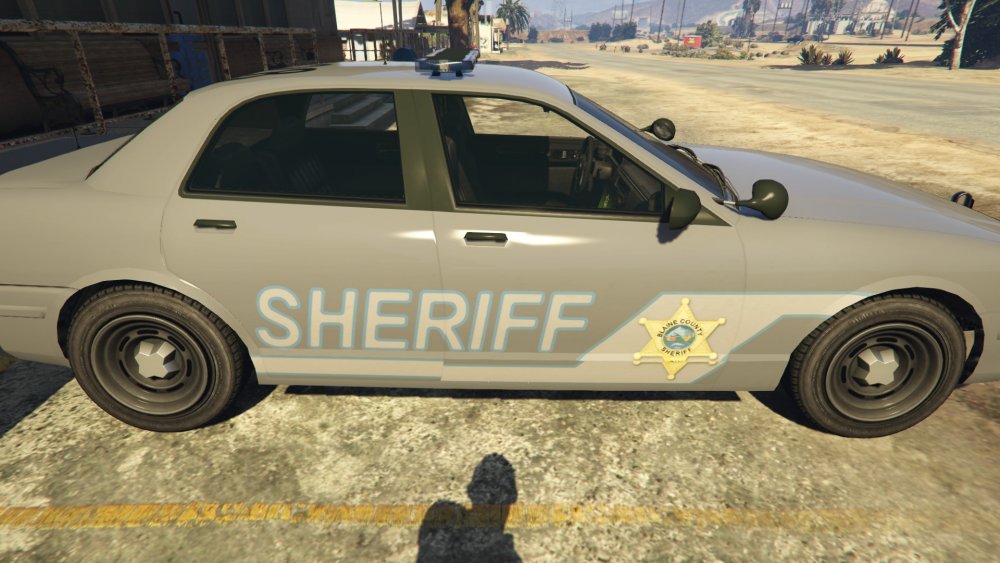
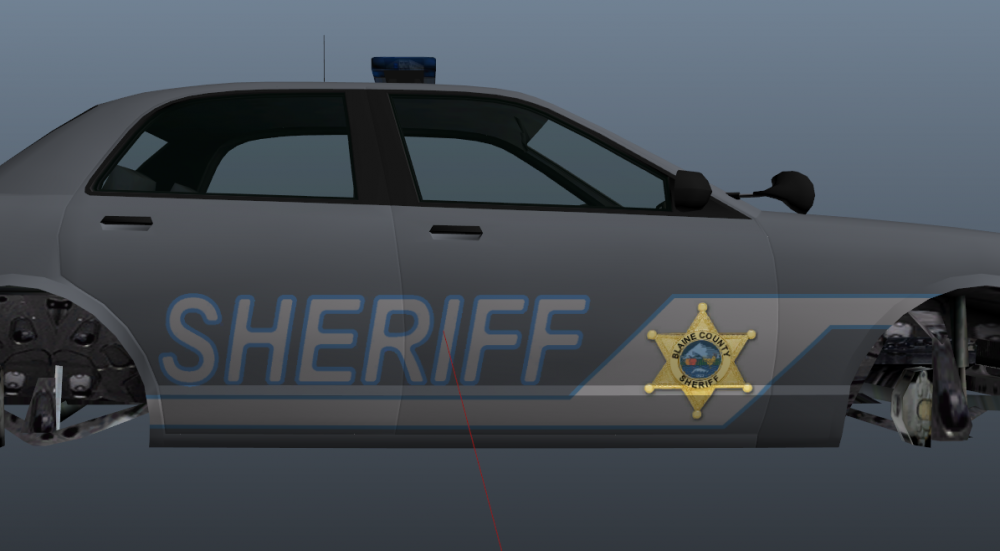
Couple of questions. 1. I'm trying to make some textures for BCSO (not based off anything, just wanted something other than black and white) and in OpenIV they show up just fine: but in game they show up messed up: Is there anything I can do to fix that or should I just work around it? 2. Is there a way I could make more of the lightbars have coronas/ make those coronas reflect off the ground? Or is that something you have to do in Zmodeler? I ask because some cars like the HP Buffalo don't have any lights that reflect except the headlights which looks kinda lame, and other cars look odd from the front far away because you can only see the coronas and the red light that would normally have the corona is the steady burn so all you can see is blue.
-
-
Yeah I think it's kinda neat, but I agree that because you can't see the red from a distance it looks kinda broken.
- 1,524 comments
- 85 reviews
-
-
-
If you have a way to spawn the stuff that gets added, as in a trainer, than it does actually have some use. I'm actually kinda looking forward to seeing the new stuff, but I'm somewhat of an airplane nerd.
-
-
So is it only the SAHP Staniers that are supposed to have steady reds? It seems like every single car I've spawned so far has a steady burn red light somewhere, no matter what vehicle or agency it is. On the light bars it's the middle red one and on the cars with lights in the front windshield the red on that is steady burn.
-
Thank you for this write up. FYI, 7zip does work as well, that's what I used to manually install. Sometimes LSPDFR does crash on startup for me and sometimes it doesn't, though it seems to crash much less frequently since I made sure all of the LSPDFR files are installed. I'll have to try to load it manually and see if it works then.
-
I don't think there has been a single software release in history that was bug free from the start, no matter how much you test stuff something is bound to break.
- 1,524 comments
- 85 reviews
-
-

- 4
-