


OfficerZachJohnson
Members
-
Joined
-
Last visited
Everything posted by OfficerZachJohnson
-
-
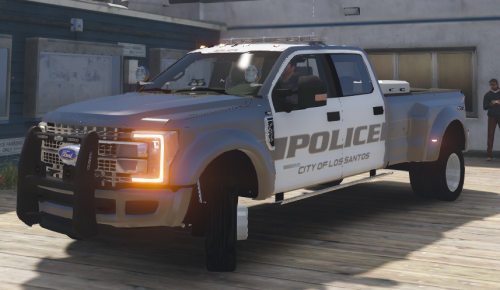 I love the idea of this truck, but the graphics could be a lot better. When I installed it, the truck had okay graphics, but the lights on the light bar wouldn't light up when it put them into the stages. Of course, this could be just the way I installed it. Overall, I love the idea of this, but I would just like to see some better graphics and better lights.
- 68 comments
- 13 reviews
-
-

- 1
-
-
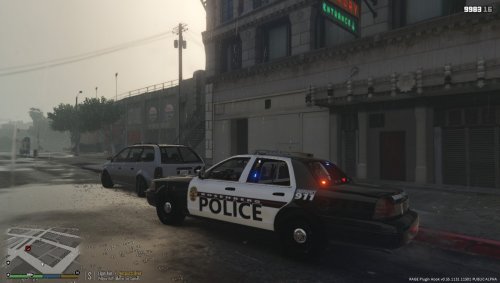 Gotta say. Nice work. I know for a fact that they are correct because I am very familiar with Rosenberg..
- 3 comments
- 1 review

